How to Delete LazioDrCovid
Published by: LAZIOcrea SpARelease Date: April 12, 2021
Need to cancel your LazioDrCovid subscription or delete the app? This guide provides step-by-step instructions for iPhones, Android devices, PCs (Windows/Mac), and PayPal. Remember to cancel at least 24 hours before your trial ends to avoid charges.
Guide to Cancel and Delete LazioDrCovid
Table of Contents:

LazioDrCovid Unsubscribe Instructions
Unsubscribing from LazioDrCovid is easy. Follow these steps based on your device:
Canceling LazioDrCovid Subscription on iPhone or iPad:
- Open the Settings app.
- Tap your name at the top to access your Apple ID.
- Tap Subscriptions.
- Here, you'll see all your active subscriptions. Find LazioDrCovid and tap on it.
- Press Cancel Subscription.
Canceling LazioDrCovid Subscription on Android:
- Open the Google Play Store.
- Ensure you’re signed in to the correct Google Account.
- Tap the Menu icon, then Subscriptions.
- Select LazioDrCovid and tap Cancel Subscription.
Canceling LazioDrCovid Subscription on Paypal:
- Log into your PayPal account.
- Click the Settings icon.
- Navigate to Payments, then Manage Automatic Payments.
- Find LazioDrCovid and click Cancel.
Congratulations! Your LazioDrCovid subscription is canceled, but you can still use the service until the end of the billing cycle.
How to Delete LazioDrCovid - LAZIOcrea SpA from Your iOS or Android
Delete LazioDrCovid from iPhone or iPad:
To delete LazioDrCovid from your iOS device, follow these steps:
- Locate the LazioDrCovid app on your home screen.
- Long press the app until options appear.
- Select Remove App and confirm.
Delete LazioDrCovid from Android:
- Find LazioDrCovid in your app drawer or home screen.
- Long press the app and drag it to Uninstall.
- Confirm to uninstall.
Note: Deleting the app does not stop payments.
How to Get a Refund
If you think you’ve been wrongfully billed or want a refund for LazioDrCovid, here’s what to do:
- Apple Support (for App Store purchases)
- Google Play Support (for Android purchases)
If you need help unsubscribing or further assistance, visit the LazioDrCovid forum. Our community is ready to help!
What is LazioDrCovid?
Ambulate deleting:
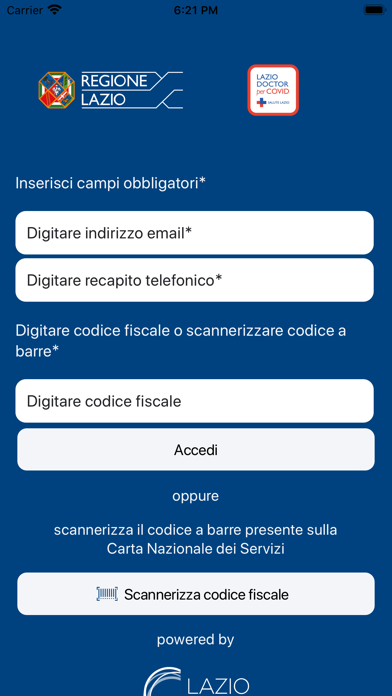
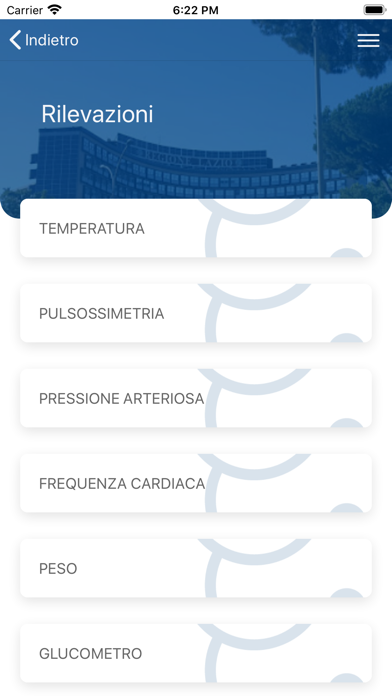
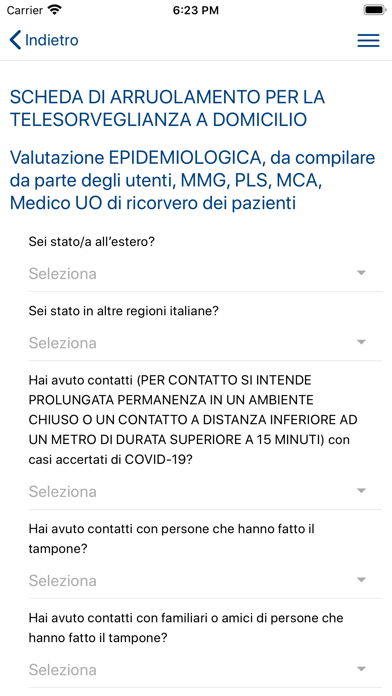
Attraverso l’applicazione mobile scaricata sul telefono ed un questionario di autovalutazione, alcune informazioni verranno elaborate dal sistema e saranno messe a disposizione degli operatori sanitari. Nel caso di risposte indicative di rischio di contatto o infezione, il paziente verrà contattato per un approfondimento ed una televisita; sarà così possibile entrare in contatto con il proprio medico di base in modalità virtuale, ovunque. L’applicazione prevede comunicazioni testo-audio bidirezionali sicure tramite smartphone tra il cittadino ed il proprio medico. La videochiamata viene attivata, se necessario, dal medico per approfondire il quadro clinico del paziente.
La Regione Lazio ha voluto rendere disponibile, ai propri cittadini, una corsia veloce ed affidabile per la fruizione dei servizi sanitari efficace soprattutto nei momenti di emergenza e in sicurezza. L’applicazione è scaricabile gratuitamente su App Store su smartphone. La modalità di accesso è immediata. Basta poi seguire i semplici passaggi per accedere ai servizi disponibili.
I questionari presenti nell'applicazione sono elaborati dalla Regione Lazio - Servizio Sanitario Regionale