How to Delete Letter Rooms: Fun Anagrams
Published by: Klemens StrasserRelease Date: March 04, 2024
Need to cancel your Letter Rooms: Fun Anagrams subscription or delete the app? This guide provides step-by-step instructions for iPhones, Android devices, PCs (Windows/Mac), and PayPal. Remember to cancel at least 24 hours before your trial ends to avoid charges.
Guide to Cancel and Delete Letter Rooms: Fun Anagrams
Table of Contents:


Letter Rooms: Fun Anagrams Unsubscribe Instructions
Unsubscribing from Letter Rooms: Fun Anagrams is easy. Follow these steps based on your device:
Canceling Letter Rooms: Fun Anagrams Subscription on iPhone or iPad:
- Open the Settings app.
- Tap your name at the top to access your Apple ID.
- Tap Subscriptions.
- Here, you'll see all your active subscriptions. Find Letter Rooms: Fun Anagrams and tap on it.
- Press Cancel Subscription.
Canceling Letter Rooms: Fun Anagrams Subscription on Android:
- Open the Google Play Store.
- Ensure you’re signed in to the correct Google Account.
- Tap the Menu icon, then Subscriptions.
- Select Letter Rooms: Fun Anagrams and tap Cancel Subscription.
Canceling Letter Rooms: Fun Anagrams Subscription on Paypal:
- Log into your PayPal account.
- Click the Settings icon.
- Navigate to Payments, then Manage Automatic Payments.
- Find Letter Rooms: Fun Anagrams and click Cancel.
Congratulations! Your Letter Rooms: Fun Anagrams subscription is canceled, but you can still use the service until the end of the billing cycle.
Potential Savings for Letter Rooms: Fun Anagrams
Knowing the cost of Letter Rooms: Fun Anagrams's in-app purchases helps you save money. Here’s a summary of the purchases available in version 1.80:
| In-App Purchase | Cost | Potential Savings (One-Time) | Potential Savings (Monthly) |
|---|---|---|---|
| All Puzzles | $0.99 | $0.99 | $12 |
Note: Canceling your subscription does not remove the app from your device.
How to Delete Letter Rooms: Fun Anagrams - Klemens Strasser from Your iOS or Android
Delete Letter Rooms: Fun Anagrams from iPhone or iPad:
To delete Letter Rooms: Fun Anagrams from your iOS device, follow these steps:
- Locate the Letter Rooms: Fun Anagrams app on your home screen.
- Long press the app until options appear.
- Select Remove App and confirm.
Delete Letter Rooms: Fun Anagrams from Android:
- Find Letter Rooms: Fun Anagrams in your app drawer or home screen.
- Long press the app and drag it to Uninstall.
- Confirm to uninstall.
Note: Deleting the app does not stop payments.
How to Get a Refund
If you think you’ve been wrongfully billed or want a refund for Letter Rooms: Fun Anagrams, here’s what to do:
- Apple Support (for App Store purchases)
- Google Play Support (for Android purchases)
If you need help unsubscribing or further assistance, visit the Letter Rooms: Fun Anagrams forum. Our community is ready to help!
What is Letter Rooms: Fun Anagrams?
Letter rooms levels 1 - 55 walkthrough and ios/android gameplay by klemens strasser:
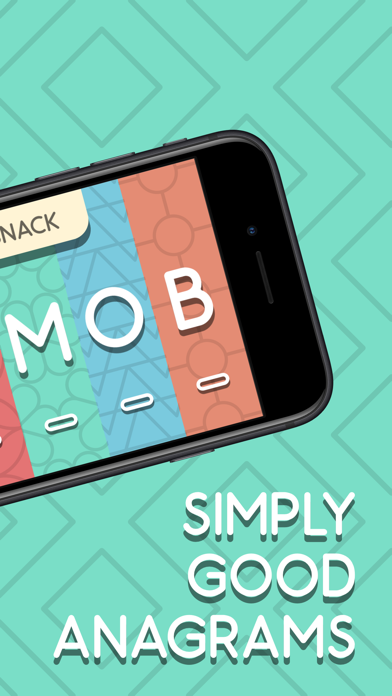
Letter Rooms is wonderfully simple word game. Each puzzle shows you a hint and a set of letters to create the desired answer. Initially you have to rearrange the letters, but later you'll have to master on-off and mutli-letters to succeed. The over 370 different puzzles will challenge your knowledge of things like animals, pop culture, sports or food! But don't despair if you don't know the answer - you can skip any level without consequences.
Features:
- Play the first 40 levels for free!
- Solve over 370 puzzles from 12 different topics, like animals, pop culture, sports, or culinary
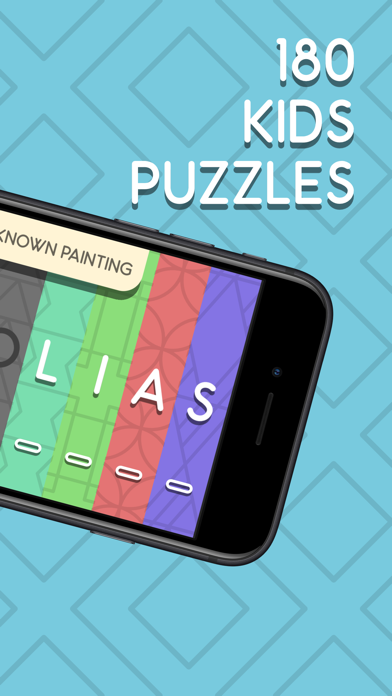
- Kids mode with 180 puzzles made for kids from age 9-11
- Collaborative Multiplayer via SharePlay
- Accessibility features like the dyslexic font and support for VoiceOver and VoiceControl.