How to Delete Wetter-Warner
Published by: Ise solutionsRelease Date: July 06, 2023
Need to cancel your Wetter-Warner subscription or delete the app? This guide provides step-by-step instructions for iPhones, Android devices, PCs (Windows/Mac), and PayPal. Remember to cancel at least 24 hours before your trial ends to avoid charges.
Guide to Cancel and Delete Wetter-Warner
Table of Contents:



Wetter-Warner Unsubscribe Instructions
Unsubscribing from Wetter-Warner is easy. Follow these steps based on your device:
Canceling Wetter-Warner Subscription on iPhone or iPad:
- Open the Settings app.
- Tap your name at the top to access your Apple ID.
- Tap Subscriptions.
- Here, you'll see all your active subscriptions. Find Wetter-Warner and tap on it.
- Press Cancel Subscription.
Canceling Wetter-Warner Subscription on Android:
- Open the Google Play Store.
- Ensure you’re signed in to the correct Google Account.
- Tap the Menu icon, then Subscriptions.
- Select Wetter-Warner and tap Cancel Subscription.
Canceling Wetter-Warner Subscription on Paypal:
- Log into your PayPal account.
- Click the Settings icon.
- Navigate to Payments, then Manage Automatic Payments.
- Find Wetter-Warner and click Cancel.
Congratulations! Your Wetter-Warner subscription is canceled, but you can still use the service until the end of the billing cycle.
Potential Savings for Wetter-Warner
Knowing the cost of Wetter-Warner's in-app purchases helps you save money. Here’s a summary of the purchases available in version 2.50:
| In-App Purchase | Cost | Potential Savings (One-Time) | Potential Savings (Monthly) |
|---|---|---|---|
| 2. Region | $0.99 | $0.99 | $12 |
| Abo +1 Monat | $0.99 | $0.99 | $12 |
| Abo +6 Monate | $2.99 | $2.99 | $36 |
| Abo +9 Monate | $3.99 | $3.99 | $48 |
Note: Canceling your subscription does not remove the app from your device.
How to Delete Wetter-Warner - Ise solutions from Your iOS or Android
Delete Wetter-Warner from iPhone or iPad:
To delete Wetter-Warner from your iOS device, follow these steps:
- Locate the Wetter-Warner app on your home screen.
- Long press the app until options appear.
- Select Remove App and confirm.
Delete Wetter-Warner from Android:
- Find Wetter-Warner in your app drawer or home screen.
- Long press the app and drag it to Uninstall.
- Confirm to uninstall.
Note: Deleting the app does not stop payments.
How to Get a Refund
If you think you’ve been wrongfully billed or want a refund for Wetter-Warner, here’s what to do:
- Apple Support (for App Store purchases)
- Google Play Support (for Android purchases)
If you need help unsubscribing or further assistance, visit the Wetter-Warner forum. Our community is ready to help!
What is Wetter-Warner?
Weather channel responds to claims reporter was faking coverage of hurricane florence:
Möchten Sie über aufkommende Unwetter oder markante Wettersituationen auf Ihrem iPhone informiert werden?
Dann ist Wetter-Warner genau richtig für Sie!
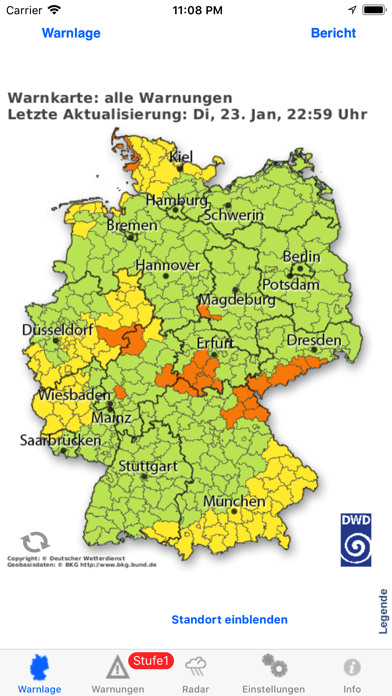
Ob Gewitter, Hagel, Stark- oder Dauerregen, Nebel, starker Schneefall oder -verwehungen, Eisglätte, Frost, Sturm oder Orkanböen - mit dieser App bekommen Sie im Abo die aktuellen Meldungen des Deutschen Wetterdienstes (DWD) für Ihren Landkreis direkt über Push-Benachrichtigungen zugestellt. So sind Sie immer über die Wetterentwicklung an Ihrem Wohn- oder Aufenthaltsort informiert.
Eines ist sicher: Das nächste Unwetter kommt bestimmt... lassen Sie sich von Wetter-Warner vorher informieren.