511 Georgia Traffic Cameras

Published by LW Brands, LLC on Apr 07, 2023
511 Georgia Traffic Cameras icon

Genre: Navigation

Ratings: 4.65

Version: 1.0.3

Updated: Dec 22, 2023

Downloads: 871

511 Georgia Traffic Cameras is a navigation app developed by LW Brands LLC. Available for $2.99, it was updated to v1.00 on December 22, 2023, and currently holds a 4.65 out of 5 rating based on 303 reviews. Before downloading, make sure your device has at least 16 MB of free space and runs Android 13.7+ or iOS 14.7+.

511 Georgia GDOT Traffic Cams
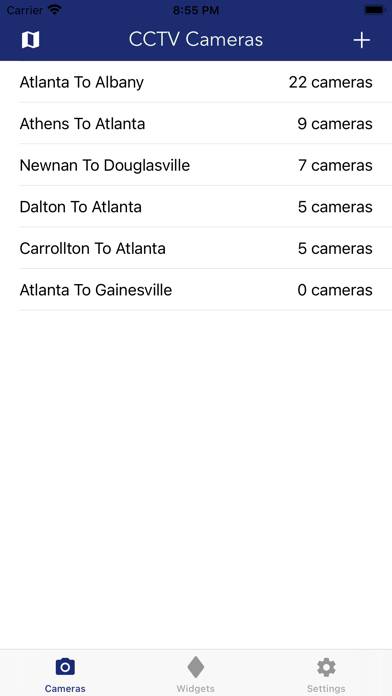
Description

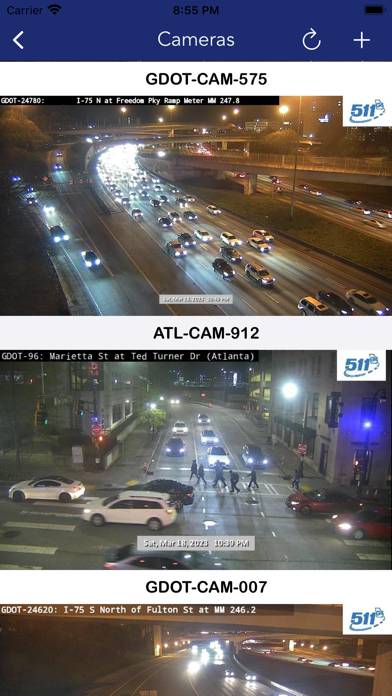
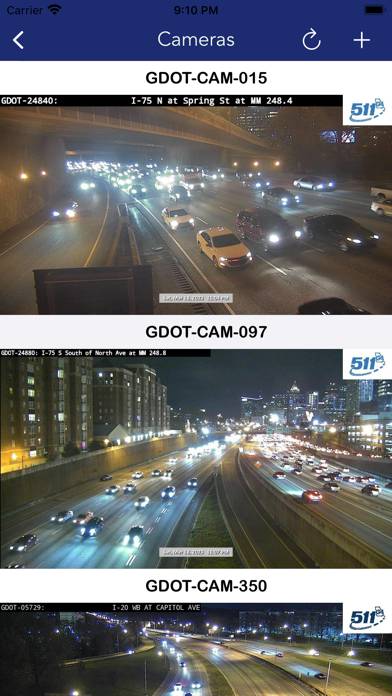
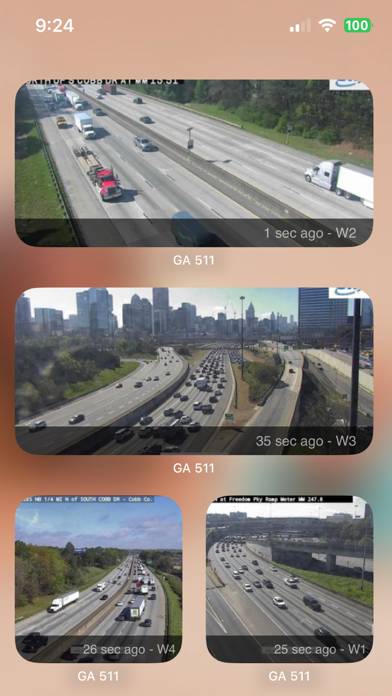
The best way to view 511 Georgia CCTV traffic cameras. MAIN FEATURES INCLUDE: - Create custom camera groups - Quickly view all cameras on your route
Show more

Download 511 Georgia Traffic Cameras

Scan to Get the App! QR code for 511 Georgia Traffic Cameras

Using 511 Georgia Traffic Cameras on PC or Mac

511 Georgia Traffic Cameras can be played on Windows and macOS using Android emulators such as BlueStacks. Download an APK version and follow our BlueStacks installation guide to get started. For help with downloading or installing APK files, visit our forums.

User Reviews and Ratings

★★★★★ Extremely Useful
I live in Florida, but I’m from Georgia and visit family there. I’ve created groups for when I travel to see them. This will make the drive north a lot easier. I will be able to plan my route according to traffic congestion. It has also been fun to just check out random cameras to see different places around GA. I didn’t know I needed this app, but I love it.
★★★☆☆ Traffic
Not nearly as helpful as old one was. I like to look at traffic around and thru ATL on interstates when I leave Gainesville. Can’t figure out how to see whole pic.
★★★★★ Cameras on Interstates
This is the greatest, I can watch traffic, make choices on travel to save time, money , & headaches . Wished more states had this on secondary roads. I am thankful for the system I do have access to! Keep It Up , Thanks!!!
★★★★★ Worth every penny
So much easier than going to 511GA website to manually pull cameras. This allows you to pick and choose the ones you want to save where you may travel frequently.
★★☆☆☆ Stopped working
They might work two or three times and stop working. Not sure if it’s the WiFi there or what. Tennessee traffic cameras don’t do that.
Read all reviews

Similar Navigation Apps

RATP screenshot
RATP
Top #37 in Navigation Apps
EZ Celestial Navigation screenshot
EZ Celestial Navigation
Top #43 in Navigation Apps
Fastned - EV charging app screenshot
Fastned - EV charging app
Speed Tracker: GPS Speedometer screenshot
Speed Tracker: GPS Speedometer
GPS - Way Home Finder App screenshot
GPS - Way Home Finder App
Top #36 in Navigation Apps
RallyBlitz Roadbook screenshot
RallyBlitz Roadbook
Top #70 in Navigation Apps