AAS Objeq
Published by Applied Acoustics Systems DVM Inc. on Mar 26, 2018
Genre: Music
Ratings: 3.79
Version: 1.0
Updated: Mar 26, 2018
Downloads: 493
AAS Objeq is a music app developed by Applied Acoustics Systems DVM. Available for $3.99, it was updated to v1.00 on March 26, 2018, and currently holds a 3.79 out of 5 rating based on 24 reviews. Before downloading, make sure your device has at least 5 MB of free space and runs Android 10+ or iOS 11.0+.
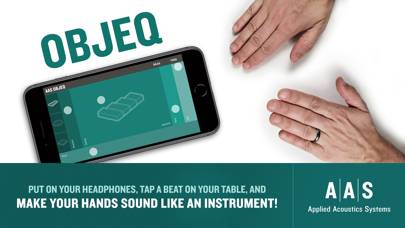
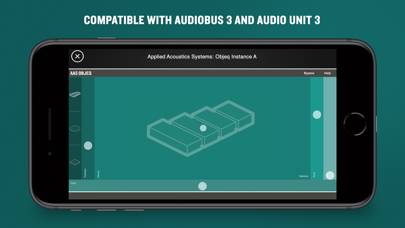
Your hands become drums!
Video: AAS Objeq Overview
Description
Who doesn’t like to improvise a beat on a table?
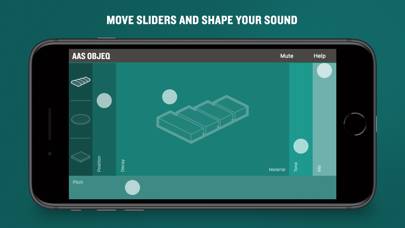
AAS Objeq transforms those beats to sound closer to a real percussion instrument.
Show more
Download AAS Objeq
Scan to Get the App!

Using AAS Objeq on PC or Mac
AAS Objeq can be played on Windows and macOS using Android emulators such as BlueStacks. Download an APK version and follow our BlueStacks installation guide to get started. For help with downloading or installing APK files, visit our forums.
User Reviews and Ratings
★★★★★ AAS Yaaaas!
I'm unbelievably excited to see an iPad offering from Applied Acoustic Systems. I've been using their desktop products for almost 10 years and they continue to be among my favorite developers around.
Objeq appears to incorporate some of the technology behind Chromaphone, their resonant/pm synth - my favorite product of theirs. It produces a wide variety of percussive sounds/forms and implements them in an intuitive and inspiring mobile format.
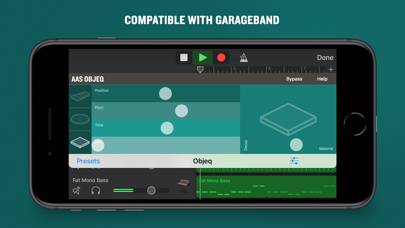
I am so pleased by the AU insert functionality - the
★★★★★ An instant purchase
It’s really great to see Applied Acoustics Systems emerge in the iOS music audio app scene. I own every AAS Physically Modeled VST instrument, and they are all amazing works of art. I’m very excited to start experimenting with Objeq iOS in my current projects.
★★★★★ Awesome
Very fun app! I hope they add a way to combine some of the sounds. Being able to designate the right hand as a bass drum and a left hand as a snare would be sweet. Worth the money for sure!
★★☆☆☆ Completely inaccessible with VoiceOver
I am a blind musician and audio engineer. Our use many iOS applications with quite a bit of success. However, objeq is completely inaccessible with voiceover. Nothing at all is spoken. The only way I can use it is the turn voiceover off, and just drag up and down at different portions of the screen, without really knowing what I am adjusting. I hope that this can be fixed.
★★★★☆ Good, but...
Read all reviews
I like the sound, but can’t figure out how to send it pitch or cc values. That would make it great