ACDSee Pro
Published by ACD Systems International Inc. on Dec 15, 2015
Genre: Photo & Video
Ratings: 4.78
Version: 4.5.4
Updated: Jun 21, 2022
Downloads: 568
ACDSee Pro is a photo & video app developed by ACD Systems International. Available for $4.99, it was updated to v4.50 on June 21, 2022, and currently holds a 4.78 out of 5 rating based on 1.1K reviews. Before downloading, make sure your device has at least 91 MB of free space and runs Android 10+ or iOS 11.0+.
Video: ACDSee Pro Overview
Description
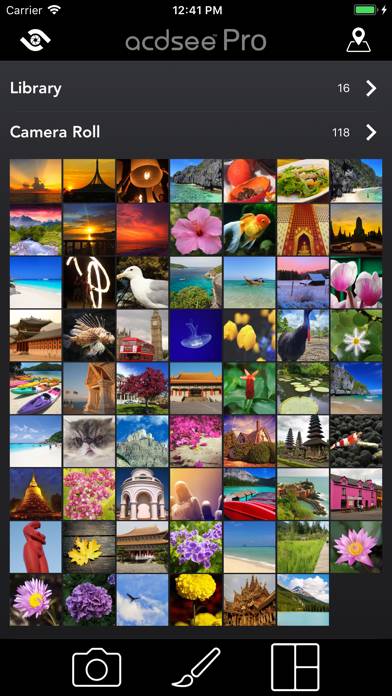
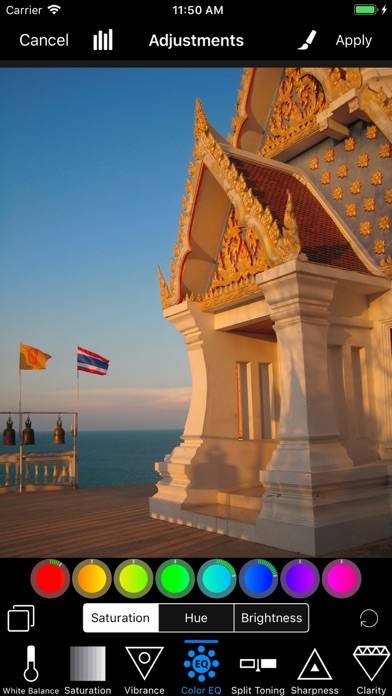
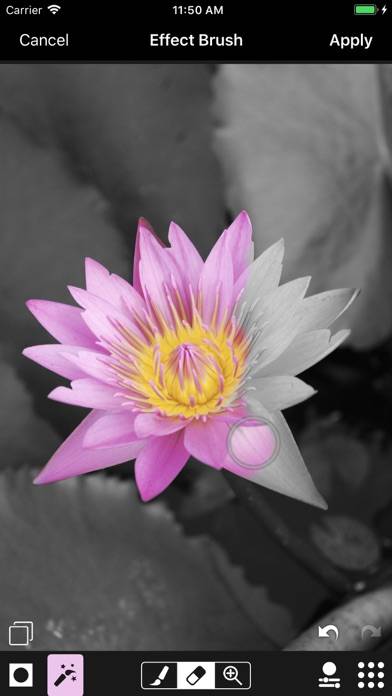
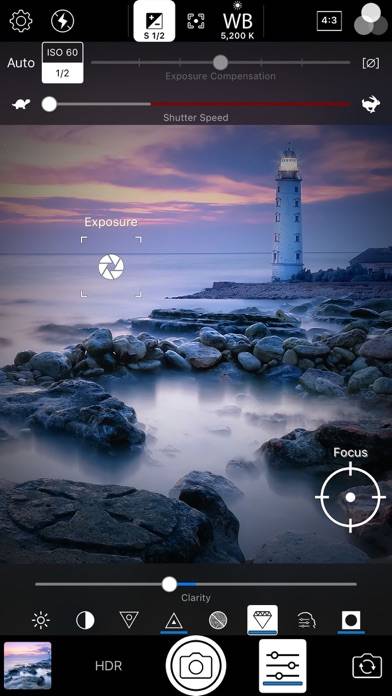
Capture, perfect, and share your photos with ACDSee Pro for iPhone. ACDSee Pro combines a professional grade camera and photo editor with all the tools you need to produce stunning photographs.
Show more
Download ACDSee Pro
Scan to Get the App!

Using ACDSee Pro on PC or Mac
ACDSee Pro can be played on Windows and macOS using Android emulators such as BlueStacks. Download an APK version and follow our BlueStacks installation guide to get started. For help with downloading or installing APK files, visit our forums.
User Reviews and Ratings
★★★★★ Why
They Deserve It
★★★★☆ Very good app 👍🏽
It’s always a good experience editing photos with ACDSeePro. I’ve been using it for a few years. There’s one thing will improve the enjoyment using this app, when editing but my choice isn’t visible tapping the element at the right moves to the center. Then continuing to tap the right most element until my choice is visible will greatly enhance the users experience. That would move the ACDSeePro to World Class level.
★★★★☆ Problems with Saving long video
I like photo editing functions of the App, that are amazing. I also take photos with app, and it is good. But I am afraid of taking Videos with the app. Recently we lost my mother in law, and we had a memorial. it was a concert and speeches. Event went for 1.5 hr. Recording was going well. Unfortunately once I hit Stop recording button, the app couldn’t save the video showing Error. Battery had enough joyce, and iPhone had enough storage. Why this happened? I was very upset, since it was a uniq
★★★☆☆ All the tools you need
This app contains all the tools anyone need to improve their photos, easy and direct. I love this app and I strongly recommend it.
* But there is a problem when adding the font. The font does not appear properly during the addition until it is finished and apply
★★★★★ Just what I needed!!!
Read all reviews
I realize I’m not using this to it’s full potential, but it’s perfect for what I need.
I’m a painter, and I often find it difficult to see where I need to add more detail or whether or not my colors are dark enough when I’m looking at my painting and my reference photo.
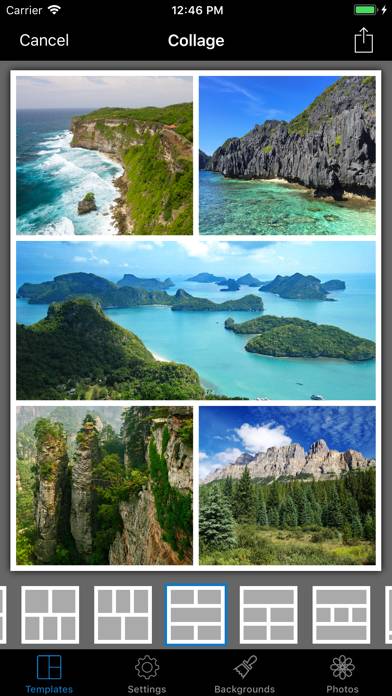
The Collage option is perfect because I always take photos of my painting progress. Now, I can put the photo of my painting next to my reference photo, and immediately see where I’m at!
Thank you!
Similar Photo & Video Apps
Filter Candy

Catch Santa AR
Pinhole Assist

WuvDay
RNI Colibri

Camcorder - записывайте домашнее видео в формате VHS