AeroWeather Pro is a weather app developed by Lakehorn AG. Available for $4.49, it was updated to v3.80 on September 05, 2024, and currently holds a 3.63 out of 5 rating based on 337 reviews. Before downloading, make sure your device has at least 110 MB of free space and runs Android 13+ or iOS 14.0+.
Current and precise weather
Video: AeroWeather Pro Overview
Description
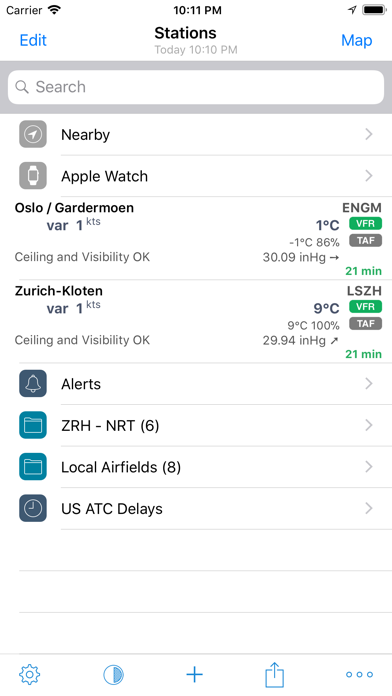
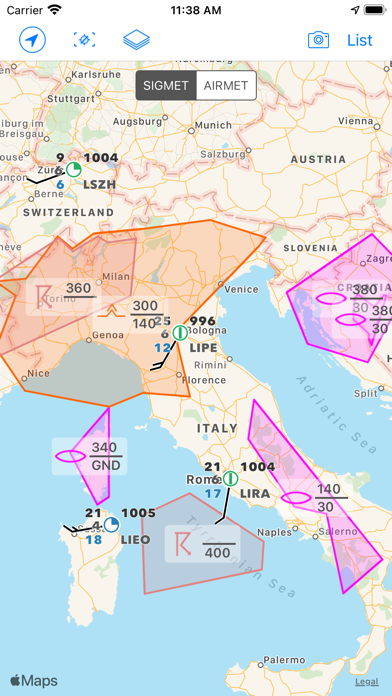
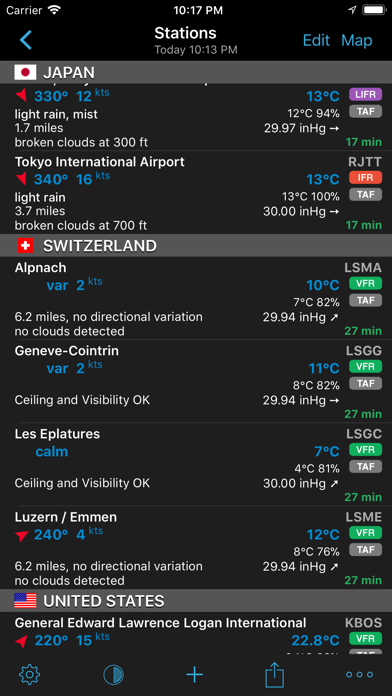
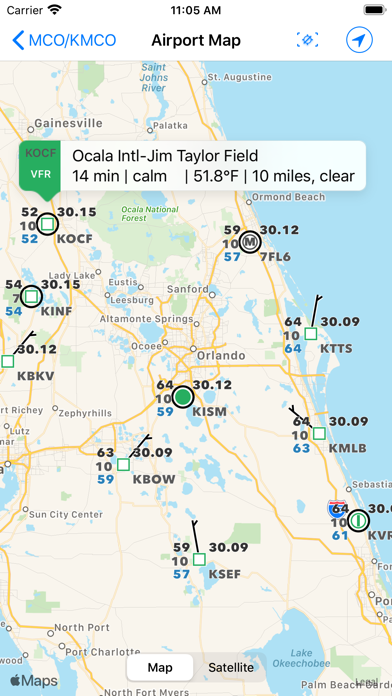
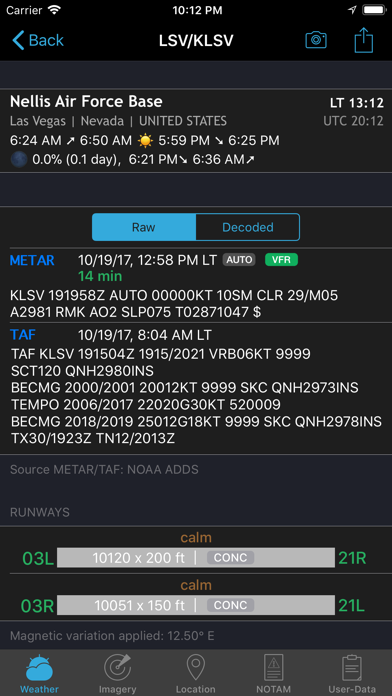
*** AeroWeather: for pilots, aviation enthusiasts, and everyone who is serious about the weather! *** Current and precise weather conditions (METAR) and forecasts (TAF).
AeroWeather Pro may be playable on Windows and macOS using Android emulators such as BlueStacks. Follow our BlueStacks installation guide to get started. Looking for AeroWeather Pro APK? Visit our forums for help finding authorized downloads, installing APK files, and troubleshooting installation issues.
User Reviews and Ratings
★★★☆☆Great app.. Needs work
Been using it for over 4 years now and it's great.
Provides lots of information.
My favorite part is the widget.
The biggest part that needs to get an update. Allow the widget to show the ATIS associated letter.
Please make this update.
★★★★☆NOTAM buggy
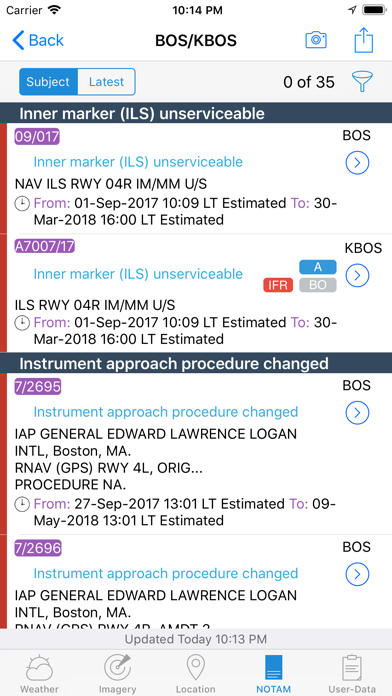
If you get a NOTAM on the lock screen of an iPhone and tap on the NOTAM the app opens to the airport page. Once in the app click on the NOTAM tab and the app immediately crashes. If you filter the NOTAMs in the app, the lock screen notifications ignore your filtering. Otherwise the app works ok.
★★★★☆I like the app
I like it METAR and TAF and ATIS are good but the METAR and TAF raw and decoded type like the Decoded TAF should be colored code and also please add in all of the Runway Crosswinds data status stuff,Winds ALOFT(Winds and ALTITUDE and Wind Direction and etc etc),PIERP/Nearby(with the flight level or etc etc ,SUN/UTC/Local Time and Nearby Airports and Airports data and runway Data and Radio Frequencies data using the named after the airport and etc etc ) need to be add as well in it so I can see
★★★☆☆Lock Screen widgets not work
Great weather app— I use it all the time. However, efficiency of use matters a lot to me and I was very much looking forward to the lock screen widget feature. In the Widgets section, you can add your favorite airports, and to my knowledge (unless I’m doing it wrong) the airport at the top of the Widget list is meant to be displayed on the lock screen widget. KORD is the only airport that shows on the lock screen widget, and I don’t even have KORD in my regular list let alone my widget list. If
★★☆☆☆Bought cloud sync, never worked
Good little app in theory. Great features. But i paid for the cloud sync feature to be able to go back and forth with phone and ipad (which in itself was kind of scammy but ok…) the feature never worked. I contacted the devs to get it working. They simply stopped responding.