Alfred Remote
Published by Running with Crayons Ltd on Jan 28, 2015
Genre: Productivity
Ratings: 3.45
Version: 1.5
Updated: Apr 15, 2021
Downloads: 604
Alfred Remote is a productivity app developed by Running with Crayons. Available for $4.99, it was updated to v1.50 on April 15, 2021, and currently holds a 3.45 out of 5 rating based on 11 reviews. Before downloading, make sure your device has at least 1 MB of free space and runs Android 11+ or iOS 12.0+.
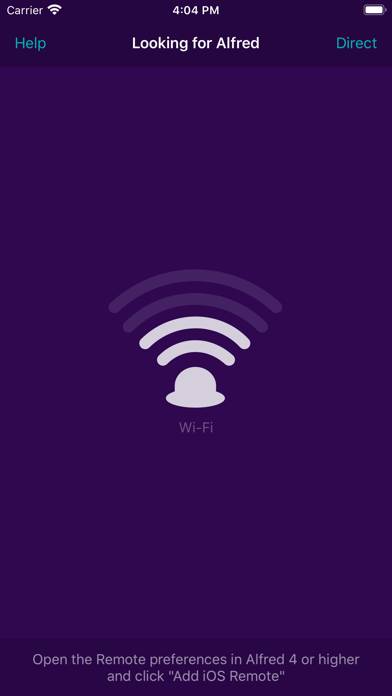
Video: Alfred Remote Overview
Description
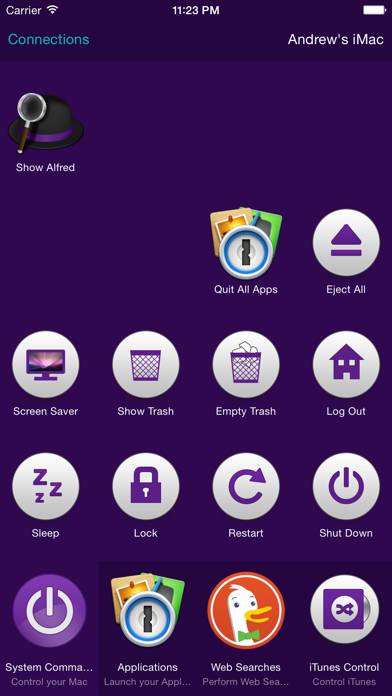
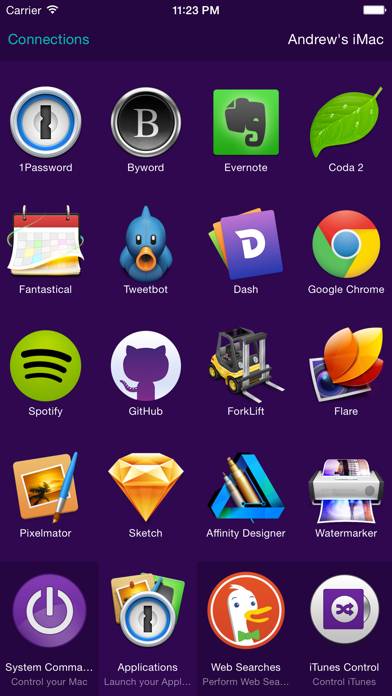
Alfred Remote is your personal command centre for Alfred for Mac. Your iPhone or iPad now becomes the perfect day-long companion to your Mac, giving you instant access to your favourite features, commands and workflows.
Show more
Download Alfred Remote
Scan to Get the App!

Using Alfred Remote on PC or Mac
Alfred Remote can be played on Windows and macOS using Android emulators such as BlueStacks. Download an APK version and follow our BlueStacks installation guide to get started. For help with downloading or installing APK files, visit our forums.
User Reviews and Ratings
★★★★★ When can it support Alfred3?
I buy it and find that it can not support Alfred3. I am a loyal fan of Alfred 3. Could you update it? Thank you!
★★★★☆ Thank god
An update in 6 years? Please don’t abandon us again Alfred.
★★★★★ Get the Power Pack and use this
I’ve been using this across two Macs for a number of years. Having a remote that you can configure yourself for just about anything? Priceless.
I didn’t think I’d like the 1.5 changes but they’re growing on me….
And yes one of the 5 remote screens is a TV remote for the 3 Mac media players on my machines. Tip: Try to match key bindings in every player you use…
Infinite possibilities here, even if you’ve never programmed a line of code in your life.
★★★★☆ I love alfred, remote is okay
I'm just sad that the play/pause button doesn't work.
I don't use apple music, so I don't know if it works on that, but it does nothing to spotify and YouTube, etc.
I have no idea why the pause, skip, rewind buttons are not just equivalent to pressing the same on the keyboard and are instead bound to a software I'll never use.
★★★☆☆ Hello? Anyone home?
Read all reviews
Where did you go, Alfred? I thought we were friends?
Similar Productivity Apps
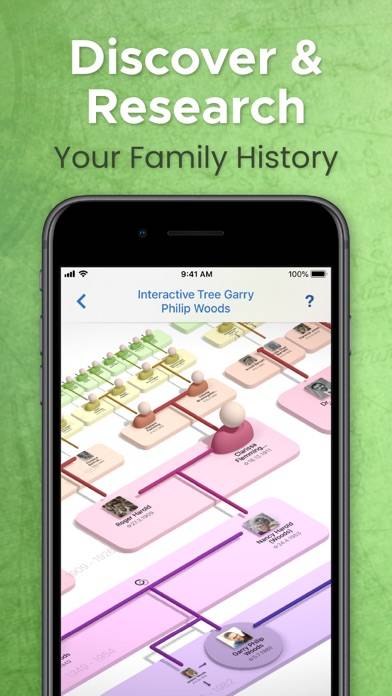
MobileFamilyTree 10
Top #97 in Productivity Apps
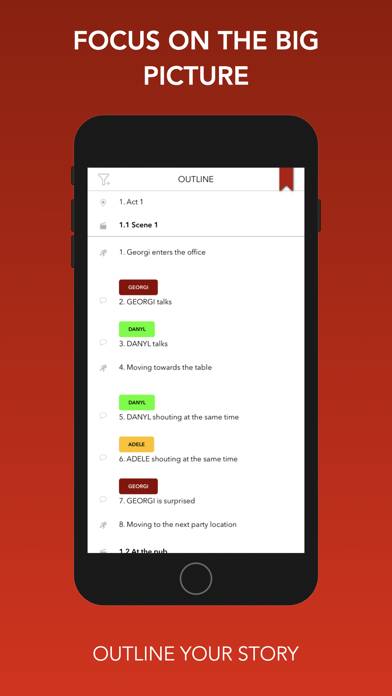
TwelvePoint
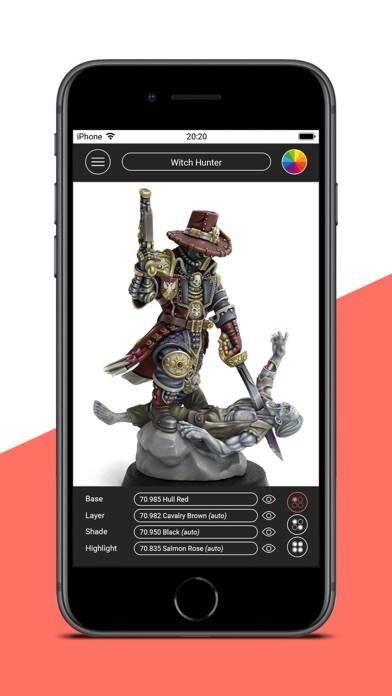
impcat
Root Explorer - Browser, File Manager & PDF Reader
CSV easy editor
ElectroMaster Pro