Alien Sky - Space Camera is a photo & video app developed by James Grote. Available for $4.99, it was updated to v10.90 on March 28, 2021, and currently holds a 4.65 out of 5 rating based on 124 reviews. Before downloading, make sure your device has at least 87 MB of free space and runs Android 11.4+ or iOS 12.4+.
Ultimate Space Editor
Video: Alien Sky Overview
Description
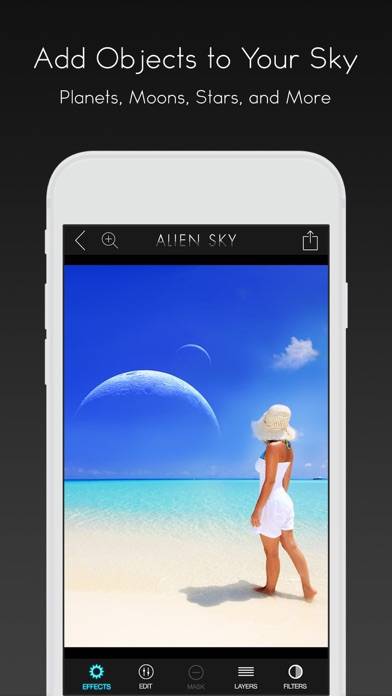
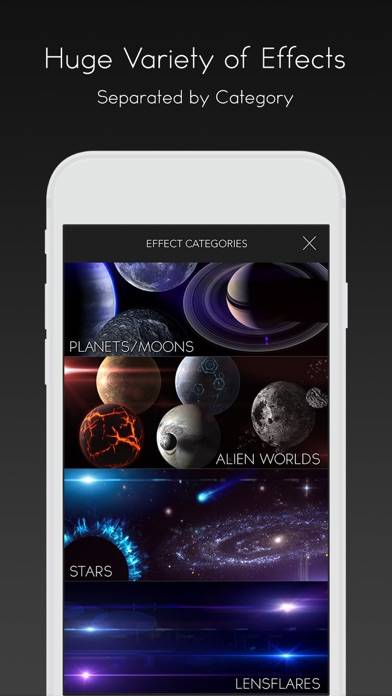
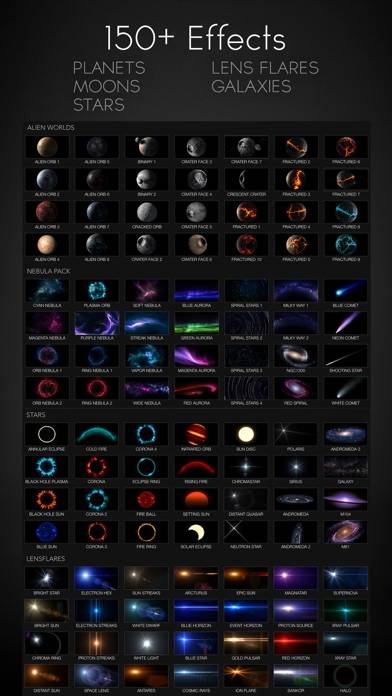
Reality is boring! Create fantastic and futuristic visions with Alien Sky. With Alien Sky, you can customize your sky with an amazing collection of high resolution space objects.
Alien Sky - Space Camera can be played on Windows and macOS using Android emulators such as BlueStacks. Download an APK version and follow our BlueStacks installation guide to get started. For help with downloading or installing APK files, visit our forums.
User Reviews and Ratings
★★★★★Lots of fun!
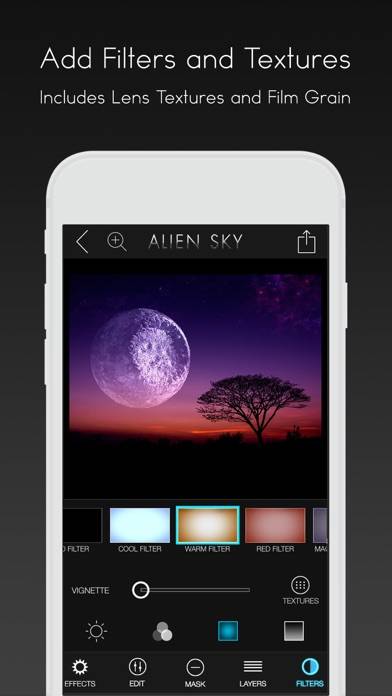
I’ve had lots of fun with app. I like that if the original picture is too bright for planets/stars to stand out, it has filters so you can darken just the upper half or add a vignette so it’s darker. And the variety is good - there are lots of options to customize the sky, so it doesn’t get old after editing several different photos.
★★☆☆☆App does not save pics any longer in iOS 13
PLEASE FIX THE SHARE FEATURE!! The app WILL NO LONGER save pics you’re working on. This has been a favorite app for quite a while. PLEASE UPDATE WITH A FIX!!
Same with LensFX.
★★★★★Excellence always!
Love the ease of use and quality of this app. I have all of them and enjoy creating art with them! Thanks!!
★★★★★Great!!
I love this app! It’s so much fun to be creative!!
★★★★★Amazing App For Illustrators & Makers
This app is just the thing for anyone interested in designing and creating their own depictions of space. High quality graphic elements provide the opportunity to produce some amazing AI-free speculative stellar art. Kudos to the the developer team. I would give it 6 or 7 out of 5 stars if developers updated the app and added a few more of the amazing stellar images now available through NASA, as well as more precise controls to dial up or down the editing controls, and masking brush.