Analyser & Tuner AUv3 Plugin
Published by Limelight Software on Sep 23, 2018
Genre: Music
Ratings: 3.73
Version: 1.6
Updated: Jun 25, 2024
Downloads: 396
Analyser & Tuner AUv3 Plugin is a music app developed by Pocketscom. Available for $8.99, it was updated to v1.60 on June 25, 2024, and currently holds a 3.73 out of 5 rating based on 15 reviews. Before downloading, make sure your device has at least 12 MB of free space and runs Android 8.3+ or iOS 9.3+.
AUv3 Compatible Plugin
Description
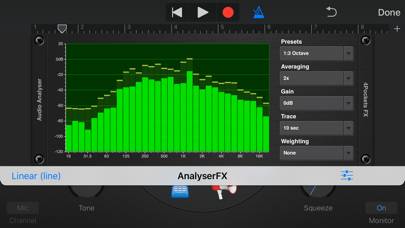
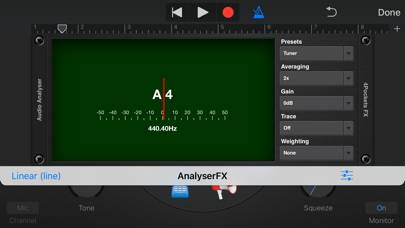
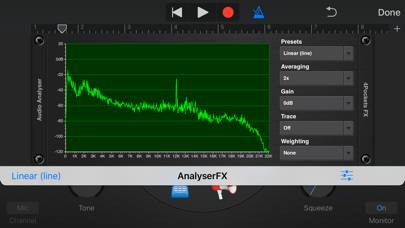
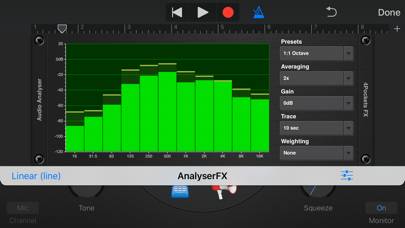
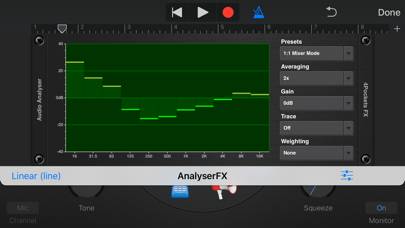
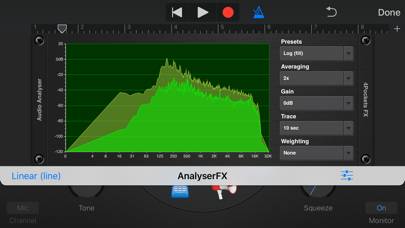
This is a AUv3 compatible analyser / tuner which can be used as plugin with your favourite DAW such as Cubasis, Meteor, Auria or GarageBand.
Show more
Download Analyser & Tuner AUv3 Plugin
Scan to Get the App!

Using Analyser & Tuner AUv3 Plugin on PC or Mac
Analyser & Tuner AUv3 Plugin can be played on Windows and macOS using Android emulators such as BlueStacks. Download an APK version and follow our BlueStacks installation guide to get started. For help with downloading or installing APK files, visit our forums.
User Reviews and Ratings
★★★★★ Very handy
Nice for checking the tuning of samples among other uses.
★★★★☆ Very responsive
This is pretty awesome, and responds very well to the input with hardly any lag. The different modes are nice for various applications. It pretty much does what you would want it to, like momentarily freezing the display, etc. My only wish is that you were able to zoom in on the frequencies to narrow the span of frequencies shown on the graph, especially in linear mode.
★★★☆☆ The tuner doesn’t works well
I´ve tried the tuner mode to get in tune my guitar but it simply is not accurate and you can’t be secure about its medition. That makes me ask you, does the LUFS meter works well? I use it in the master to know the loudness of my tracks but I really don’t know if it is accurate. Thank you for reading.
P.S: Please add a oscilloscope mode!
★★★★☆ Analyzer/Tuner is great, but need HELP!
I use the analyzer to find the tune of my samples and I used to use the tuner which is a guessing game due to complex harmonics of most samples. I noticed you added a “note detect” feature but can’t find anything on the web on how it’s used. Is the green color dot the dominant tone? I figure the numbers on the y axis are the octave, but how do I know the root note of the sample? What do the other color dots mean?
★★★★★ It’s becoming my go to Tuner
Read all reviews
I think I need a little more practice with this app to get the tuner to react in a more smooth fashion it jerks around a little bit for me and I have yet to figure out how to adjust it to get a nice smooth flat or sharp showing. But it is an awesome app to have if you need a tuner for multiple types of devices.