ASmart HUD 3D plusSpeedCams is a navigation app developed by Atoll Ordenadores. Available as a free download, it was updated to v7.30 on March 17, 2018, and currently holds a 3.25 out of 5 rating based on 4 reviews. Before downloading, make sure your device has at least 9 MB of free space and runs Android 9.1+ or iOS 10.1+.
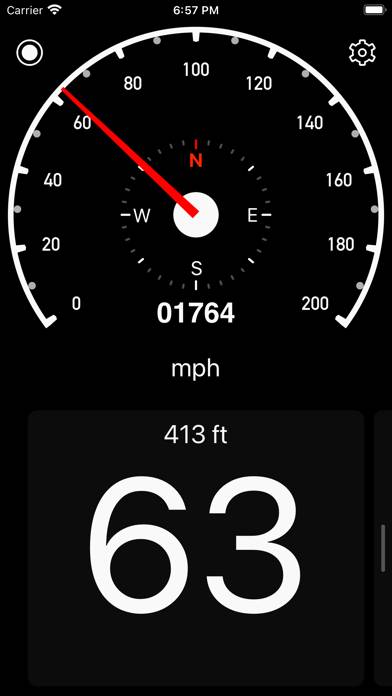
Digital vehicle dashboard
Description
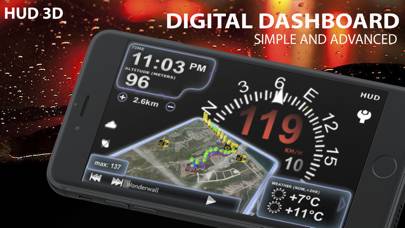
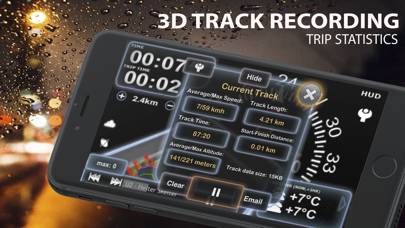
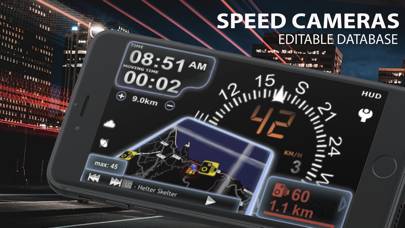
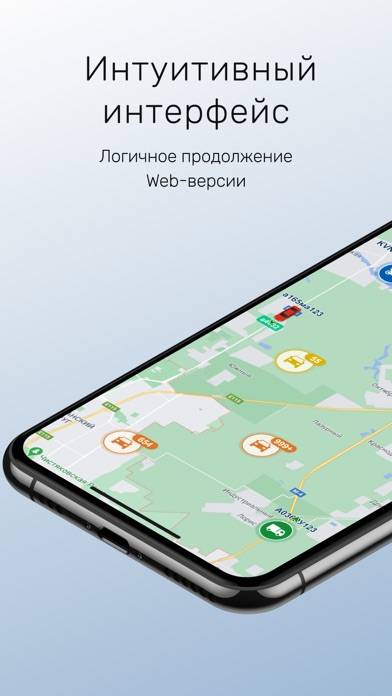
Advanced car digital dashboard combining map, routing, tracking, photo and speed cameras functionality wrapped into nicely polished 3D user interface. Key features:
- HUD MODE
Show more
User Reviews and Ratings
★★★★★ map fixed - upgrading ratingI love having so much useful information on one screen. Very nice for road trips.
★★★☆☆ Embarrassing bugThis is a bug should have been noticed and fixed before release.
Feature: compass set to use magnetometer
Description:
- first launch aSmart HUD. You'll see that the heading on the compass is off by 90 degrees. It is taking the reading as if the device is oriented in portrait mode when in reality it is in landscape mode.
- Press the home button once to put the app in the background.
- Double click the home button. Select the app from the background apps.
- Now the compass heading will fix itsel
★★★☆☆ LikeSo far like it. Would be 4 or 5 as it will not let you turn iPhone to orientate it so the camera is on the left and home button on right. Restricted to having camera on right, and low depending on position of device in vehicle dash which could cause videos to be upside down if playing back on another source. FIX N FIX other commented issues.
★★☆☆☆ Compass/CameraCool... BUT
1) Compass freezes on due north in camera view.
2) Landscape view has camera at bottom right instead of top left... Not optimal for maximizing view of the road (too much dashboard).
3) Map in 3D view (main screen) doesn't seem to allow for fixing north at top, making it harder to read.
★★★★★ Perfect!I used fasteners onto my dash and the fuzzy strips are layered out perfect on my Mophie Juice Pack PLUS. I'm just saying...I pretty much speed every where and that iish ain't ever slide not once.
APP could use something else....oh well, still great job! Only .99 & worth it.
Read all reviews