AstroEdit - Simple and Quick is a photo & video app developed by yong chong loh. Available for $1.99, it was updated to v2.18 on August 20, 2024, and currently holds a 3.33 out of 5 rating based on 6 reviews. Before downloading, make sure your device has at least 28 MB of free space and runs Android 13+ or iOS 14.0+.
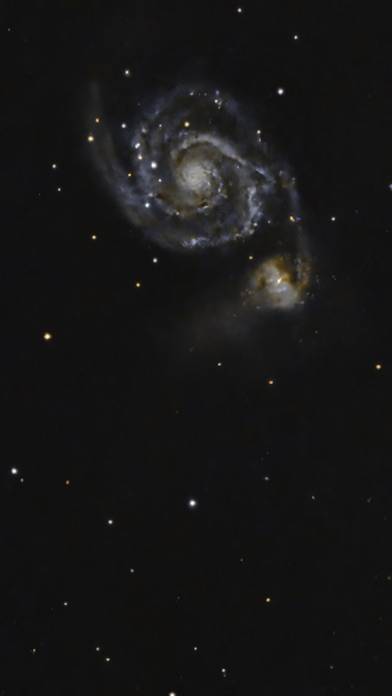
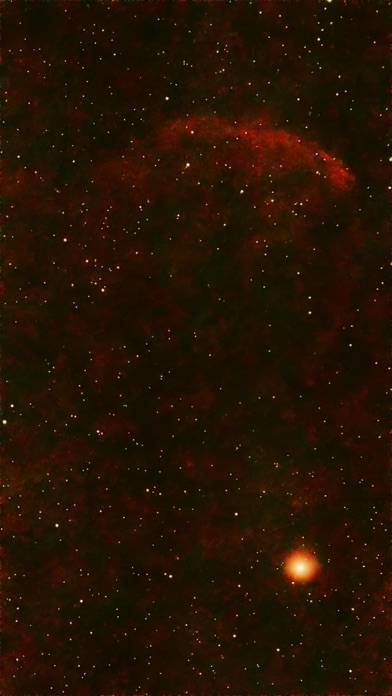
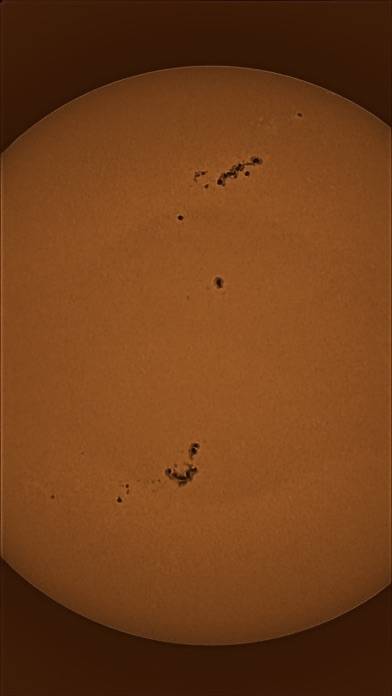
Bring out detail and structure
Video: AstroEdit Overview
Description
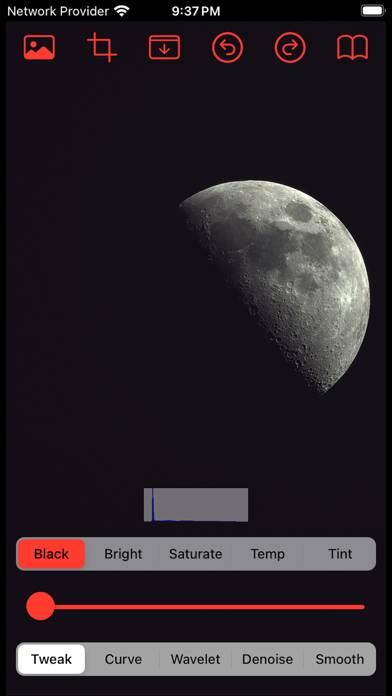
A simple app to quickly edit your astrophotography before you upload to social media. It has basic colour editing such as brightness, saturation, temperature and advance tools such as background skyglow removal, wavelet transformation, the usual curve tone adjustment, grainy and walking noise AI removal.
AstroEdit - Simple and Quick can be played on Windows and macOS using Android emulators such as BlueStacks. Download an APK version and follow our BlueStacks installation guide to get started. For help with downloading or installing APK files, visit our forums.
User Reviews and Ratings
★★★★★Game Changer !
I have always loved looking at the moon and stars. But my pictures never looked good. I tried different ways on my iPhone and used different apps. This is the first time I could actually see the moon in my photo naturally. Thanks for the great app.
★★★★☆Latest update messes images up
Latest update has caused weird red banding in all images I try to edit.
iPhone 12 Pro Max
iOS 17.7.1
★★★★★Supportive developer!
Astroedit does a great job at processing the Seestar images right off the jpeg without needing to fire up Startools, Siril, or Pixinsight. Easy and intuitive. The developer really listens to comments: as most of my Seestar work is on an older ipad mini with only 2 Gb of ram, it was crashing often and sometimes not even recognizing the jpeg. They made some tweaks and now I can utilize the app more effectively. It does work well with my newer iPhone so I can only assume it works well with any
★★★★☆Keeps improving
Each update has improved the app. Initially gradient tool didn’t work and now it is effective. Being able to work on stars and starless image separately on the iPad is wonderful. Unfortunately the oval tool doesn’t seem to do anything. The users guide states it was trained on Seestar images. I have a Dwarf2 but I wouldn’t think that would make a difference.
Would hope oval tool gets fixed. Would be nice to see a contrast tool and HDR.
★★★☆☆Meh, not that great
Buggy app locks up frequently. Results aren’t much different from the iPhone photo editor. I assumed the app analyzed the Seestar S50 photo and was one step processing but it’s not.