Aura Frames
Published by Aura Home, Inc. on Jun 18, 2016
Genre: Photo & Video
Ratings: 4.82
Version: 4.9.90
Updated: Oct 24, 2024
Downloads: 1,818
Aura Frames is a photo & video app developed by Aura Home. Available as a free download, it was updated to v4.90 on October 24, 2024, and currently holds a 4.82 out of 5 rating based on 13.6K reviews. Before downloading, make sure your device has at least 203 MB of free space and runs Android 13+ or iOS 14.0+.
Smart Photo Frame

Video: Aura Frames Overview
Description
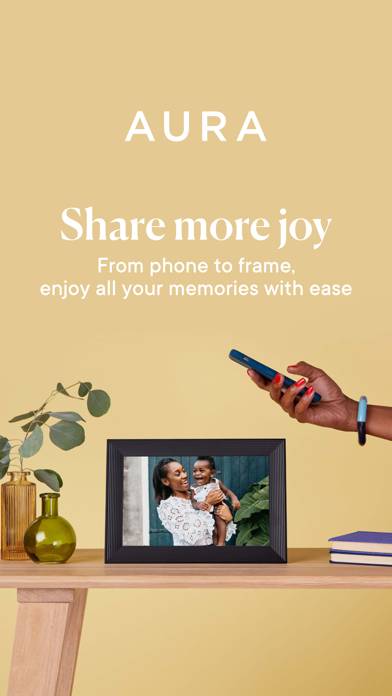
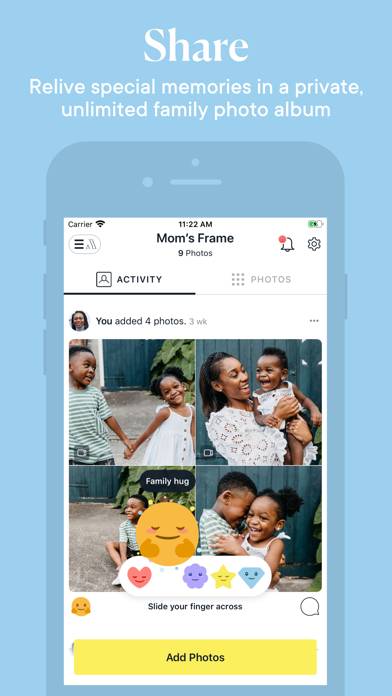
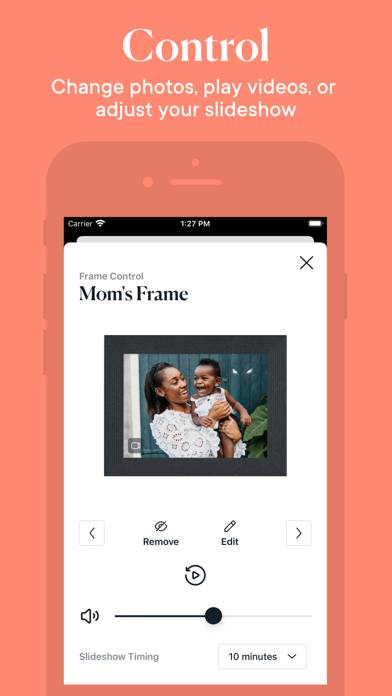
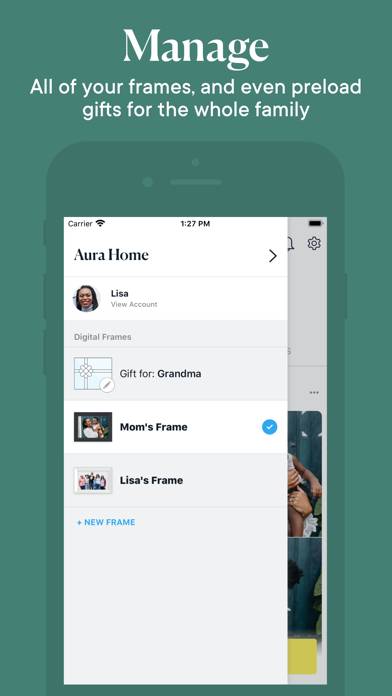
Aura is a smart photo frame that makes displaying and sharing photos delightfully simple. Get the free Aura app to view and share your photos, get your frame set up, and more:
- Preload photos or write a message before giving Aura as a gift
Show more
Download Aura Frames
Scan to Get the App!

Using Aura Frames on PC or Mac
Aura Frames can be played on Windows and macOS using Android emulators such as BlueStacks. Download an APK version and follow our BlueStacks installation guide to get started. For help with downloading or installing APK files, visit our forums.
User Reviews and Ratings
★★★★★ The Best Smart Frame
Super simple to use and set up. Everything worked right out of the box.
★★★★★ Easy to use
The Aura app is pretty easy to use. Even uploading old photos is relatively easy work. After scanning the old picture on a desktop scanner, I email it to myself. Then I take a screenshot which is automatically uploaded into my photos where Aura takes it and put it on the frame. If you take good scans you can use the scanner on the app and skip the ema. I can even put a title on the old photos so that my mom will know what year that picture was taken over all of her kids.
★★★★★ Great Product
So easy to use. Send your photos from all your devices and network with photo sharing with family. Love it!
★★★★☆ So easy!
Intuitive app provides multiple ways to add photos to the frame. I’m loving that the fill-the-frame option zooms in on portrait photos intelligently; that is, it zooms in on faces. I’m loving more that when I’m unhappy with the automatic positioning, I can customize the position. The only thing I wish I could control are the slideshow transitions. Currently, sliding from photo to photo is the only option.
★★★★★ Easy uploading
Read all reviews
Love this application with such easy uploading and change in timing!!!
Similar Photo & Video Apps
New Profile Picture Maker
Perspectivize!
Vintique
SlideShow Maker Photo to Video
Camera Log