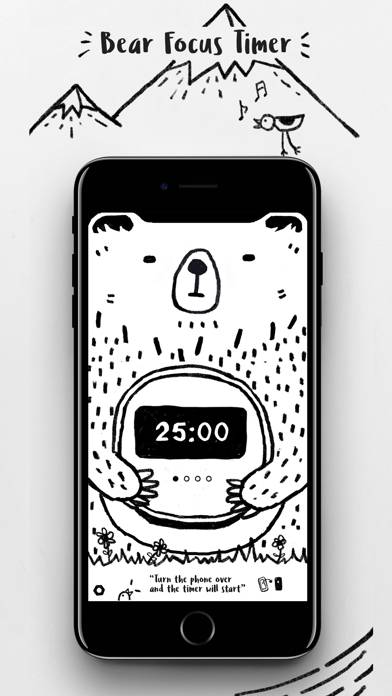
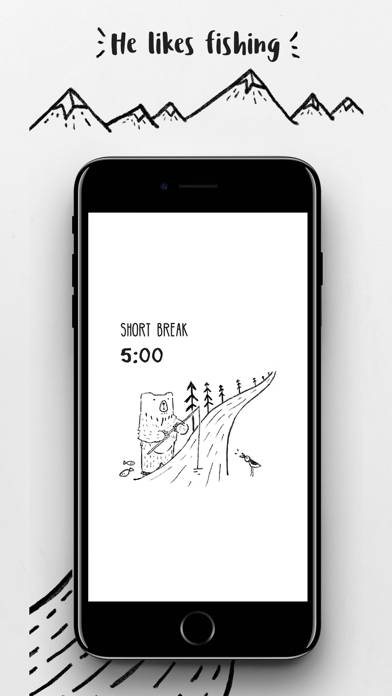
BFT - Bear Focus Timer is a utility app developed by EUIHYUNG JUNG. Available for $1.99, it was updated to v13.70 on September 12, 2023, and currently holds a 4.34 out of 5 rating based on 146 reviews. Before downloading, make sure your device has at least 135 MB of free space and runs Android 11+ or iOS 12.0+.
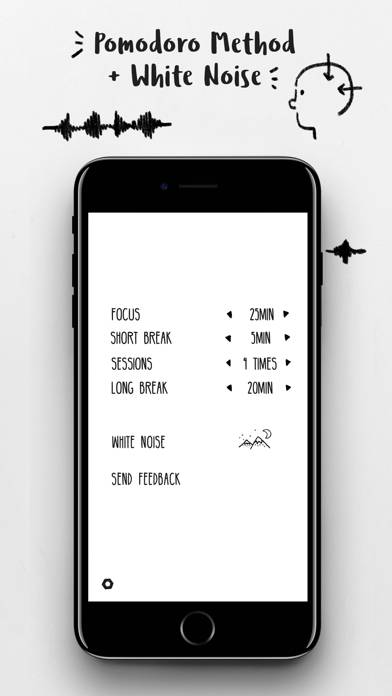
Pomodoro Method + White Noise
Video: BFT Overview
Description
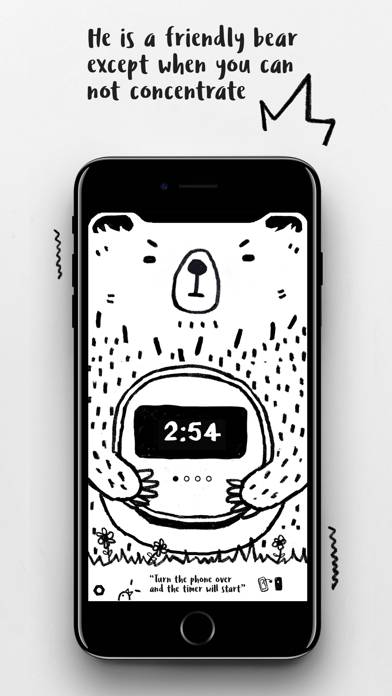
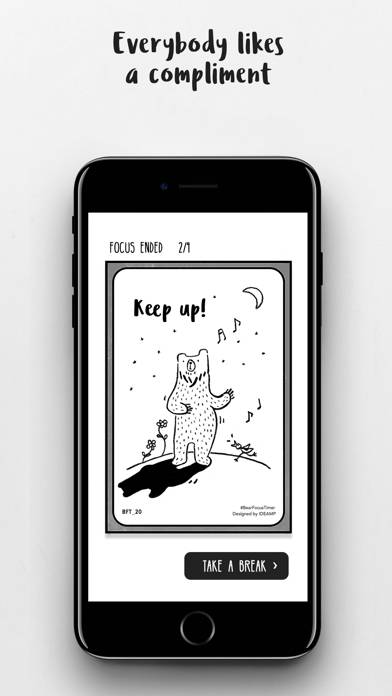
Tom is a friendly bear, except when you can not concentrate. He will do his best to help you focus on something! Just place your screen face down and focus on what you do.
BFT - Bear Focus Timer can be played on Windows and macOS using Android emulators such as BlueStacks. Download an APK version and follow our BlueStacks installation guide to get started. For help with downloading or installing APK files, visit our forums.
User Reviews and Ratings
★★★★☆Simple app for helping me focus
Just wish there was a complication I could add to my watch face to open the app.
Also, I notice that after a while my Apple Watch will return to the watch face screen after the screen turns off. I wish it would stay on the bft app screen with the timer.
★★☆☆☆Timer Notifications on Apple Watch Not Reliable
Would you use a timer that only sometimes rings when time is up? That is this app for the Apple Watch. It is simple and cute, but also unreliable.
The vibration / audio chime / pop up notification work maybe 50% of the time when sessions are up. The other times I find myself looking at my watch realizing an extra 5 to 10 minutes has passed after the session technically ended. It even happens when I’m stating directly at the app watching the counter go to 0. Sometimes a chime / notification, so
★★★★☆Works great, future updates?
Works great and I love it for what it is but was curious as to whether the app would eventually be able to be used in standby mode? Love this app for its simplicity over other pomodoro apps.
★★☆☆☆Cute, but turning phone over to start is a nonstarter
I really like the look and feel of this app, and it has some great stuff going for it. But you cannot start the timer unless you flip your phone over and that’s a non-starter for me. Even when I’m working, I need to have my phone visible to see if there are new notifications from our kids. All they’d need to do is offer an option in settings to start the timer with an onscreen button and I’d give it 5 stars.
★★★☆☆Has gotten very glitchy
Used to love, although recently it isn’t working well, it will close to the Lock Screen which stops the timer, and because your phone has to be face down for the timer to work you don’t notice until you pick up the phone and see it is on the Lock Screen.