Big Clock HD is a utility app developed by TheCodingMonkeys. Available as a free download, it was updated to v3.00 on October 05, 2020, and currently holds a 3.1 out of 5 rating based on 20 reviews. Before downloading, make sure your device has at least 725 kB of free space and runs Android 13+ or iOS 14.0+.
The Time. Big.
Video: Big Clock HD Overview
Description
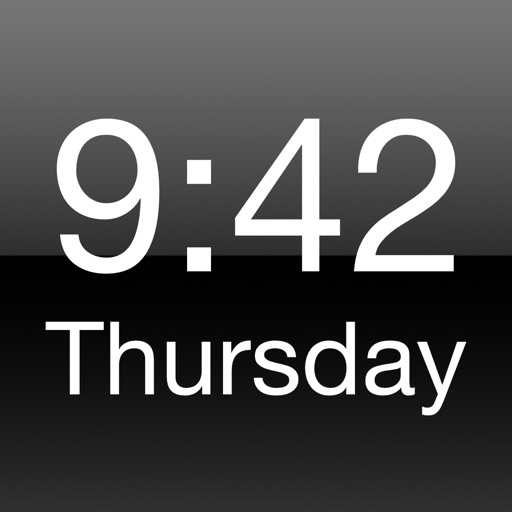
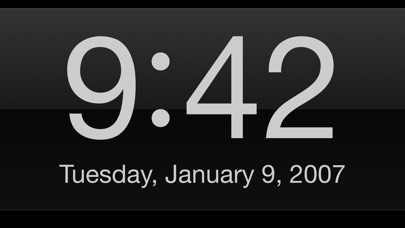
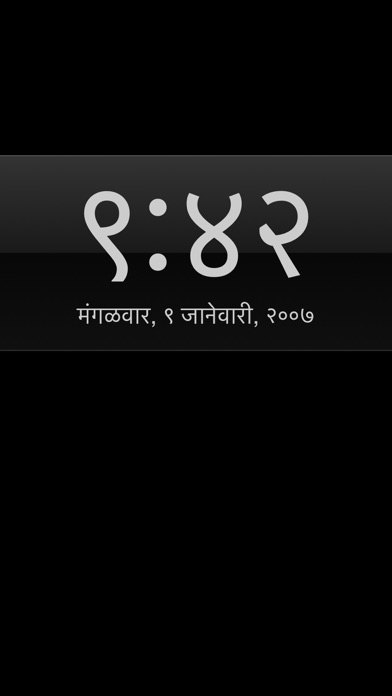
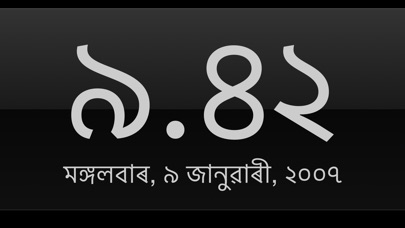
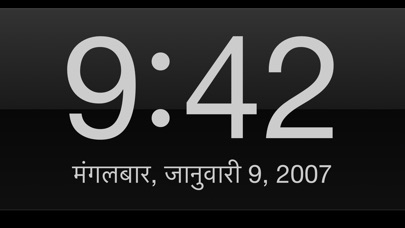
Big Clock HD displays a big digital clock on your iPhone / iPad that's readable even from a distance. All iOS locales are supported, change them in the settings for the app.
Big Clock HD may be playable on Windows and macOS using Android emulators such as BlueStacks. Follow our BlueStacks installation guide to get started. Looking for Big Clock HD APK? Visit our forums for help finding authorized downloads, installing APK files, and troubleshooting installation issues.
User Reviews and Ratings
★★☆☆☆Strictly black and white
$0.49 worth
No deception here but somewhat disappointing. You can get only a black screen with white numbers. Can’t crop the screen to change size or location of text. Can’t use a calming color for numbers so it is white numbers you’ll see all night. I guess I got my 49 cents worth.
★★☆☆☆Dissatisfied
The light dims. It is very difficult to make it brighten. Then, it dims the entire phone. I have to lock and restart my phone in order to bring the brightness back to everything else on it.
★★★★★Very Easy to Read
Don't let the bad reviews put you off. This is a very readable clock, especially on the iPhone in landscape mode.
★★★★★Has worked well for years -- simplicity triumphs
This is the only clock I've found that does what I need. Each night, I put it on my night stand, and it shows me the time -- and day and date -- with a simple, classy Helvetica-like display -- easily dimmed or brightened. Double-tapping orients it if necessary. Yes, you need to make it brighter before you switch apps. On the other hand, it is just right for quickly adjusting your screen brightness without menu-ing through Settings. All this is enough for me. I like, I need it. Simplicity beats o
★★★★★Can’t show time on icon due to Apple’s limitations
The reviews that criticize the app for not being able to show the time when the app is closed don’t understand how apps work.
Apps can’t do that because Apple won’t let them.
If you want an app to show you a big clock on your iPhone or iPad, I’ve bought several and this is the best one. You can control the brightness by dragging your finger up or down on the screen.
The app needed an update for iOS 11, which has now been done, so it works fine again. Thanks to the developers!