Blue Sniff - Bluetooth Scanner

Published by Kevin Horvath on Mar 07, 2017

Blue Sniff - Bluetooth Scanner icon

Genre: Utilities

Ratings: 4.35

Version: 1.0.2

Updated: Mar 10, 2022

Downloads: 7,846

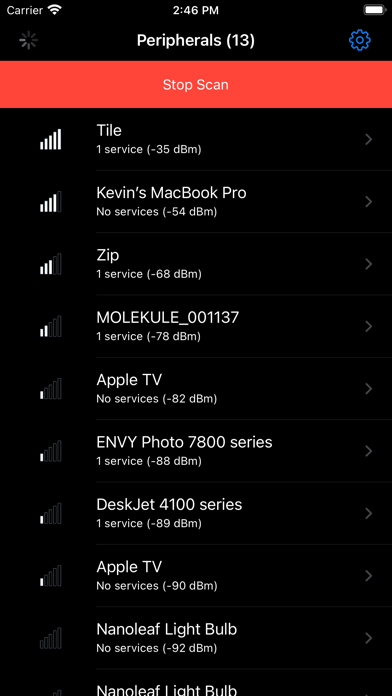
Blue Sniff - Bluetooth Scanner is a utility app developed by Kevin Horvath. Available as a free download, it was updated to v1.00 on March 10, 2022, and currently holds a 4.35 out of 5 rating based on 297 reviews. Before downloading, make sure your device has at least 26 MB of free space and runs Android 8+ or iOS 9.0+.

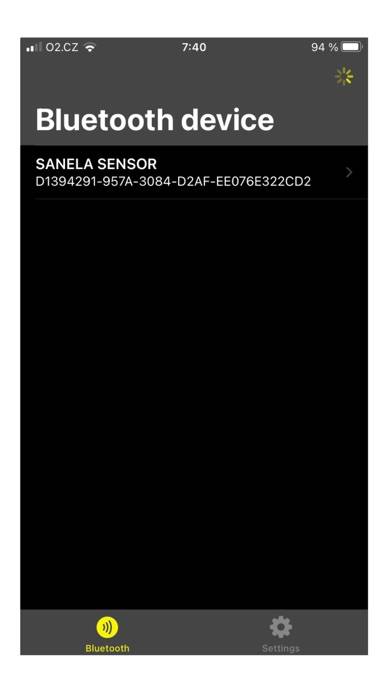
Simple Bluetooth Detector

Video: Blue Sniff Overview

Description

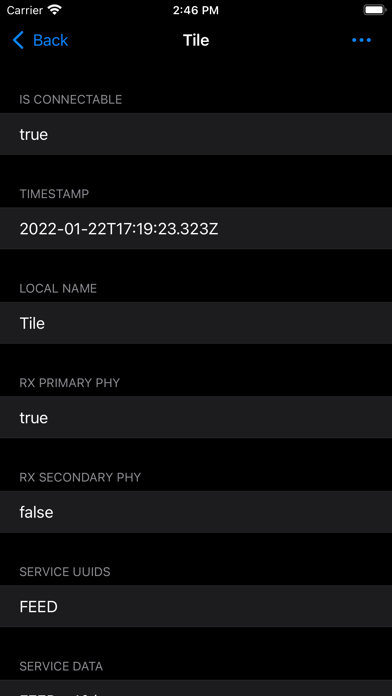
Simple and easy to use bluetooth detector.

Available In-App Purchases

Buy Me Coffee!

$2.99

Download Blue Sniff

Scan to Get the App! QR code for Blue Sniff

Using Blue Sniff on PC or Mac

Blue Sniff - Bluetooth Scanner can be played on Windows and macOS using Android emulators such as BlueStacks. Download an APK version and follow our BlueStacks installation guide to get started. For help with downloading or installing APK files, visit our forums.

User Reviews and Ratings

★★☆☆☆ I’m not sure why this is useful
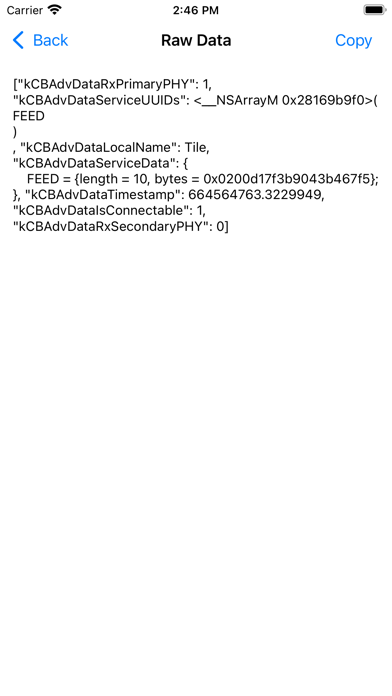
I don’t get to see the UUID, just “Unknown” and that’s not very helpful. At least hex dump the attributes and let me figure out what it means. I don’t know what this app is useful for. It might be an unfinished school project. There is so much that still needs to be implemented.
★★★★☆ Honest app
It’s everything app developers of this app explain it to be 100%
★★★★★ Great tool for the security minded
Simple to use and quick info returns watch as b-signals get closer and further
★★★☆☆ Good
No problems so far 😁
★★★★★ Interesting
This app works well, I have found several bluetooth devices in my work space I was previously unaware of!
Read all reviews

Similar Utilities Apps

PlayerXtreme Video Player screenshot
PlayerXtreme Video Player
Fraktur Input screenshot
Fraktur Input
Web Cleaner - Select and delete ads on Browser screenshot
Web Cleaner - Select and delete ads on Browser
Solid File Explorer File Manager screenshot
Solid File Explorer File Manager