Blur - Create Custom Wallpapers is a photo & video app developed by Enormous. Available as a free download, it was updated to v2.20 on August 09, 2017, and currently holds a 4.48 out of 5 rating based on 31 reviews. Before downloading, make sure your device has at least 3 MB of free space and runs Android 6+ or iOS 7.0+.
Video: Blur Overview
Description
**** The original "Blur" app | Top 100 *****
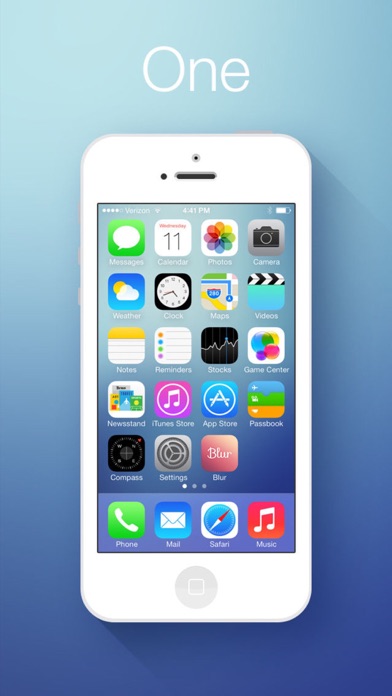
Blur transforms ordinary pictures into stunning backgrounds.
Blur - Create Custom Wallpapers may be playable on Windows and macOS using Android emulators such as BlueStacks. Follow our BlueStacks installation guide to get started. Looking for Blur APK? Visit our forums for help finding authorized downloads, installing APK files, and troubleshooting installation issues.
User Reviews and Ratings
★★☆☆☆need 64bit app
please update 64bit version
★★☆☆☆Great app, but needs to be updated!
This is a great app, does the job well and simply, but it needs to be updated for future iOS releases. iOS 10.3 calls this app out for lacking 64-bit support and once the next version of iOS comes out this app will be dropped. Haven't yet found an app that just gives me a simple blur effect on my walls so I'm really hoping that Blur gets an update to continue on!
I'd offer 5 stars, but the clock is running out on support here. It's time to update or get left behind. I, for one, am uninstalling
★★☆☆☆Won't work with iOS 11
App is nice, but won't be working at all soon.
★★★★★The perfect app for iOS wallpaper
First off, big props to the developer for updating the app for iOS 11, I've been using this app for years as a very simple, no bells and whistles way to blur a photo to use as a home screen wallpaper. It's absolutely one of my must-have apps on iOS, so thanks again for that!
Why is it a must-have for me? The simplicity: the app is just a slider for adjusting the blur amount on top of the fullscreen preview of your blurred photo. That's it. Every other blur app has dozens of extra options and a
★★★☆☆Landscape?
Its a nice app but why can’t we use the app in landscape and add photos that are not in portrait mode?