Bmove
Published by PAYDO SERVICES d.o.o. on Dec 05, 2017
Genre: Travel
Ratings: 4.29
Version: 4.7.2
Updated: Sep 30, 2024
Downloads: 918
Bmove is a travel app developed by Bmove doo. Available as a free download, it was updated to v4.70 on September 30, 2024, and currently holds a 4.29 out of 5 rating based on 124 reviews. Before downloading, make sure your device has at least 76 MB of free space and runs Android 12+ or iOS 13.0+.
Video: Bmove Overview
Description
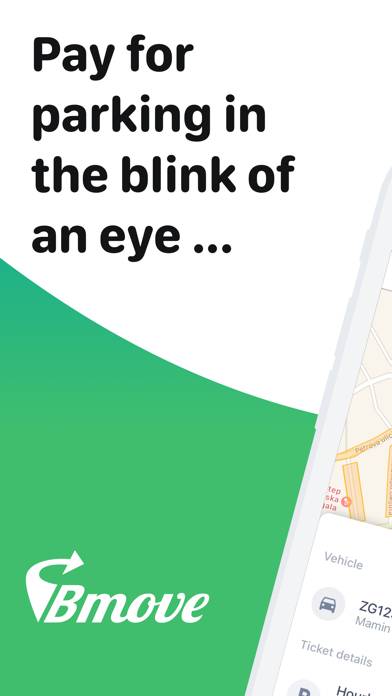
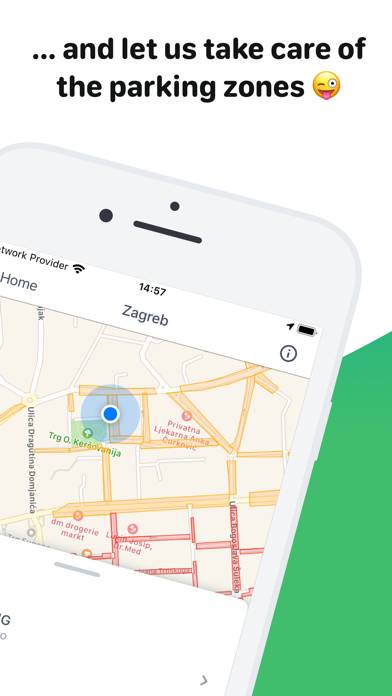
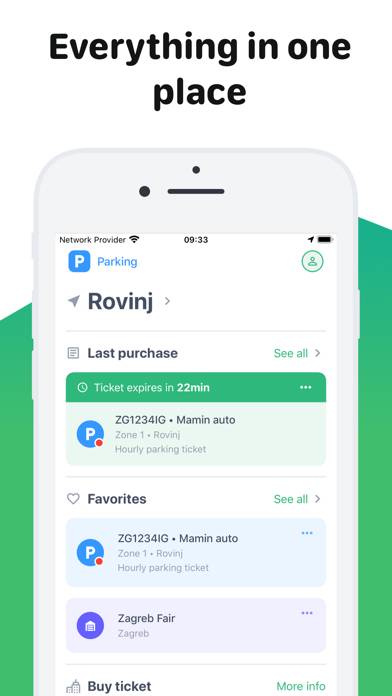
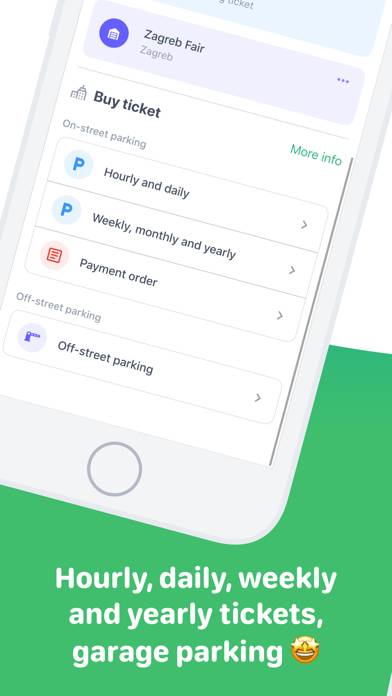
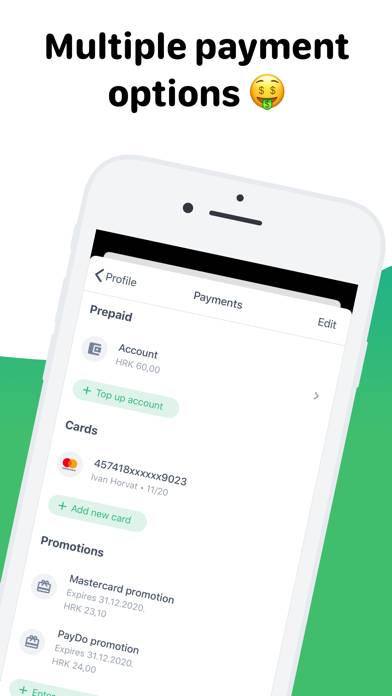
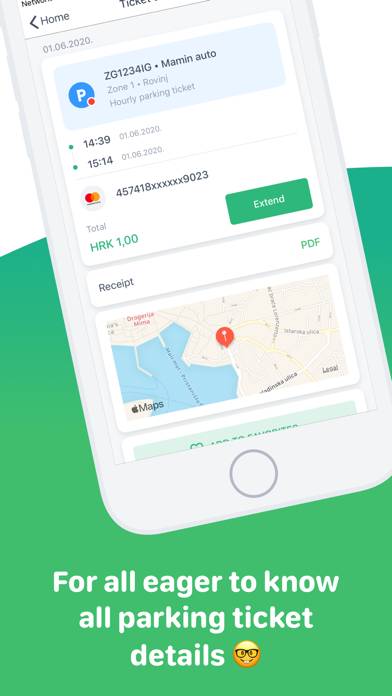
Bmove is your wallet for entering e-services, especially parking. Bmove is a free, fast and user-friendly application that allows you to pay for parking with no additional charges or costs of SMS.
Show more
Download Bmove
Scan to Get the App!

Using Bmove on PC or Mac
Bmove can be played on Windows and macOS using Android emulators such as BlueStacks. Download an APK version and follow our BlueStacks installation guide to get started. For help with downloading or installing APK files, visit our forums.
User Reviews and Ratings
★★☆☆☆ To get 3d authentication to work
(American)
1) I entered my city name WITHOUT THE STATE. 2) I left the country set to Croatia. 3) I used a visa debit card
I hope that helps. Like everyone, I wasted like an hour fiddling with this and begging strangers to change my bills into coins.
★★★★★ PayDo in Dubrovnik was so easy!
Figuring out parking in Dubrovnik was a chore, but Paydo app was super easy. Got the app, created a profile in a few minutes and paid for street parking parking electronically with my credit card. Did not need to figure out the foreign street parking kiosk or worry about cash or spare change.
★★★☆☆ App looks nice
The app itself looks nice and seems like it would be useful for parking for pay all over Croatia. I couldn’t ever actually pay, though, because no matter which card I used I kept getting a 3DS Authentication Error. I tried contacting the banks associated with three different credit cards and they just said they didn’t see an attempted charge, so they didn’t think it was getting denied on their end. It could just be that the authentication system doesn’t work with Amex, Apple Card, nor Chase Sapp
★★★☆☆ Not perfect but works
To get around authentication errors, some hints that worked for me (American).
1. For first name, if your card has an initial for your middle name add it to the First name. So if your name is John G Smith, enter John G in first name.
2. For country, just leave as it is which in my case was Croatia. Do not try to change it.
3. For city, put city and state like this example. Miami, FL
With those three changes, the authentication worked for me.
★★☆☆☆ Claims to save time, in truth it’s the opposite
Read all reviews
It looks nice, but no matter how much you try it won’t accept any of my American credit cards. Too bad it doesn’t just support Apple Pay, I literally spent 20 minutes entering all my info again and again. This was supposed to save me time but I can walk to a kiosk and get change faster that this crappy company can fix their broken app.