Braapp - communication system

Published by Oleg Shishkin on Mar 24, 2019
Braapp - communication system icon

Genre: Utilities

Ratings: 2.83

Version: 1.3

Updated: Jun 29, 2019

Downloads: 1,376

Braapp - communication system is a utility app developed by Oleg Shishkin. Available as a free download, it was updated to v1.30 on June 29, 2019, and currently holds a 2.83 out of 5 rating based on 6 reviews. Before downloading, make sure your device has at least 18 MB of free space and runs Android 9+ or iOS 10.0+.

Motorcycle intercom
Video: Braapp Overview

Description

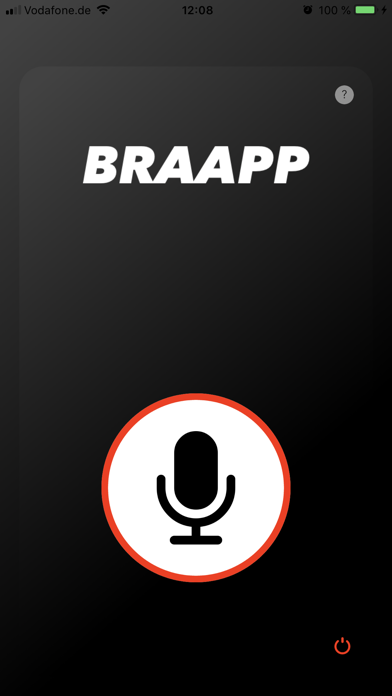
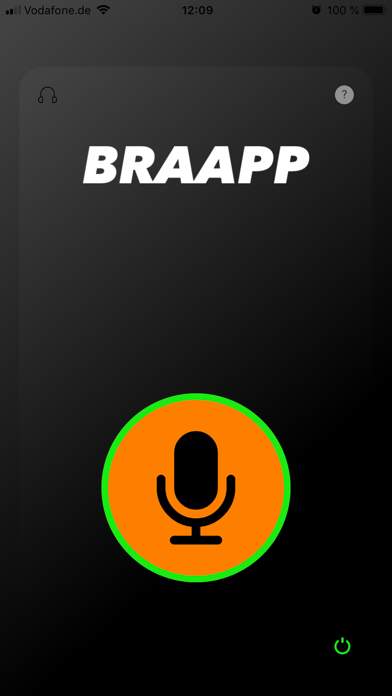
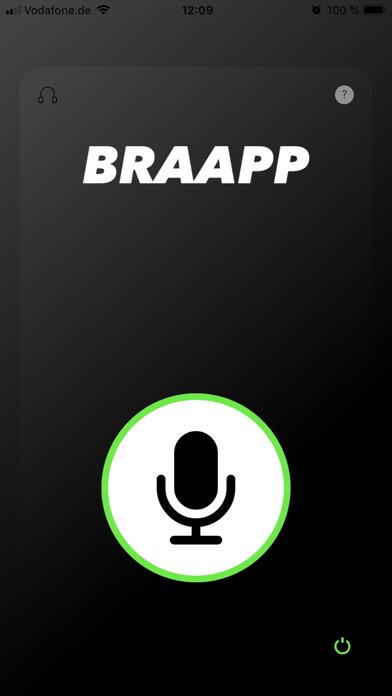
Braapp turns your phone into a full-duplex communication system. It was designed especially for motorcycle riders, for the situations when your hands are occupied. Application has the additional PTT mode support.
Show more

Download Braapp

Scan to Get the App! QR code for Braapp

Using Braapp on PC or Mac

Braapp - communication system may be playable on Windows and macOS using Android emulators such as BlueStacks. Follow our BlueStacks installation guide to get started. Looking for Braapp APK? Visit our forums for help finding authorized downloads, installing APK files, and troubleshooting installation issues.

User Reviews and Ratings

★★★★★ Works on Wi-Fi!
I'm using it to communciate between iPhones and a Mac Mini M1. Works great, well done!
★★★★★ Works great on Wi-Fi
I’ve only used it to do some communication between iPhones and a Mac Mini M1, all on a strong Wi-Fi connection. And it works great and easily!
★★★★☆ Clean and simple
Start app on both phones and you are up and running. Would be good to be able to adjust voice recognition level (my bike is loud)
★★☆☆☆ Good idea, doesn’t work
Great idea, the app is laid out nice. Just does t have enough range. It drops the connection at 15-20 ft. Even when we tried to ride close at speeds around 30-40, would not stay connected. Would love to find out if I can get my $1 back ~
Read all reviews

Similar Utilities Apps

Aerlink screenshot
Aerlink
Unicode Pad Pro with keyboards screenshot
Unicode Pad Pro with keyboards
Farm Tools screenshot
Farm Tools
System Information screenshot
System Information
iPlayTo - Media Cast screenshot
iPlayTo - Media Cast
Copycan / Clipboard screenshot
Copycan / Clipboard