Breakout Finder is a sports app developed by RotoUnderworld LLC. Available for $4.99, it was updated to v1.10 on June 23, 2022, and currently holds a 3.93 out of 5 rating based on 136 reviews. Before downloading, make sure your device has at least 15 MB of free space and runs Android 10+ or iOS 11.0+.
The Dynasty Data That Matters
Video: Breakout Finder Overview
Description
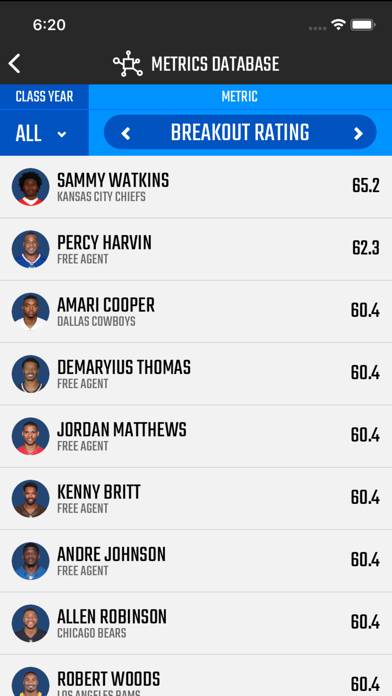
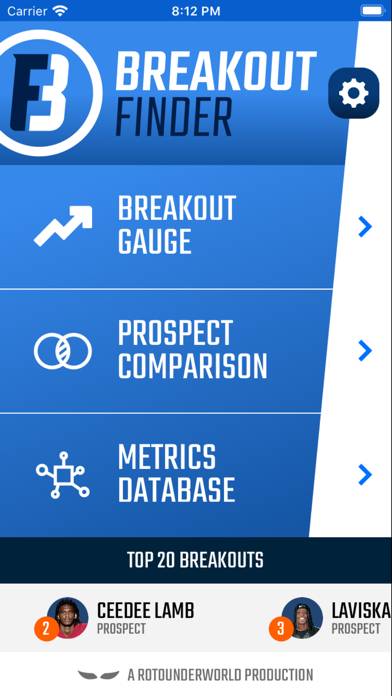
NFL analytics that actually work. The Breakout Finder puts the power of PlayerProfiler’s predictive analytics in the palm of your hand.
Breakout Finder can be played on Windows and macOS using Android emulators such as BlueStacks. Download an APK version and follow our BlueStacks installation guide to get started. For help with downloading or installing APK files, visit our forums.
User Reviews and Ratings
★★☆☆☆I don’t understand it
Why do I want the breakout ratings for all the players that aren’t rookies? They are already in the NFL and have stats. Who cares about their college stuff?
Wish I didn’t buy this lol
★★★★★Dynasty Assistant
Anyone playing Dynasty Football leagues has wondered whether they’re making a good deal when making trades or when drafting rookies. This is the tool to use that helps you make those assessments. Get it. You won’t be sorry.
★★★★★Best FF App
Other prospect metrics are piss
★★★★★UX/UI is Great
After listening to your podcast, I decided to show support and invest in the app. I find navigating the app is very user friendly and the data information is useful in researching new rookies, compared to past prospects. I have the 1.02 in my rookie draft this year and am looking forward to applying what data I have access to in the Breakout Finder to make a better informed decision on my pick.
★★★☆☆5 stars for the data. 1 star for the app
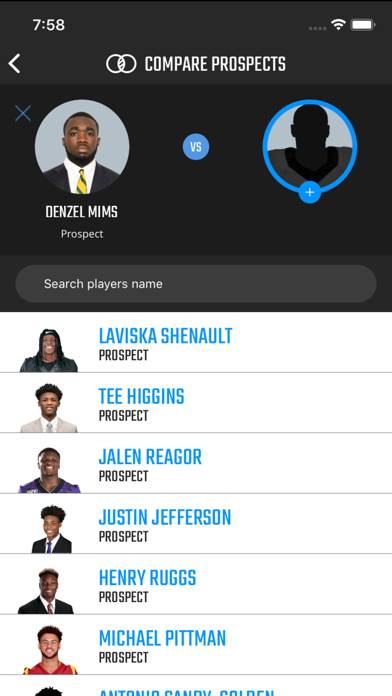
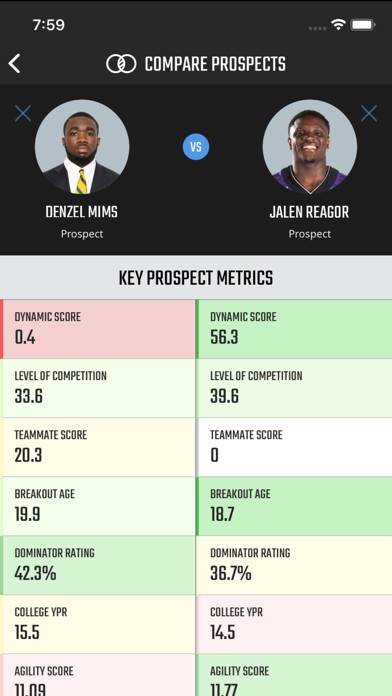
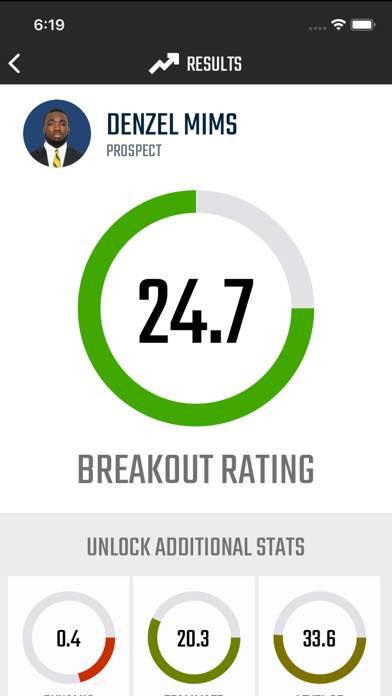
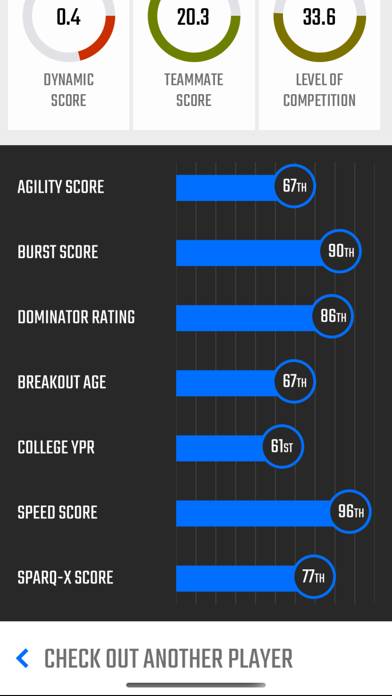
The advanced metrics and data that goes into providing the scores is cutting edge but the way the app is formatted leave much to be desired. There’s a lot of redundancies that seem to provide the same information. The three tools provided on the app are “Breakout Gauge,” “Prospect Comparison,” and “Metrics Database.” Each tool functions as a way to give the same information just in a different view. I find myself only looking at the metrics database.