CamCarDer is a navigation app developed by OXiGENATOR LLC. Available for $14.99, it was updated to v4.10 on May 07, 2024, and currently holds a 4.08 out of 5 rating based on 78 reviews. Before downloading, make sure your device has at least 9 MB of free space and runs Android 13.4+ or iOS 14.4+.
GPS car dash camera reсorder
Video: CamCarDer Overview
Description
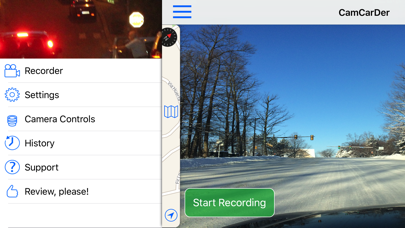
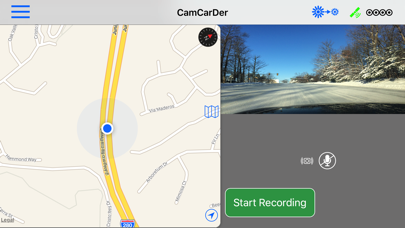
CamCarDer (reads "Cam-Car-Der") is all you need to capture video during your car trips. Just mount your iPhone to a dash with main camera facing forward and start recording of what happens during your trips.
CamCarDer may be playable on Windows and macOS using Android emulators such as BlueStacks. Follow our BlueStacks installation guide to get started. Looking for CamCarDer APK? Visit our forums for help finding authorized downloads, installing APK files, and troubleshooting installation issues.
User Reviews and Ratings
★★★★☆Update is awesome, but still some issues
By far the best dash cam app I’ve found, but some minor issues make use a little awkward.
Pros:
1. Can customize how many clips to save/recycle
2. Fantastic customizable video quality
3. Can simultaneously record with front and back camera
4. Interface is simple to use
5. Exporting large clips is super fast
Cons:
1. Can not listen to music while mic is recording
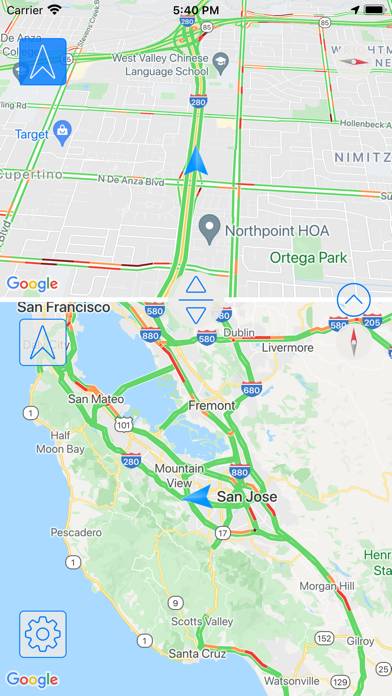
2. No way to close navigation which takes up half of the screen
★★★☆☆Sin Mapa
La aplicación no muestra ningún mapa y cuando uno activa Waze la grabación se detiene. La brújula es demasiado grande y no es necesario ese tamaño. iPhone 7
★★★☆☆First Impression
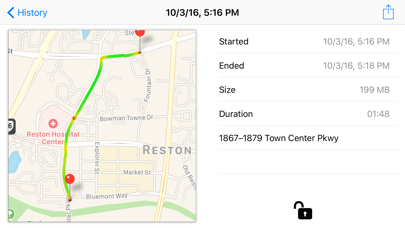
Like what I see. Would like to be able to delete history at history view. Also would prefer if the map would reflect the map application I’m running at the same time as this app. I need an app that runs gps map directions with voice AND is a dash cam at the same time.
★★★☆☆Needs work
First of all this app has a lot of potential and could be one of the best dash cams if a few bugs are worked out.
Good
1. Interface is decent once you familiarize yourself with the app
2. Overwriting old files is customizable
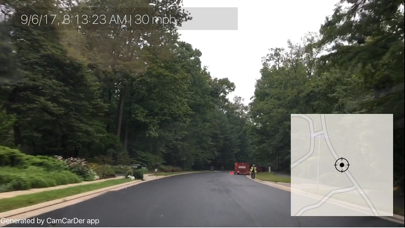
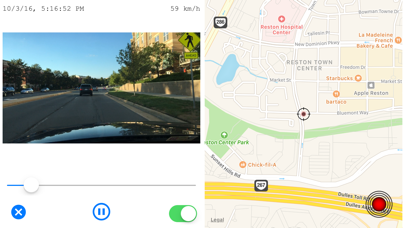
3. Video with GPS and map overlay is handy
4. Exporting video
Bad
1. Audio recording does not work
2. In app settings do not always save
3. Speed limit sign detector seldom works correctly
★★☆☆☆Can’t turn phone in opposite positions.
Please write the code so that we can flip the camera upside down and view the video in an upright position.