Cellular Info
Published by Csaba Iranyi on Jan 29, 2015
Genre: Utilities
Ratings: 1.00
Version: 1.18
Updated: Sep 30, 2021
Downloads: 626
Cellular Info is a utility app developed by Csaba Iranyi. Available for $3.99, it was updated to v1.18 on September 30, 2021, and currently holds a 1 out of 5 rating based on 1 reviews. Before downloading, make sure your device has at least 5 MB of free space and runs Android 12+ or iOS 13.0+.
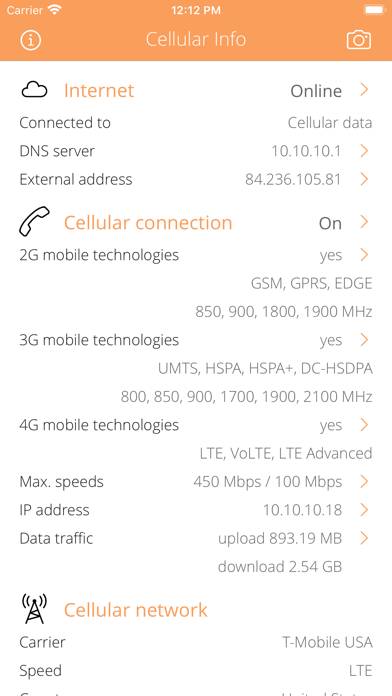
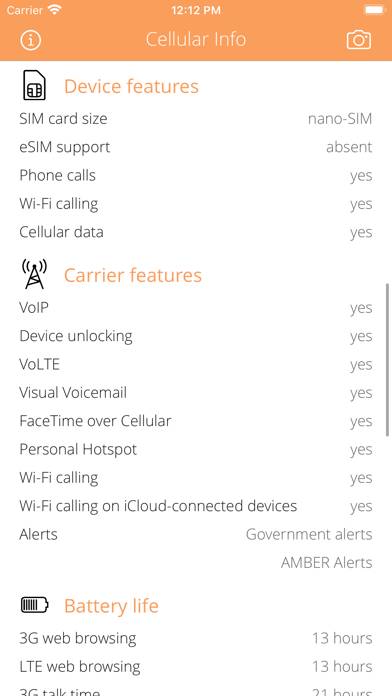
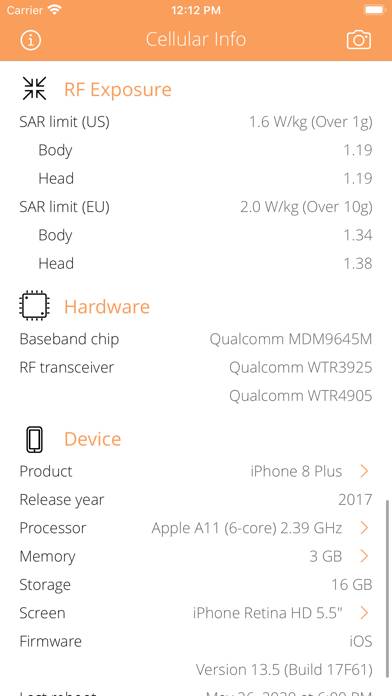
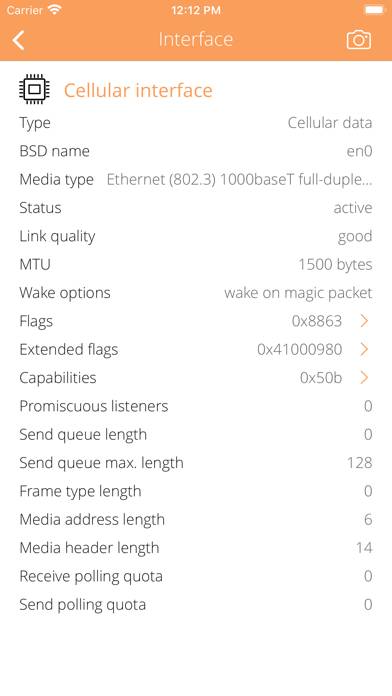
Video: Cellular Info Overview
Description
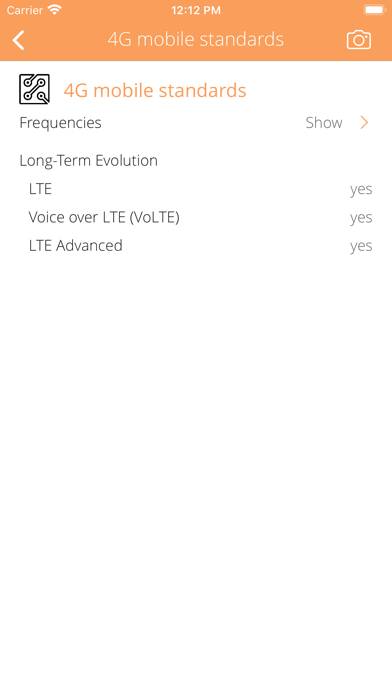
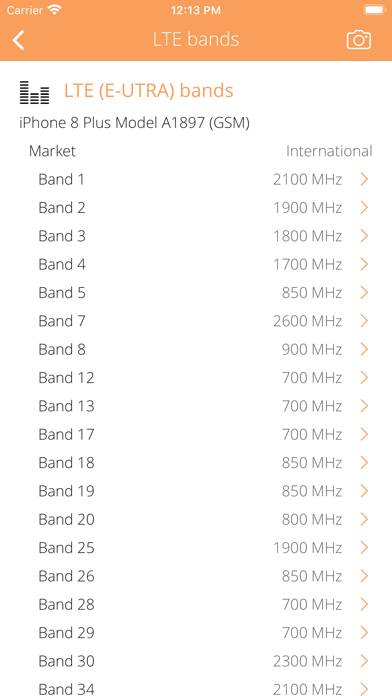
Everything you want to know about your CELLULAR CONNECTION but were afraid to ask. Cellular Info is a small and useful utility that lets you see detailed information about current Cellular connection from carrier information to cellular features and more.
Show more
Download Cellular Info
Scan to Get the App!

Using Cellular Info on PC or Mac
Cellular Info can be played on Windows and macOS using Android emulators such as BlueStacks. Download an APK version and follow our BlueStacks installation guide to get started. For help with downloading or installing APK files, visit our forums.
User Reviews and Ratings
★★★★☆ Developer Heads Up
To the developers:
While Cell Spy is a good program, it has an issue with crashing on iPhone 5S models.
I can see this program has great potential; but please, please, please fix the crashing.
Edit: Here's a little further info that might help the devs - the program crashed when checking cellular info while connected to Wi-fi.
Edit 2: It seems the crash is intermittent. Hasn't happened for a while. Worth noting, though. Added a star.
★★★★★ Works well on 4S
Revised review. Works fine and faster too. Thx!
Now if app could also tell us if we're connected to a Stingray.
★★★★★ Does what it shoul
Working fine so far
★★★☆☆ Not what I thought it was
I gave 3 stars because the app isn't bad for what it does. However I was looking to see what band I was connecting to on my phone. This app doesn't do that.
★★☆☆☆ Not so accurate
Read all reviews
Through iPhone's test mode, I'm able to see the LTE band is 3, which indicates that the phone is connected to a LTE FDD network, while the app shows that it's a TD LTE network.