Chess for Kids - Play & Learn

Published by Chess.com, LLC on Apr 06, 2013

Chess for Kids - Play & Learn icon

Genre: Family

Ratings: 4.70

Version: 8.0.3

Updated: Sep 11, 2024

Downloads: 502

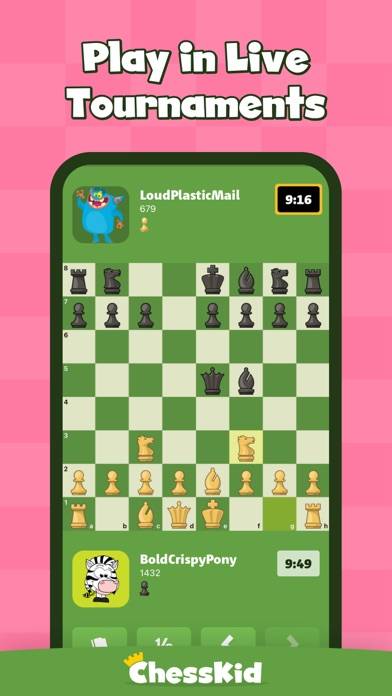
Chess for Kids - Play & Learn is a family board game developed by Chesscom. The last update, v8.00, released on September 11, 2024, and it’s rated 4.70 out of 5 based on the latest 70.5K reviews. Chess for Kids - Play & Learn is FREE and requires iOS 12.4+ and Android 11.4 or newer to download.

Fun educational board game

Chess for Kids Gameplay Overview

Description

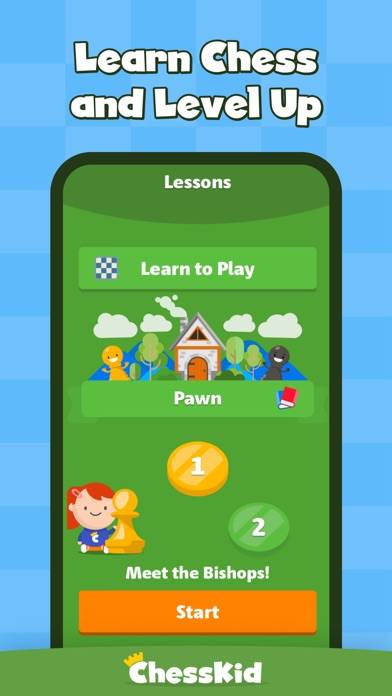
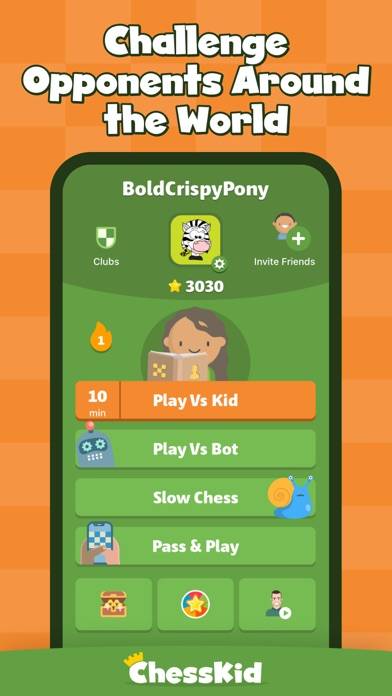
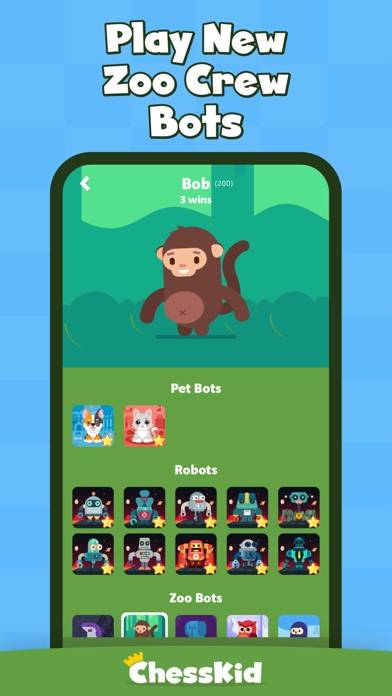
Learn to play chess with our beginner-friendly ChessKid app! Enjoy free chess games online and offline. Play with friends or challenge the chess bots and play chess against a computer!
Show more

Available In-App Purchases

1 Year

$49.99

3 Months

$19.99

6 Months

$27.99

Monthly

$9.99

Download Chess for Kids

Scan to Get the App!
QR code for Chess for Kids

How to Play Chess for Kids on PC or Mac

Want to enjoy Chess for Kids - Play & Learn on your desktop? Download the latest APK (8.00, 231 MB) or choose your preferred version, and follow our Bluestacks emulator guide for easy installation on Windows or macOS. For any assistance with downloading or installing APK files, feel free to visit our forums!


Version: 7.0.3
Version: 2.0.0

User Reviews and Ratings

★★★★★ Very good
It is very good because it gives practice and helps me.
★★★★★ Best game ever
I LOVE THIS GAME!
★★★★☆ Pretty good ig
I can’t add people to chat OR even chat at all \\\٩(๑`^´๑)۶////
★★★★☆ Great until a membership
I loved it it really helped me with me chess skills I stopped for like two months and when I came back everything was like upgraded to gold so I don’t use it as much anymore which is very disappointing.
★★★☆☆ 3 kids - 1 Avatar?
I have three kids. I signed up for the paid version. I can’t find any way in the app to set up different avatars for my different kids. They seem to have all play the same one and advancement can’t be separated by child. If there is a way to do this, it should be made clear in settings.
Read all reviews

Related Apps

Grandmas Dance Steps screenshot
Grandmas Dance Steps
Top #48 in Family Apps
Word Tower: Relaxing Word Game screenshot
Word Tower: Relaxing Word Game
Pop Beat: Star Hits & Music screenshot
Pop Beat: Star Hits & Music
Top #93 in Family Apps
Ludo Pro screenshot
Ludo Pro
Top #88 in Family Apps
HappyCats Pro - Game for cats screenshot
HappyCats Pro - Game for cats
Xmas AR screenshot
Xmas AR
Top #46 in Family Apps
Chess for Kids App Alternatives