Clock Widget
Published by Francis Bonnin on Feb 22, 2015
Genre: Utilities
Ratings: 3.72
Version: 6.1.1
Updated: Sep 11, 2024
Downloads: 460
Clock Widget is a utility app developed by Francis Bonnin. Available as a free download, it was updated to v6.10 on September 11, 2024, and currently holds a 3.72 out of 5 rating based on 32 reviews. Before downloading, make sure your device has at least 20 MB of free space and runs Android 11+ or iOS 12.0+.
On Home Screen & Today View
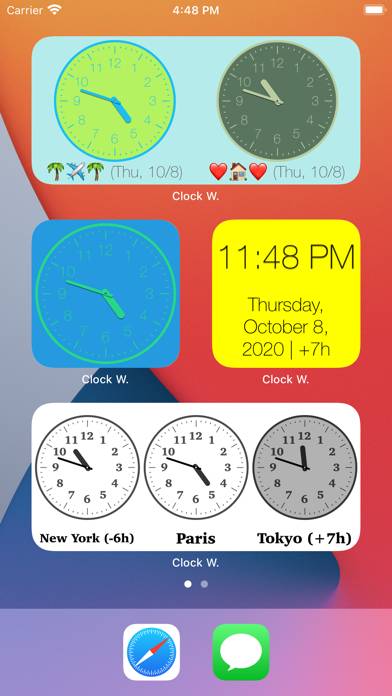
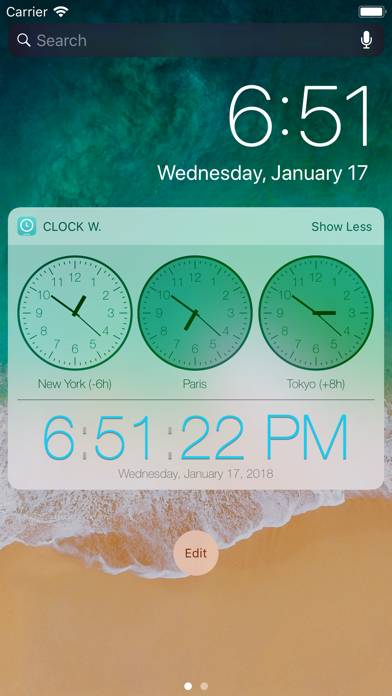
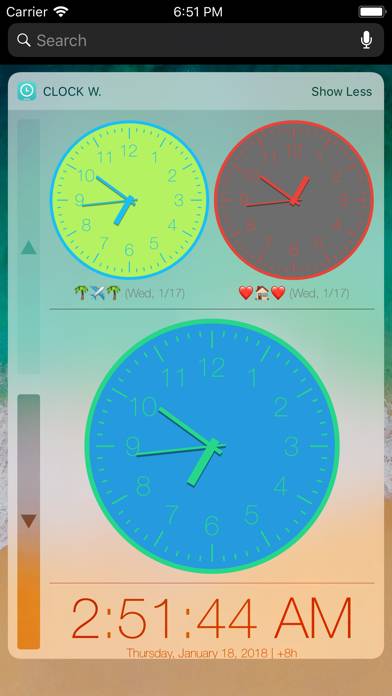
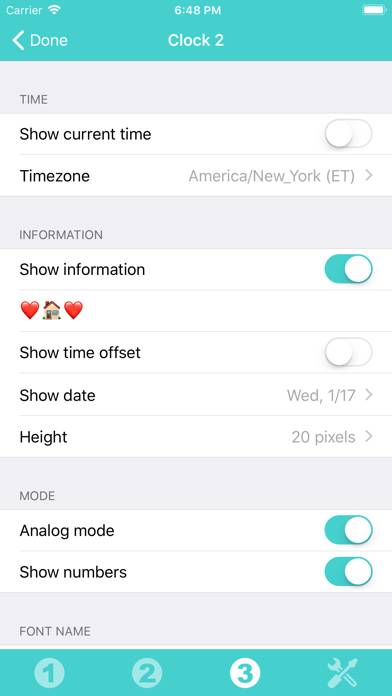
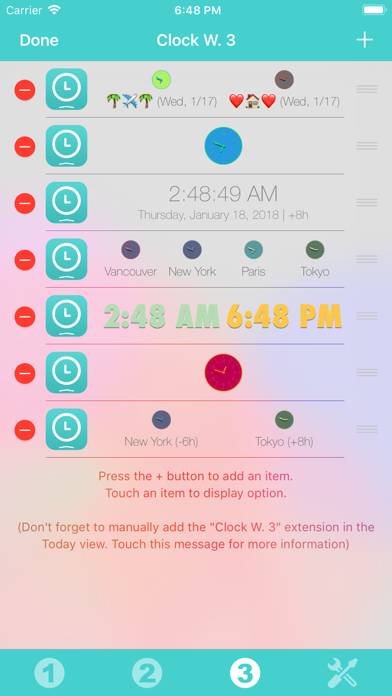
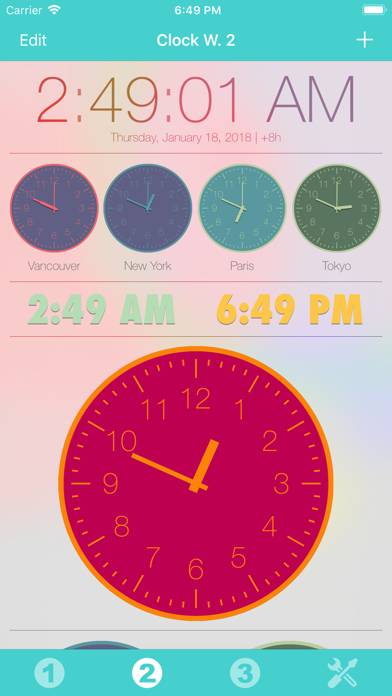
Video: Clock Widget Overview
Description
Thanks to this application (and the other Widget apps from PacoLabs), you can now customize the Home screen and the Today view of your device, by adding custom widgets for some specific purposes.
Show more
Download Clock Widget
Scan to Get the App!

Using Clock Widget on PC or Mac
Clock Widget can be played on Windows and macOS using Android emulators such as BlueStacks. Download an APK version and follow our BlueStacks installation guide to get started. For help with downloading or installing APK files, visit our forums.
User Reviews and Ratings
★★★☆☆ Not a widget!
I wanted a clock widget that is large enough to read without magnifier. This is a poorly designed app that must be open to see the click. When open, it looks like it has s in setup mode. There is no icon to finish and make it a widget that shows on the screen all of the time.
★★☆☆☆ Not working with iOS 14 widgets yet :(
Not working with iOS 14 widgets yet :(
★★★★★ Very nice
Very nice widget. Best app of it's kind.
★★★★★ Simple
I wanted a simple clock to put on notifications, something with big enough numbers that I wouldn't have to squint at night. Works great
★★★★★ Day and Date
Read all reviews
The Day and Date line does not show in Widget after this latest update. I hope this can be fixed. Now fixed