Clocky – Bedside Clock
Published by Boterham on May 16, 2014
Genre: Utilities
Ratings: 3.38
Version: 1.1.3
Updated: Apr 27, 2020
Downloads: 380
Clocky – Bedside Clock is a utility app developed by Boterham. Available for $1.99, it was updated to v1.10 on April 27, 2020, and currently holds a 3.38 out of 5 rating based on 8 reviews. Before downloading, make sure your device has at least 2 MB of free space and runs Android 12+ or iOS 13.0+.
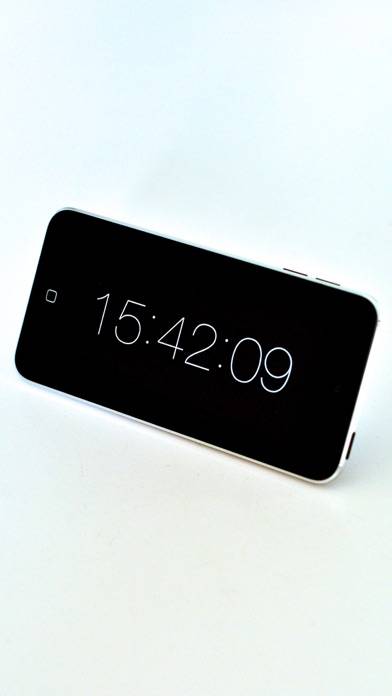
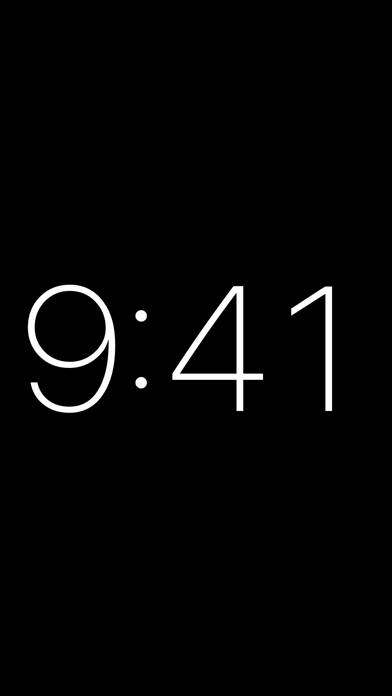
Fullscreen Alarm Clock
Video: Clocky – Bedside Clock Overview
Description
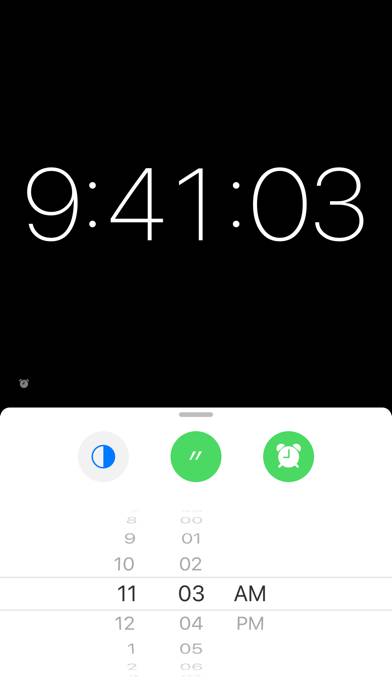
This is the simplest digital alarm clock one could imagine. Hipsters use it on their desks, white walls or vintage night stands. Tap or swipe to toggle settings and set an alarm, show seconds or invert colors.
Show more
Download Clocky – Bedside Clock
Scan to Get the App!

Using Clocky – Bedside Clock on PC or Mac
Clocky – Bedside Clock can be played on Windows and macOS using Android emulators such as BlueStacks. Download an APK version and follow our BlueStacks installation guide to get started. For help with downloading or installing APK files, visit our forums.
User Reviews and Ratings
★★★★☆ Good app
Works as advertised. My only gripe is that I wish I could adjust the brightness in the app. Not having to exit the app and do it in the settings would be nice. If that feature finds its way into the next update, it'll be a five star app.
★★★★☆ The Only Desk Clock App You Really Need
I've downloaded a number of desk clock apps with all kinds of customizations and features, but I always end up using this one. While it's about as minimal as you can get, it shows a very refined sense of design in how the few options and features work. The only slight criticism I have is that as long as there's an alarm built in, I think it needs a snooze button. Other than that, it's desk clock app perfection.
★★★★★ Apple TV Update Request
I love this app... I have 2 Apple TVs and have it on both and use it on them when they are not in use. The only issue is that they are burning into my TV screens.
Can we add a setting to allow the time to move/bounce around the screen to stop the burning into the screen?
★★☆☆☆ Not working properly on tvOS 14
Read all reviews
I’m using a 720p display. Since I updated tvOS, this app shows time like this “12:...”. Not always be like this though.