Color Splash is a photo & video app developed by Pocket Pixels. Available for $1.99, it was updated to v3.14 on September 20, 2024, and currently holds a 4.86 out of 5 rating based on 6.3K reviews. Before downloading, make sure your device has at least 38 MB of free space and runs Android 14.6+ or iOS 15.6+.
Selective color photo effect
Video: Color Splash Overview
Description
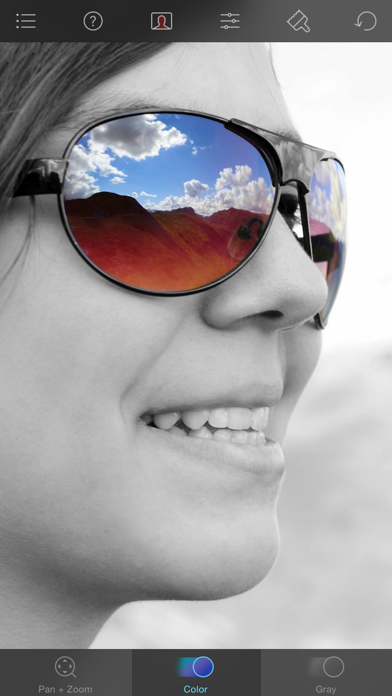
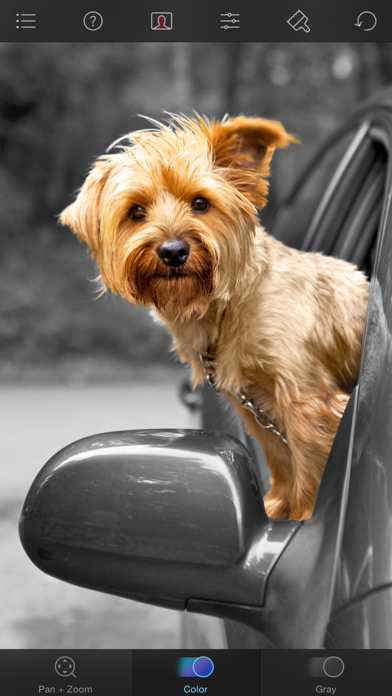
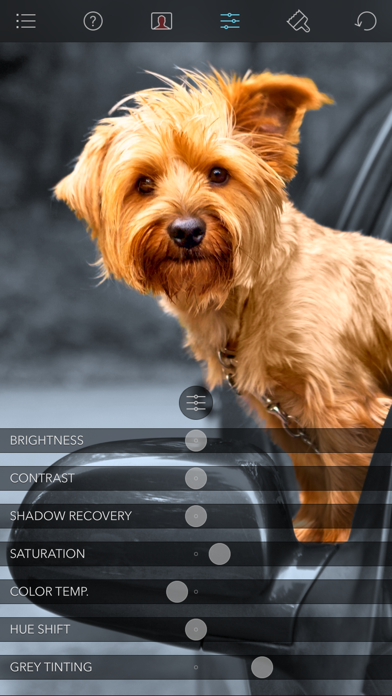
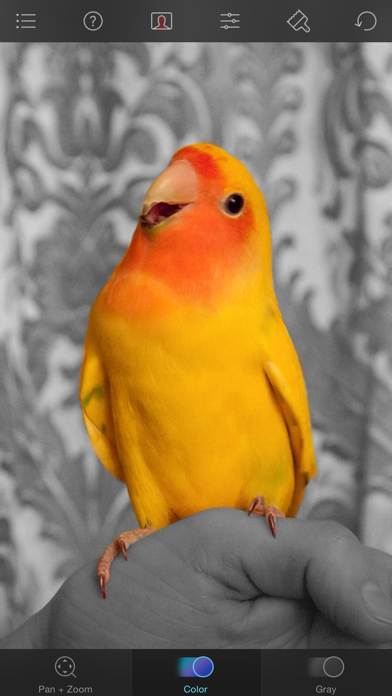
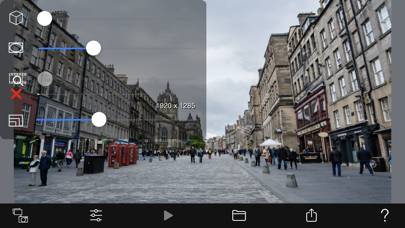
Color Splash lets you give photos a dramatic look by converting them to black and white, while keeping your chosen details in color.
Color Splash may be playable on Windows and macOS using Android emulators such as BlueStacks. Follow our BlueStacks installation guide to get started. Looking for Color Splash APK? Visit our forums for help finding authorized downloads, installing APK files, and troubleshooting installation issues.
User Reviews and Ratings
★★★★★One Thing Really Well
This app does one thing and it does it exceptionally well. The upfront nominal charge is well worth the price. The developers thought about the process required to achieve the end results. As such, the operations, tools, and visual aides provided work perfectly. It’s a pleasure to use.
★★★★★Terrific!
This is just about the best and easiest to use app of its type. So much fun!
★★★★★Creativity unlocked
This app works like a fidget spinner in some ways you can just take a photo and with the swipe of a finger completely isolate people or things or colors or moods or emotions in your photographs. Pension Zoom, two fingers to move. It’s so easy everyone should try this app at least once. You will find you use it all the time and when you add it with other apps, you can make some outstanding photographs.
★★★★☆2026 Optimisation
Expecting this app to be optimized to meet modern times at any moment now….
★★★★★Love this app!
This editing app has been on my phone for many years now. I love this app! Very easy to use