Published by State of Colorado Governor's Office of Information Technology on Oct 30, 2018
Genre: Navigation
Ratings: 4.34
Version: 1.6.1
Updated: May 07, 2024
Downloads: 891
Colorado Trail Explorer is a navigation app developed by State of Colorado Governors Office of Information Technology. Available as a free download, it was updated to v1.60 on May 07, 2024, and currently holds a 4.34 out of 5 rating based on 217 reviews. Before downloading, make sure your device has at least 135 MB of free space and runs Android 12.4+ or iOS 13.4+.
Colorado's Official Trail Map
Video: Colorado Trail Explorer Overview
Description
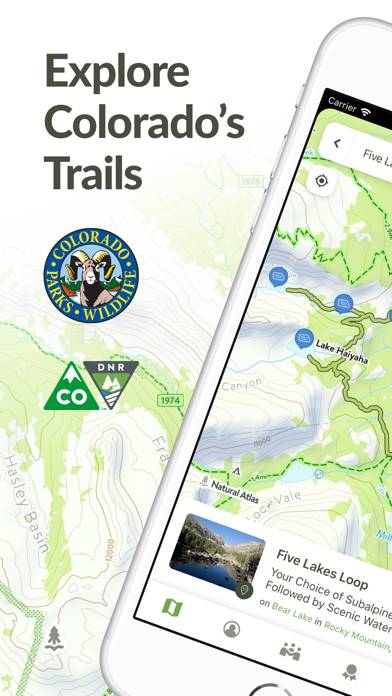
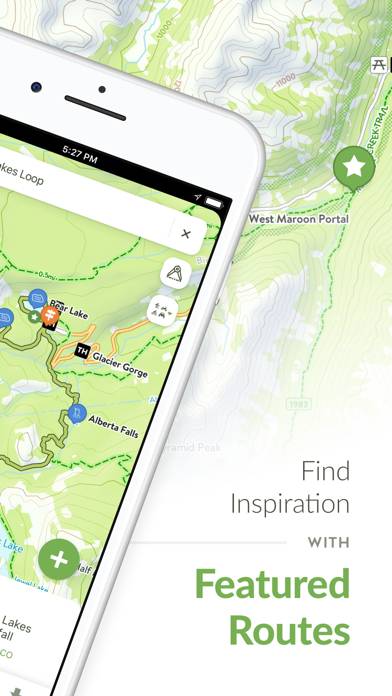
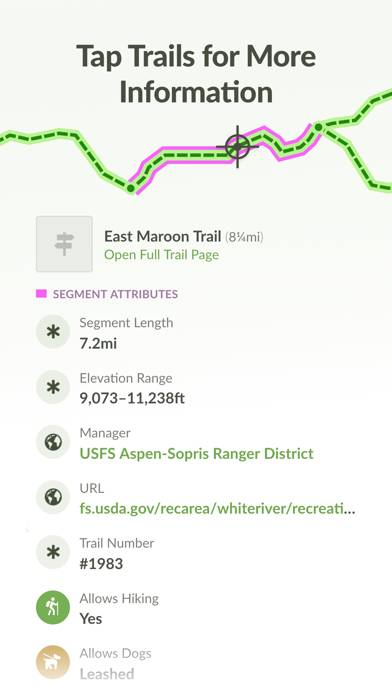
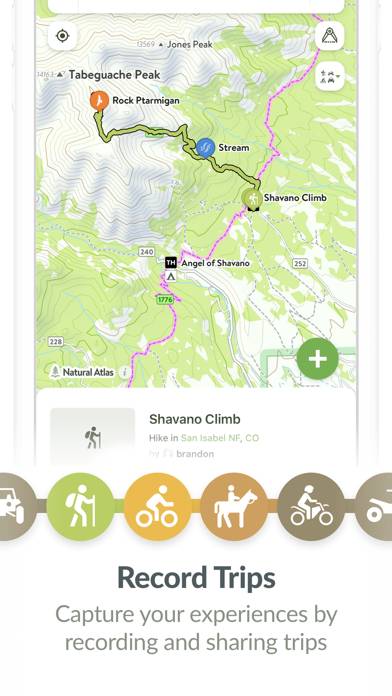
Discover and explore Colorado’s unique trail experiences with the Colorado Trail Explorer. Available for free, COTREX offers the most comprehensive trail map available for the state and is built atop data from over 230 trail managers.
Colorado Trail Explorer can be played on Windows and macOS using Android emulators such as BlueStacks. Download an APK version and follow our BlueStacks installation guide to get started. For help with downloading or installing APK files, visit our forums.
User Reviews and Ratings
★★★★☆Trip Trim function error message
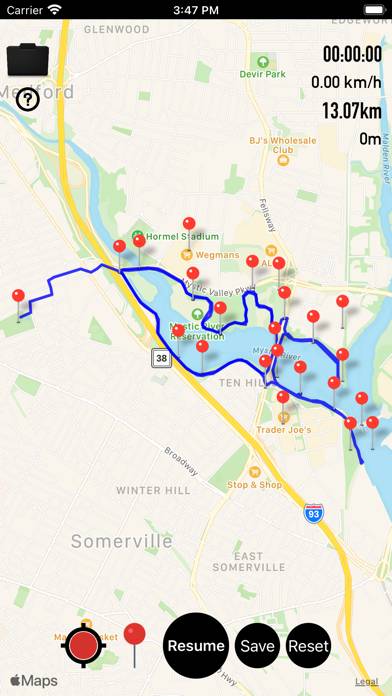
Love this app. If i try to trim my bike recording by first tapping Edit, then sliding the slider, then Save. Then I receive error message
“Error
TypeError: Undefined is not a function.
OK”
Thanks for your help
★★★★★Best app for exploring Colorado, some UX issues
Please please please reimplement one handed zooming. Literally every other map app under the sun lets you zoom with one hand/one finger. This causes such headache for me. I am perpetually trying to tap and slide to zoom (due to muscle memory since Apple Maps, AllTrails, Google Maps, Trails Off-road all working this way), but en up selecting random things and messing up my navigation.
★★★★☆Good trustworthy app but
Satellite layer is at least 4 years old. Needs updated.
★★★☆☆Needs one-handed zooming
Pinch-to-zoom is difficult without using two hands or setting the phone on a table or some other surface. Almost every other map app has a single-finger way to zoom in or out. For example, in Apple Maps, tapping twice, and without lifting your finger from the second tap, allows you to zoom in by dragging your finger up and zoom out by dragging your finger down.
Google Maps, GaiaGPS and AllTrails all have similar functionality. Would love to see it come to this app.
★★★★☆Compass heading is way to sensitive to pinch zoom
Title.
I often finding myself spinning my map in circles rather than zooming in out. Slightly annoying when I have the orientation how I want it and I pinch/pull my fingers in a slight enough way to rotate the map.