Cone Color Picker & Identifier

Published by Mystical Bits, LLC on Apr 04, 2017

Cone Color Picker & Identifier icon

Genre: Graphics & Design

Ratings: 4.42

Version: 2.8.0

Updated: Jun 23, 2024

Downloads: 952

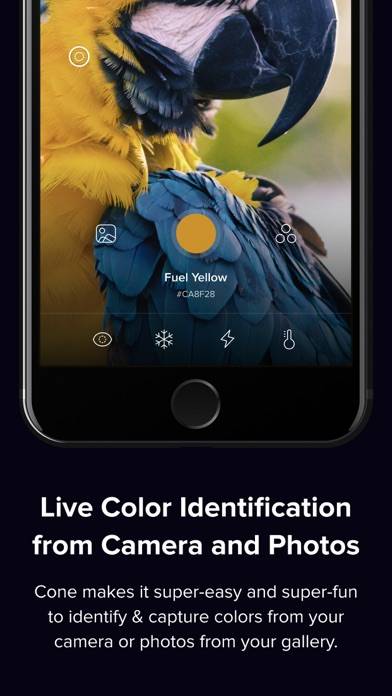
Cone Color Picker & Identifier is a graphics & design app developed by Mystical Bits LLC. Available as a free download, it was updated to v2.80 on June 23, 2024, and currently holds a 4.42 out of 5 rating based on 153 reviews. Before downloading, make sure your device has at least 56 MB of free space and runs Android 15+ or iOS 16.0+.

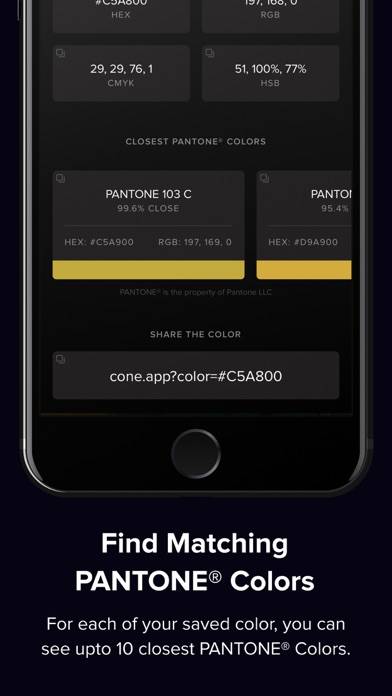
Pick and Match PANTONE Colors
Video: Cone Color Picker & Identifier Overview

Description

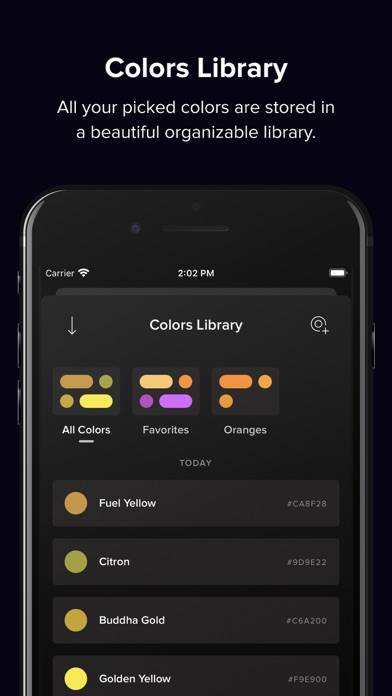
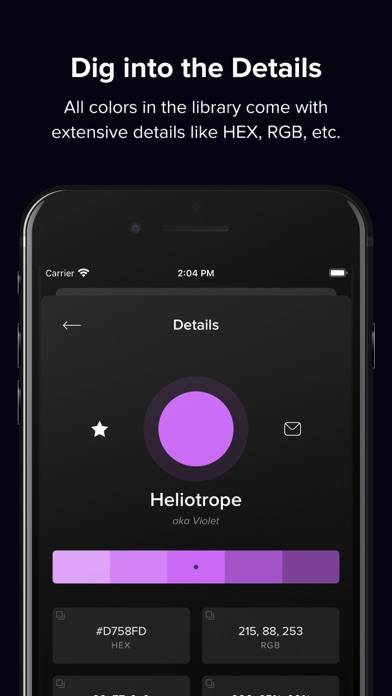
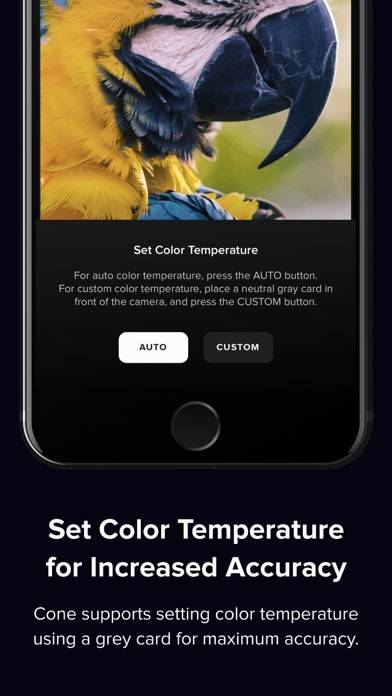
Cone: The Designer's Premium Color Tool Designed by a designer, for designers, Cone sets a new standard on the App Store.
Show more

Download Cone Color Picker & Identifier

Scan to Get the App! QR code for Cone Color Picker & Identifier

Using Cone Color Picker & Identifier on PC or Mac

Cone Color Picker & Identifier can be played on Windows and macOS using Android emulators such as BlueStacks. Download an APK version and follow our BlueStacks installation guide to get started. For help with downloading or installing APK files, visit our forums.

User Reviews and Ratings

★★★★☆ Purchased but unintuitive
Moving swatches from one bucket to another is not easy. Deleting is also not just a swipe. Still confused about buckets but colorblind mode is awesome!!
★★★★★ Great App
After briefly using this app, it is very simple to use while producing a vast array of combinations visually. It seems to be pre calibrated wonderfully accurate and is easy to use. Great product.
★★★★★ What you need to know
I’ve just recently got this app because i’m red green colorblind and this app comes in very handy when non-colorblind people ask about what colors I see. Very easy to use and fast working too!! Also can be VERY helpful for graphic design and art in general. Now I can finally stop asking other people what color things are!!
★★★★★ Amazing
I’m color blind and it’s so helpffull. It has a fancy name for the color but it also tells u just the basic color
★★★☆☆ Purchased but unintuitive
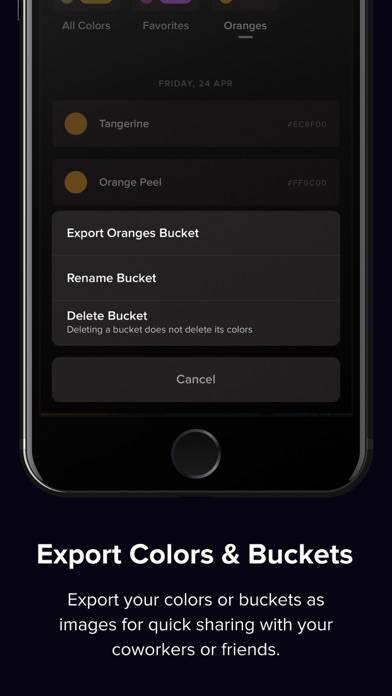
Moving swatches from one bucket to another is not easy. Deleting is also not just a swipe. 1. How do I set a bucket and have all samples land in that bucket? 2. How do I move a samples color from (apparently the default) All Colors to a specific bucket? Time to modernize gestures to match 2022 mobile software UX.
Read all reviews

Similar Graphics & Design Apps

PicsArt Color Malen screenshot
PicsArt Color Malen
Шрифты для инстаграм сторис screenshot
Шрифты для инстаграм сторис
Poetics screenshot
Poetics
Image AI - design ideas screenshot
Image AI - design ideas
NFT Up - AI Art screenshot
NFT Up - AI Art
Spirograph Drawing screenshot
Spirograph Drawing