Coordinates is a navigation app developed by Hunt Mountain Software. Available as a free download, it was updated to v3.14 on February 19, 2023, and currently holds a 3.25 out of 5 rating based on 4 reviews. Before downloading, make sure your device has at least 11 MB of free space and runs Android 13+ or iOS 14.0+.
Video: Coordinates Overview
Description
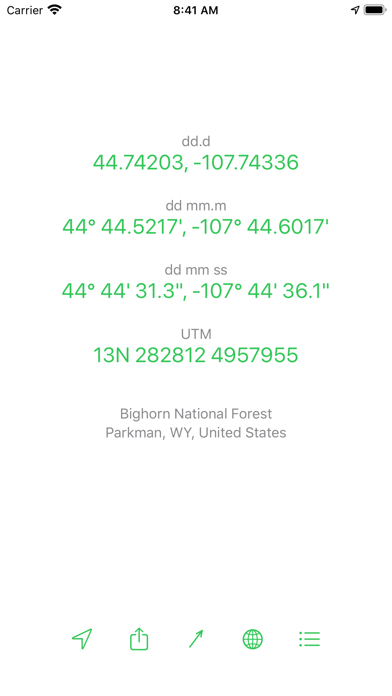
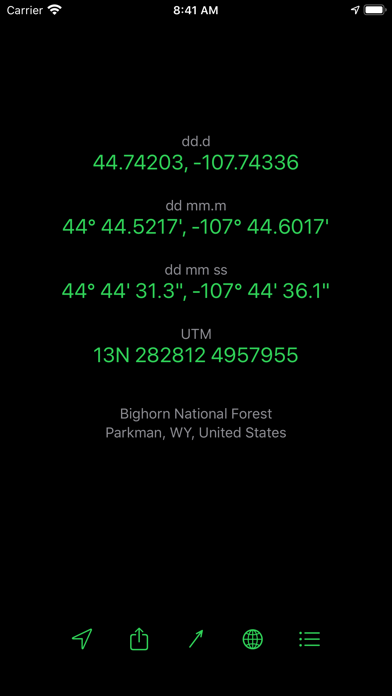
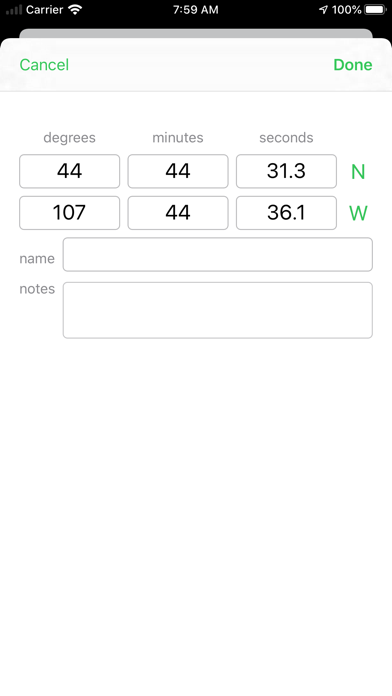
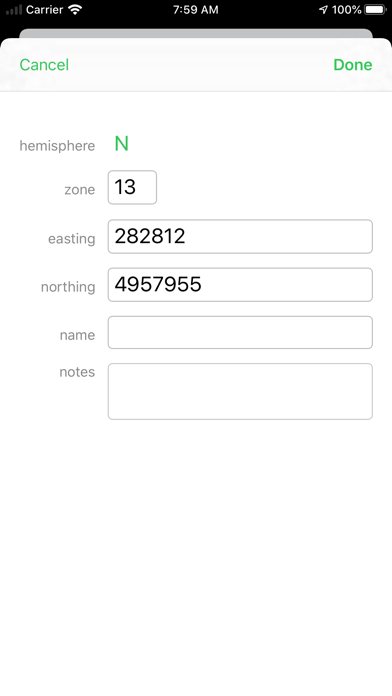
Coordinates makes it a snap to convert between the three formats for latitude and longitude: decimal degrees, degrees and decimal minutes, and degrees-minutes-seconds, as well as UTM coordinates.
Coordinates may be playable on Windows and macOS using Android emulators such as BlueStacks. Follow our BlueStacks installation guide to get started. Looking for Coordinates APK? Visit our forums for help finding authorized downloads, installing APK files, and troubleshooting installation issues.
User Reviews and Ratings
★★★★☆Researcher
Great app. Easy to use. Perfect for converting units when mapping or plotting. I really like the connectivity with GoogleMaps and GPS.
★★★★★Excellent Program
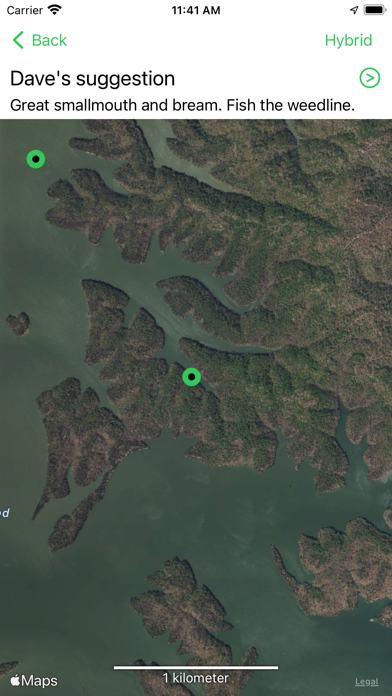
It made conversions a snap. I used the google earth app. to obtain the coordinates I needed by address then enter those provided into the Coordinates program to obtain the decimal equlivents I required. To verify the information provided I clicked on the "show on map" button and it was on the money or at least as close as the government will allow. Best .99 cents I ever spent, many thanks to the author.
★★★★★Great product!!!
It does what it says. And is easy to use with maps. Haven't had a problem with it and I use on a daily basis for work.
★★★★☆Works great
App works great. Little disappointed in new update. When it maps the coordinates you have entered there isn't a way to navigate from where your are to where you mapped the coordinates. To the folks below complaining about the app are you sure that you even know how to properly enter coordinates?
★★☆☆☆Why no long tap to copy?! 😱
Love the simple functionality of this app but can’t understand why the developer wouldn’t make the coordinates copyable. I need to convert them and then plug into another app — without copy, it’s pretty useless.