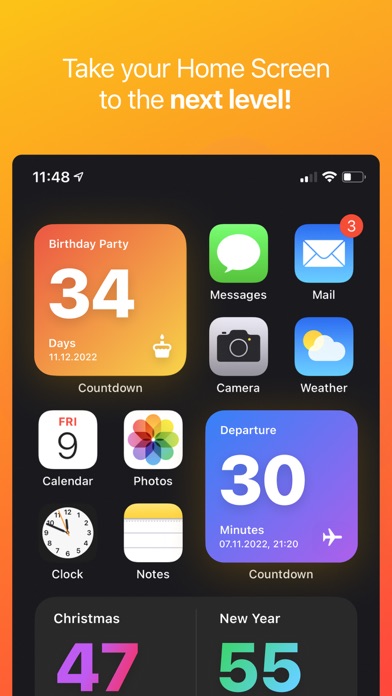
Countdown Widget & Counter

Published by Cranberry Apps GmbH & Co. KG on Oct 10, 2020
Countdown Widget & Counter icon

Genre: Utilities

Ratings: 4.69

Version: 2.3.2

Updated: Sep 25, 2024

Downloads: 726

Countdown Widget & Counter is a utility app developed by Cranberry Apps. Available as a free download, it was updated to v2.30 on September 25, 2024, and currently holds a 4.69 out of 5 rating based on 1.4K reviews. Before downloading, make sure your device has at least 170 MB of free space and runs Android 14+ or iOS 15.0+.

Timer, Vacation & Retirement
Description

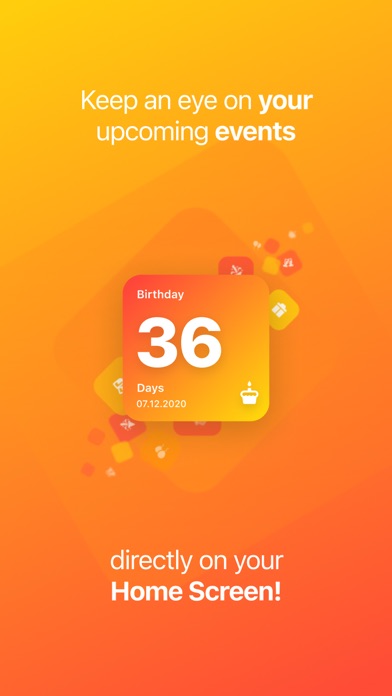
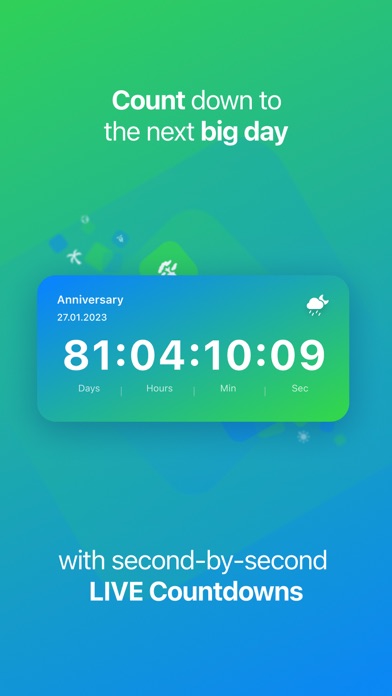
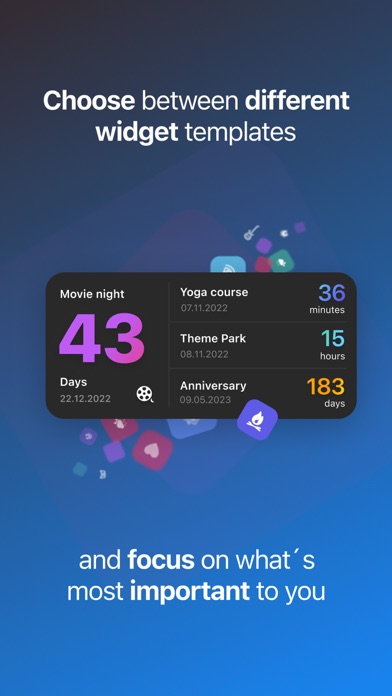
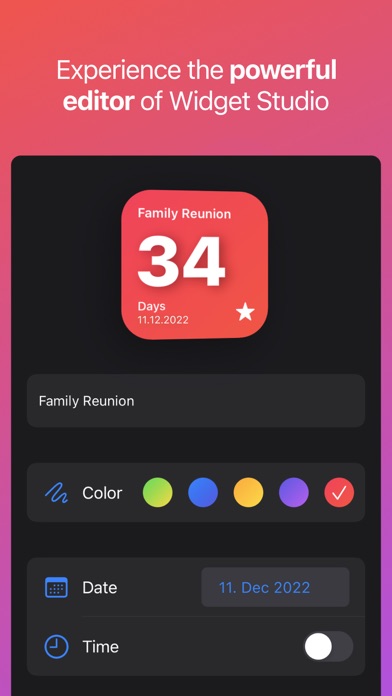
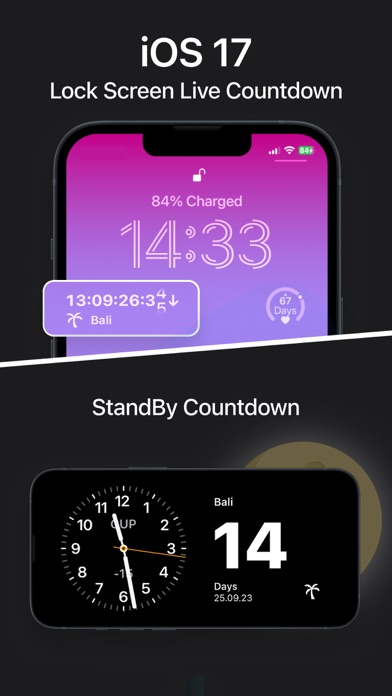
Keep an eye on your upcoming events - directly on your Home Screen! Create minimalistic widgets that countdown to the big day.
Show more

Available In-App Purchases

Widget Studio PRO

$1.99

Widget Studio Pro Lifetime

$14.99

Download Countdown Widget & Counter

Scan to Get the App! QR code for Countdown Widget & Counter

Using Countdown Widget & Counter on PC or Mac

Countdown Widget & Counter may be playable on Windows and macOS using Android emulators such as BlueStacks. Follow our BlueStacks installation guide to get started. Looking for Countdown Widget & Counter APK? Visit our forums for help finding authorized downloads, installing APK files, and troubleshooting installation issues.
User Reviews and Ratings

★★★★★ Professional
Results may vary
★★★★★ Does what it says it does
No complaints!
★★★☆☆ Missing Stuff
The icons for events are nonsensical and many major things are totally missing (there isn’t even a little running stick person but downhill skiing is there). So all your events will have random unrelated icons. Also, you can ONLY pick weeks or days for the countdown. There’s nothing that rolls from counting weeks to counting days when some threshold is passed like many many other apps. Otherwise it’s… fine.
★★★★★ Cool app
I love this app so much. I think it’s so fun between the different styles. I could choose from to the dates that I could choose from but the only problem that I have that is when I shut off my phone the counter disappears so then when I turned back on my phone, I have to go all the way through the app to turn the Countdown back on. It is a lot of work and a lot of time like sometimes I don’t have that time to do it, but that’s my only problem.
★★★★★ great app
it is amazing
Read all reviews

Similar Utilities Apps

Authenticator App . screenshot
Authenticator App .
SplitFlap screenshot
SplitFlap
KeyCard BBM screenshot
KeyCard BBM
Top #49 in Utilities Apps
Volvia screenshot
Volvia
Score Keeper - Keep Score screenshot
Score Keeper - Keep Score
Top #46 in Utilities Apps
Remotie: remote for Samsung TV screenshot
Remotie: remote for Samsung TV