CropSize: Batch Image Resizer

Published by Aliaksei Khutarshchykau on Nov 21, 2013

CropSize: Batch Image Resizer icon

Genre: Photo & Video

Ratings: 4.68

Version: 5.1.5

Updated: Sep 10, 2024

Downloads: 434

CropSize: Batch Image Resizer is a photo & video app developed by Aliaksei Khutarshchykau. The last update, v5.10, released on September 10, 2024, and it’s rated 4.68 out of 5 based on the latest 369 reviews. CropSize: Batch Image Resizer costs $4.99 and requires iOS 14.0+ and Android 13 or newer to download.

Batch Crop, Edit, Resize Image

Video: CropSize: Batch Image Resizer Overview

Description

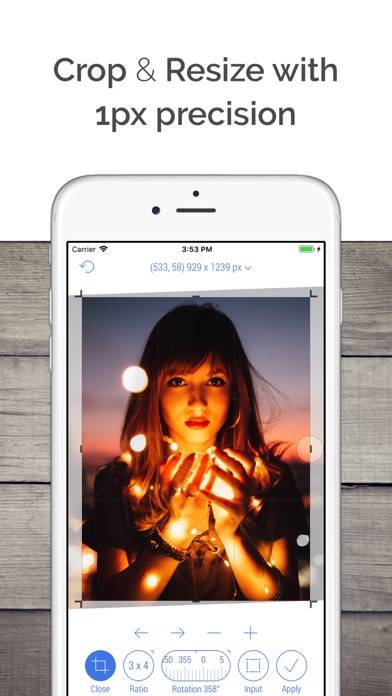
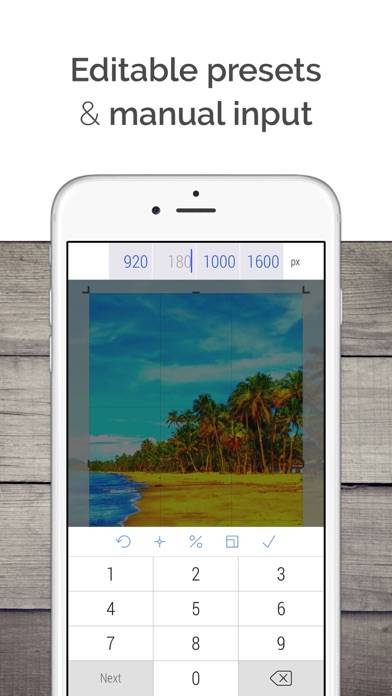
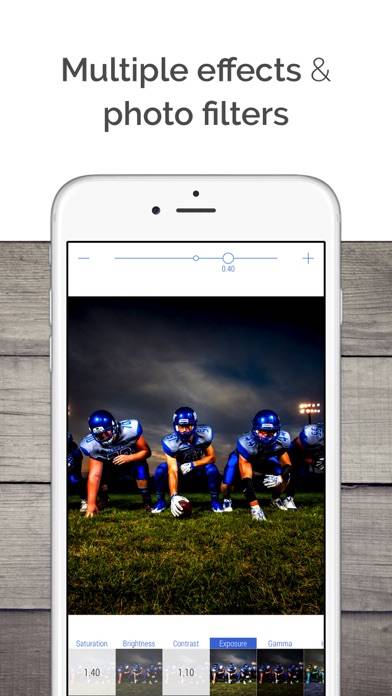
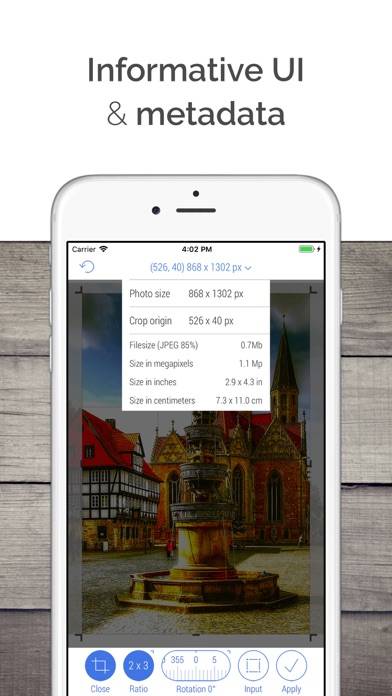
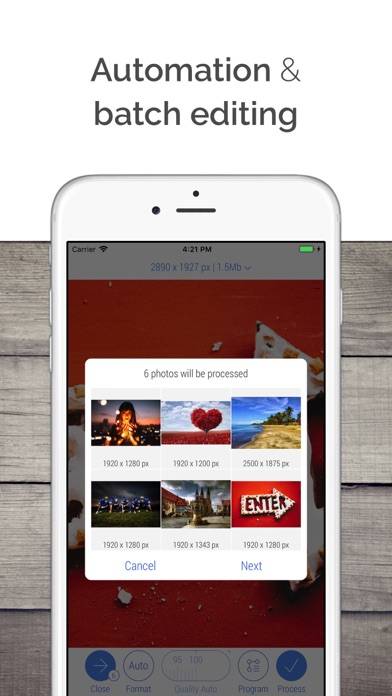
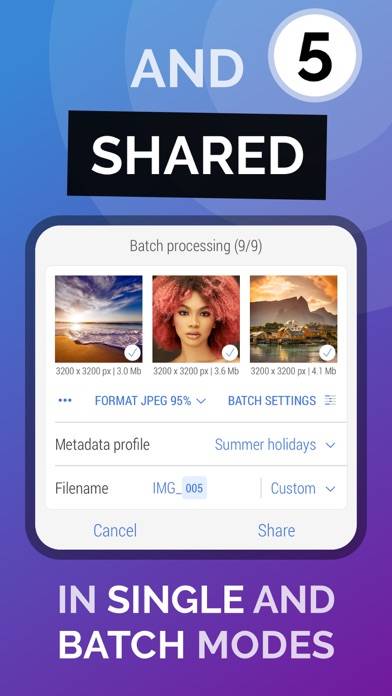
Edit, crop and resize photos for your photo library, socials, documents, web and more. Use JPEG, PNG, TIFF, HEIC formats. Automate routine tasks with batch processing and workflows.
Show more

Download CropSize: Batch Image Resizer

Scan to Get the App!
QR code for CropSize: Batch Image Resizer

How to Use CropSize: Batch Image Resizer on Your PC or Mac

Want to enjoy CropSize: Batch Image Resizer on your desktop? Download the latest APK (5.10, 10 MB) or choose your preferred version, and follow our Bluestacks emulator guide for easy installation on Windows or macOS. For any assistance with downloading or installing APK files, feel free to visit our forums!

User Reviews and Ratings

★★★★☆ Everything you need, but UI could be improved
Interface is not the best, but functionality is there. Added Dark Mode which is a huge plus.
★★★★★ Best Ever! Thank You! 🥰🙏🏻👏🏻
So easy so perfect so just everything! Thank you for coming into my life and solving my cropping multiple photos problem! 🤓🤓🤓 you guys rock! 🔥✊🏻
★★★★★ One word: AWESOME!
This app does everything the more expensive ones do. Perfect in every way.
★★★★★ WOW
is actually amazing!! so well done. thank you!
★★★★★ Need some additional features
The app is great and it is very close to what I've been looking for for years, especially the program ability. But you were a few suggestions. Don't use The mail app to contact support as many users do not use the Mail app. Open the default mail app instead. Don't crop photos in the load window into squares. The only way to know if you need to process a photo is to be able to see the entire photo. There doesn't seem to be a way to run a program when you have shared photos from the photo app.
Read all reviews

Related Apps

Liit - Vintage Photo Editor screenshot
Liit - Vintage Photo Editor
Instant Webcam screenshot
Instant Webcam
Viewfinder Preview screenshot
Viewfinder Preview
Slow Motion Video Fx Editor screenshot
Slow Motion Video Fx Editor
ATEMTally screenshot
ATEMTally
CropSize: Batch Image Resizer App Alternatives
opSize: Batch Image Resizer" class="btn btn-outline-secondary btn-block">CropSize: Batch Image Resizer App Alternatives