Cue It - Interval Timer
Published by Justin Hopkins on Mar 24, 2021
Genre: Utilities
Ratings: 4.58
Version: 1.7.2
Updated: Mar 21, 2024
Downloads: 316
Cue It - Interval Timer is a utility app developed by Justin Hopkins. Available for $2.99, it was updated to v1.70 on March 21, 2024, and currently holds a 4.58 out of 5 rating based on 12 reviews. Before downloading, make sure your device has at least 26 MB of free space and runs Android 14+ or iOS 15.0+.
Periodic Interval Timer
Video: Cue It Overview
Description
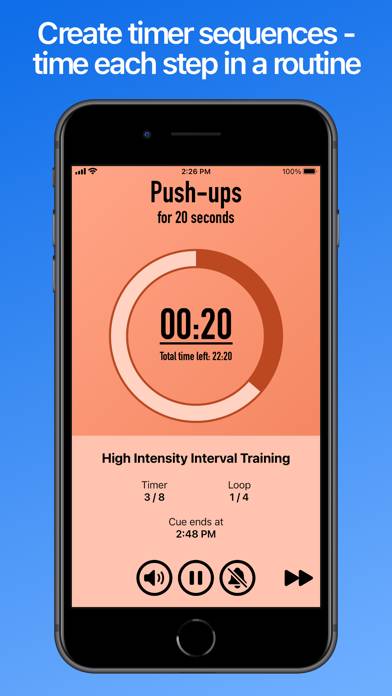
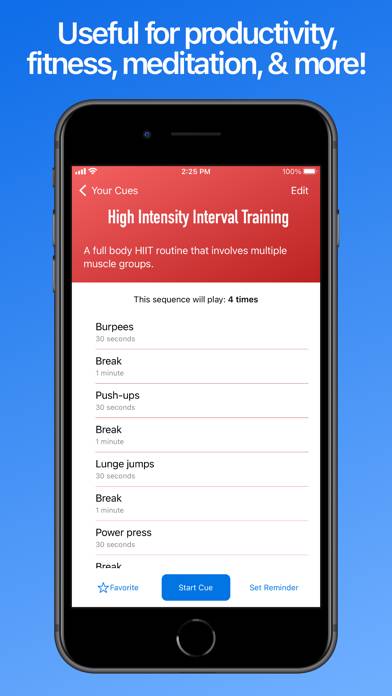
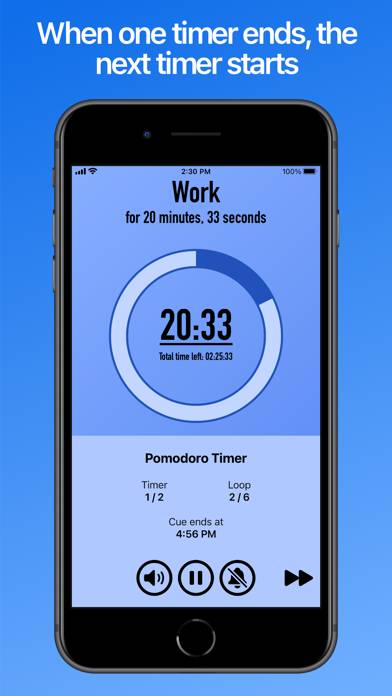
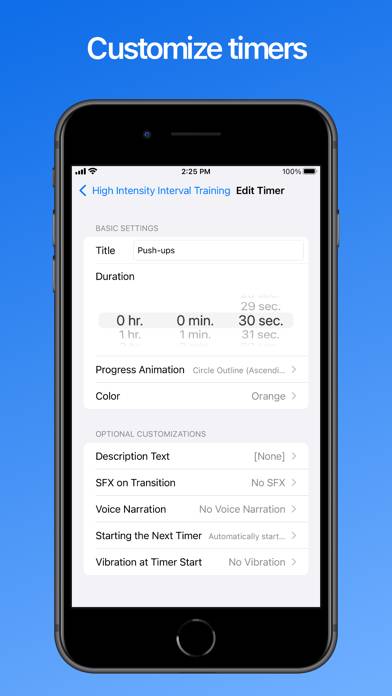
Stay on track with Cue It! Create lists of timers, called “Cues”, to stay on track for each step in a routine of yours. When one timer on your list ends, the next timer starts.
Show more
Download Cue It
Scan to Get the App!

Using Cue It on PC or Mac
Cue It - Interval Timer can be played on Windows and macOS using Android emulators such as BlueStacks. Download an APK version and follow our BlueStacks installation guide to get started. For help with downloading or installing APK files, visit our forums.
User Reviews and Ratings
★★★★★ Amazing
This app honestly does everything thank you so much
★★★★★ An Excellent App — Would Love A Watch App
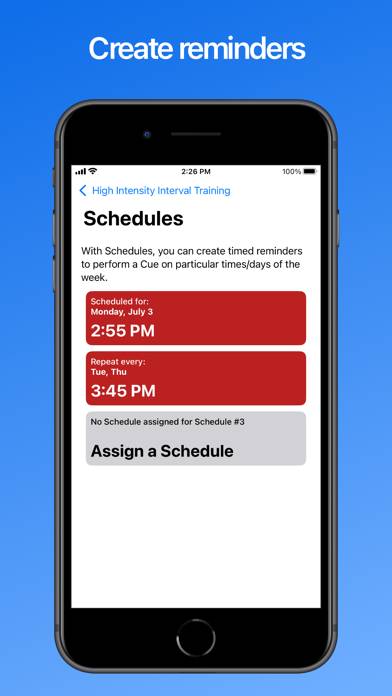
This app is everything I’m looking for in a routine/interval timer app. & its alarm/cue start reminder feature is truly one of a kind (I’ve looked for it in other interval timer apps & could not find one).
For now, I’m going to stick with a different interval timer app, solely because it has a fully functioning Watch app. I’m really trying to practice digital minimalism, so I need something that works without my phone.
That said, my preferences are not a fault of the app, hence the 5-star ra
★★★★★ Good for breathing techniques
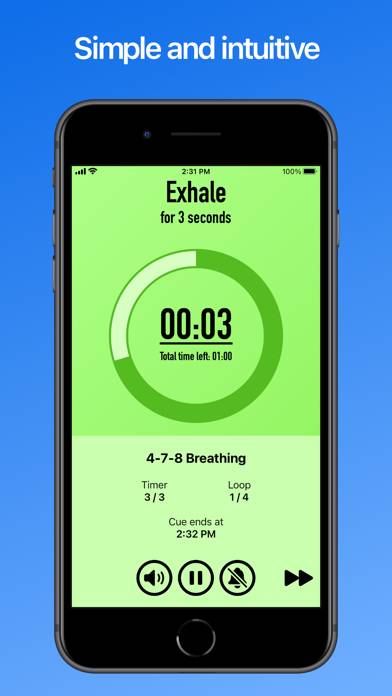
Thanks for the stock breathing timers
★★★★★ Great replacement for 30/30
Props to the creator, superior app, THANK YOU!! I spent many hours yesterday searching for a 30/30 replacement and this was suggested on Reddit. I have to batch/block to accomplish anything, but I wfh and my start hours vary, so blocking on a set schedule doesn't work for me. I've floundered since we lost 30/30. Its appears to do everything that 30/30 did, with a few extras. I feel ready for 2024. Well worth the money, PLEASE don't ever remove the app. 🙏
If it could be shared across devic
★★★★★ Nicely designed
Read all reviews
Thanks for the updates and for adding the features that I had requested.
This is a nicely designed app, with good features. There are options for the number of steps, settings (sounds, colors, animations, etc) for each step, and more. There is an explanation for each feature.