Dash View for Tesla Cars is a utility app developed by William Taylor. Available for $4.99, it was updated to v1.20 on January 03, 2022, and currently holds a 3.94 out of 5 rating based on 54 reviews. Before downloading, make sure your device has at least 53 MB of free space and runs Android 12.1+ or iOS 13.1+.
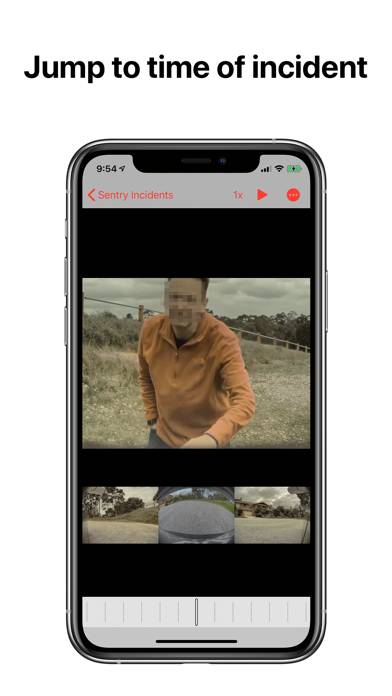
View Sentry Mode footage
Description
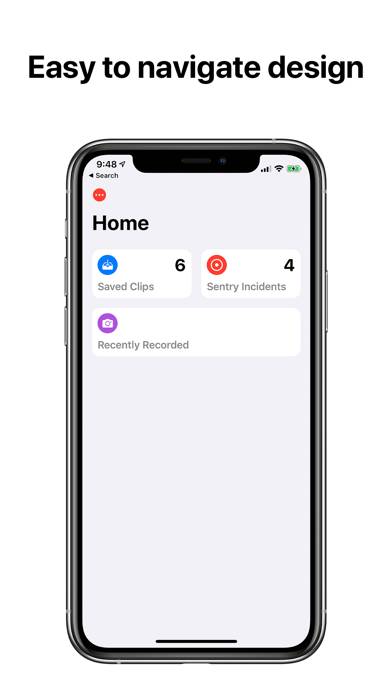
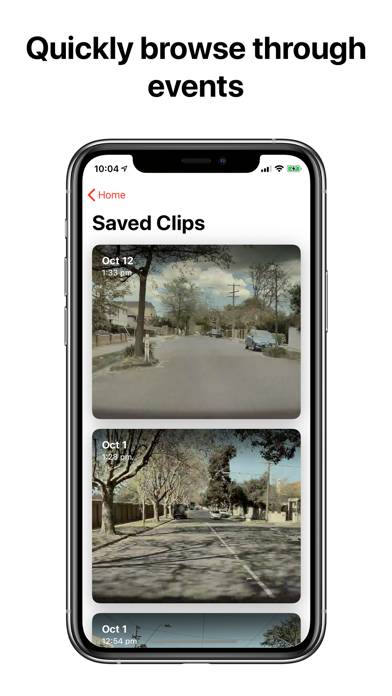
Dash View is the best way to view both Sentry Incidents and Saved Clips on your device. No need for a computer, just plug your TeslaCam USB into your device with an adaptor.
Show more
User Reviews and Ratings
★★★★★ Fabulous App for TeslaCam ViewingAbsolutely love this app! I am not tech savvy AT ALL and this was very easy to install and use. Makes reviewing the Tesla M3 Sentry videos a breeze, especially since it goes right to the incident and provides thumbnails for all the cameras. Just brilliant! Thank you for creating this! I did order the wrong lightning to SD adaptor (should have ordered the USB one). Fortunately my tiny micro SD card came with an SD adaptor. May end up ordering the lightning USB reader so I don’t have to fiddle wit
★★★☆☆ Scrubbing needs improvementIf I have a saved video which is 10 min. It’s really hard to navigate from 0 to e.g 8 minutes, the scrolling bar is way too long and takes a really long time, and it will end up freezing. Can you make a scrubbing bar the width of the screen so the user can chose any timeline? and also improve the freezing?
★★★☆☆ USB-C on iPad?Hi, I have a USB-C USB drive I’d like to plug directly into iPad. App sees the drive and directories, but gives error about invalid folder selected.
★★★☆☆ Good interface but buggyThis is a great interface and could be a great app if they fixed the playback bugs. Often as I’m viewing a clip (usually at an accelerated speed) and it just freezes. This also occurs when using the slider to move forward in a video. The time moves but the video isn’t updating on the screen. I can’t find anyway to recover from that without exiting the video and reloading. If they fix that issue,I would gladly raise my review to a 5.
★★★★★ Look no furtherThis app is great. Easy to use, clean, modern interface that uses familiar iOS UI elements. It just works.
All the other apps out there may do a similar thing, but this one does it with style. Which, lets face it, Tesla drivers yearn for.
Read all reviews