Denon AVR Remote
Published by D&M Holdings Inc. on Jan 28, 2016
Genre: Music
Ratings: 2.00
Version: 3.10.1
Updated: Feb 15, 2024
Downloads: 646
Denon AVR Remote is a music app developed by DM Holdings. Available as a free download, it was updated to v3.10 on February 15, 2024, and currently holds a 2 out of 5 rating based on 1.2K reviews. Before downloading, make sure your device has at least 65 MB of free space and runs Android 14+ or iOS 15.0+.
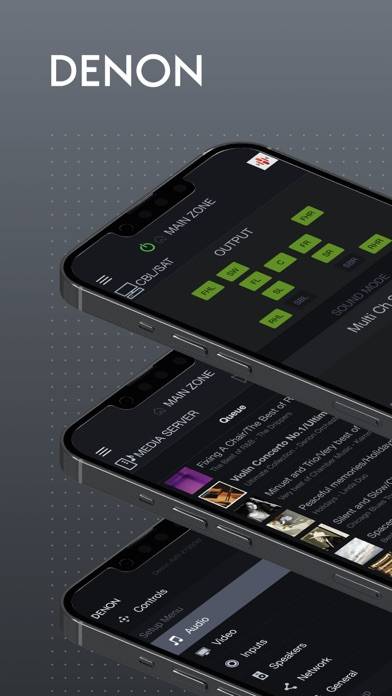
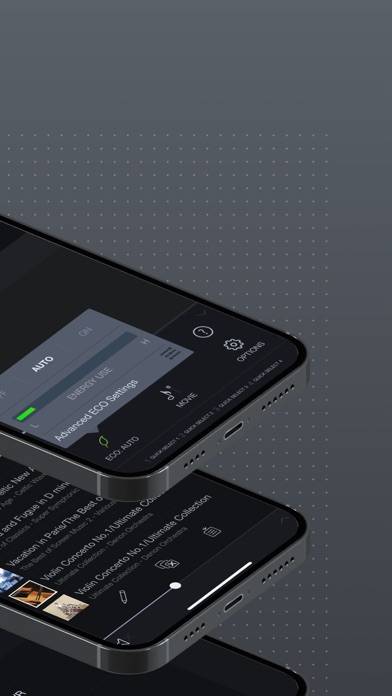
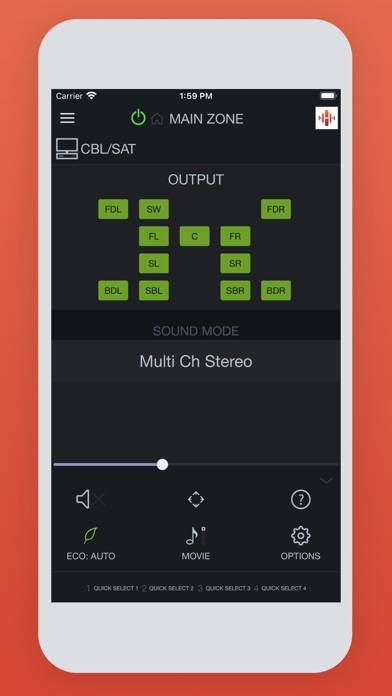
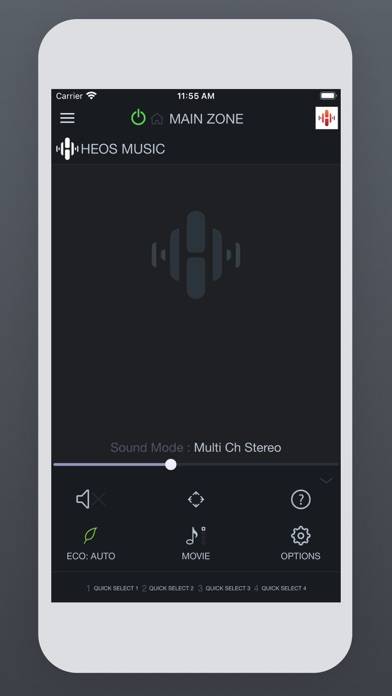
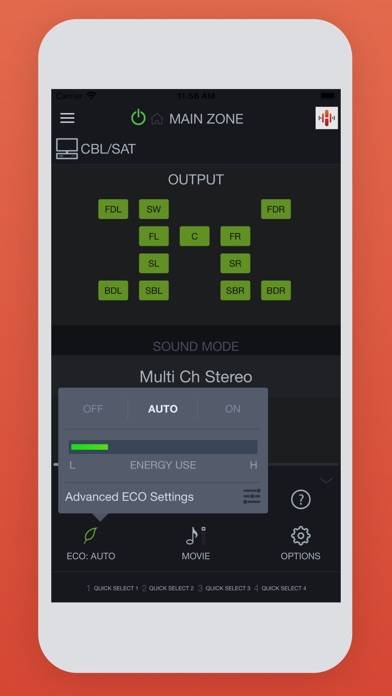
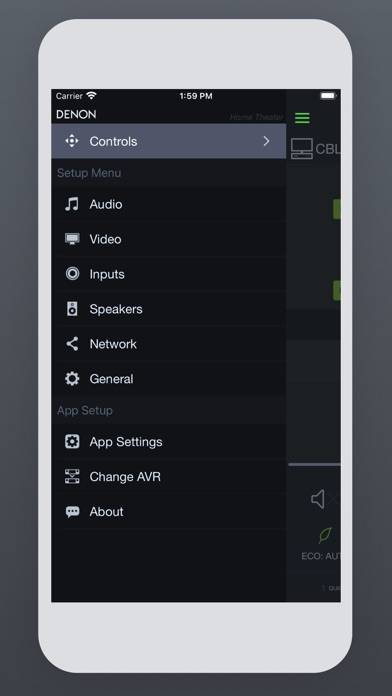
Video: Denon AVR Remote Overview
Description
This app for iPhone and iPad will give you an unprecedented level of command and control over your 2014 or later model year network ready Denon AV Receivers (due to hardware differences, older models are not supported with this app.
Show more
Download Denon AVR Remote
Scan to Get the App!

Using Denon AVR Remote on PC or Mac
Denon AVR Remote can be played on Windows and macOS using Android emulators such as BlueStacks. Download an APK version and follow our BlueStacks installation guide to get started. For help with downloading or installing APK files, visit our forums.
User Reviews and Ratings
★★★★★ Works Fine
Takes a minute to connect; get on the same Wi-Fi network, then it works fine!
★★★☆☆ Need it… Some feature features just don’t work
Hey, just a quick shout out to Denon, cannot access the web controlled speaker page anymore with the app.
Not sure what’s happened, but it’s affecting my iPad app and iPhone app
I’ve reset the AV receiver just not sure what’s happening, although everything else is working great as usual thanks for the good work
★★★★☆ Crashes no more after 2 recent updates
Update 10/27/25 (and 12/15/25)
New version 3.12.3 released today seems to be working, NO CRASHES so far. Running iOS 26.0.1 and wired Ethernet.
4 stars review now from previous 2.
***********
OLD
Latest version 3.12.1 crashes constantly with iOS 2026.
Uninstalling and reinstalling makes no difference. Useless. Needs to be fixed.
★★☆☆☆ Not fully functional after last update
App mostly works except for the main place I go to tweak settings. Under “web control” the setup screen for “speakers” just goes blank. Can’t even go back. Have the latest firmware installed and unplugged the HU, reinstalled the app. I have two separate head units and the same problem on both.
★★★☆☆ 2025-12 ver3.12.5 and new Receiver firmware Broke Web-Control-Speakers
Read all reviews
Appears the web server on the AVR is broke. Like others stated, with this new ver 3.12.5 and the AVR firmware update, no longer displays the Speaker info when going into the “Web Control” option. Note this is also an issue using Edge and Chrome browsers. No newer firmware offered and rebooted my x3700h. Please fix this as I use it all the time. Thanks for a normally great app.