Depicus Wake On Lan is a utility app developed by Depicus. Available for $1.99, it was updated to v3.01 on November 22, 2017, and currently holds a 2.67 out of 5 rating based on 9 reviews. Before downloading, make sure your device has at least 19 MB of free space and runs Android 8+ or iOS 9.0+.
Description
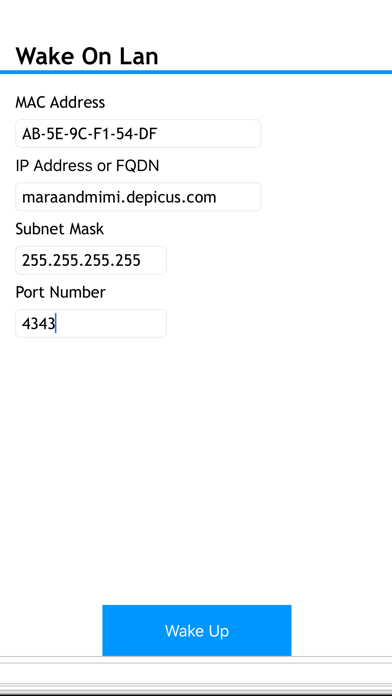
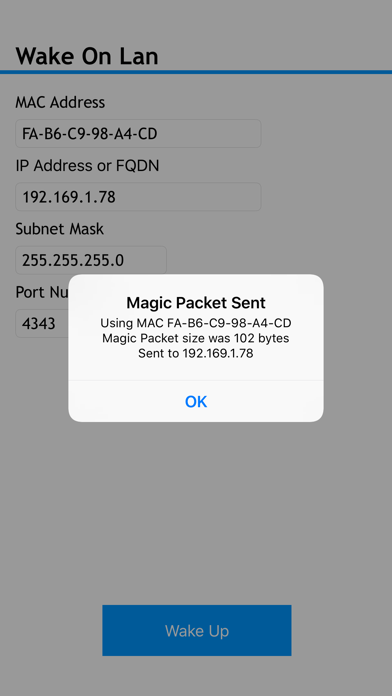
Depicus Wake On Lan allows you to remotely wake a computer or other device that comply with the Wake On Lan protocol either on a local network or over the internet.
Depicus Wake On Lan may be playable on Windows and macOS using Android emulators such as BlueStacks. Follow our BlueStacks installation guide to get started. Looking for Depicus Wake On Lan APK? Visit our forums for help finding authorized downloads, installing APK files, and troubleshooting installation issues.
User Reviews and Ratings
★★★★★A+ device discovery and WOL app!
Easy scan of networked devices. Easy configure. Could use ability to name found WOL ip addresses to customizable names. Still a great app!
★★★★★Great WOL app!
The app works great for me inside my LAN, remotely from other networks and over AT&T wireless 3G service. I also have the pc version on my laptop and it also works great.
★★★☆☆It's just ok right now
This app could use some more Options. The man problem I have with it is you cannot scan other subnets nor select multiple computers to wol. Developer does update but I have not seen much.
★★★★★Besr WOL app. Period.
I've tried 5 other Wake On Lan apps and all of them fall short to this one. The only other app that was decent for WOL is Scany but it doesnt let you save your connections. Well worth the $2. Thanks!!
★★★★★Flawless
Worked perfectly first try.
I have Linksys E3000 router.
Setup port forwarding to home pc.
Woke up my home computer remotely first try.
Nice work guys!