Drive Smarter is a navigation app developed by CEDAR ELECTRONICS HOLDINGS CORP. Available as a free download, it was updated to v4.00 on October 10, 2024, and currently holds a 4.74 out of 5 rating based on 7.5K reviews. Before downloading, make sure your device has at least 265 MB of free space and runs Android 14+ or iOS 15.0+.
Video: Drive Smarter Overview
Description
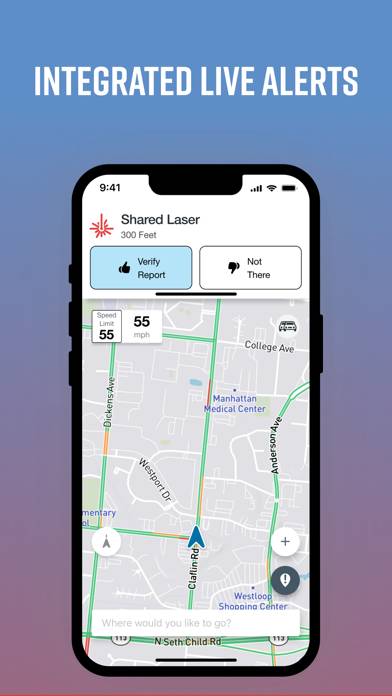
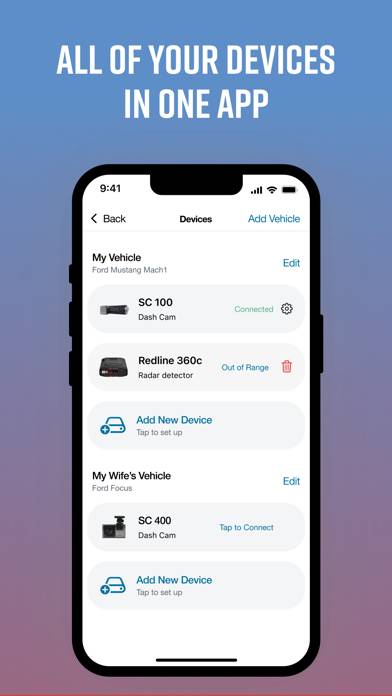
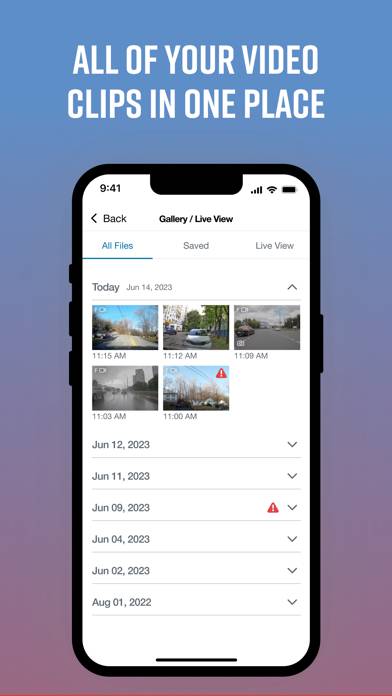
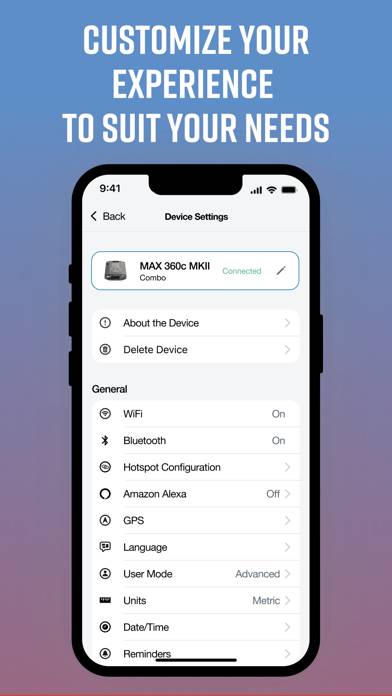
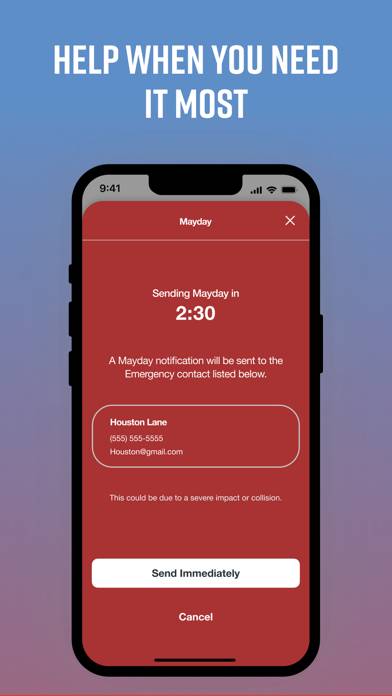
Drive Smarter enhances your driving experience when you are using select* connected Cobra and Escort devices. Drive Smarter lets you use your smartphone as a companion to your DashCam.
Drive Smarter can be played on Windows and macOS using Android emulators such as BlueStacks. Download an APK version and follow our BlueStacks installation guide to get started. For help with downloading or installing APK files, visit our forums.
User Reviews and Ratings
★★★☆☆Bugs and Improvements
App was updated today 12/04, however no option was added for a custom notification sound. Really need this feature. Additionally, in iOS 26.2 when you open the app and you have music playing it stops and wont reconnect unless you close this app. I was hoping this issue would be fixed with this update.
★★★★☆It works
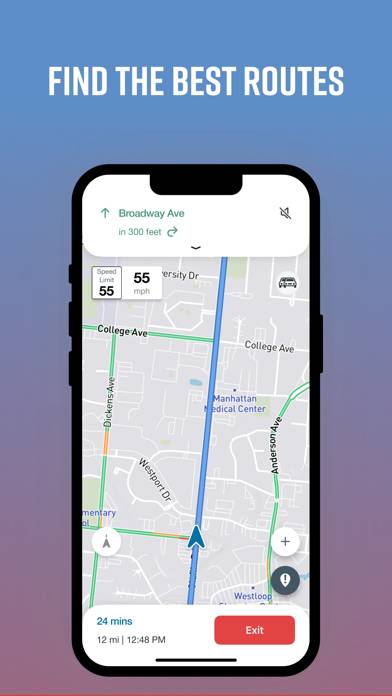
The app is fairly simple to use but has one annoying flaw. I don’t know how the app comes up with posted speed limits at times and loves to tell me I’m driving too fast. The actual posted speed limit could be 50mph but app comes up with stuff like 22mph or 13mph and voice won’t shut up.
★★☆☆☆Why does it take so long?
Why does your app take over 20 min to download? Also, you buy a product and can’t connect via an app? You state it is a known issue, then fix it
★★☆☆☆Good but could be better
Lots of false alerts. Mostly triggered by my radar. It’s driving me insane! I have made sure I’m updated and tried restarting the Redline and my phone several times.Nothing has helped.
★★★☆☆Bluetooth Not Connecting
Since the new update I have not been able to connect my I Radar Scout.
The issue is the Bluetooth connecting between the I Radar and my I-Phone.
Also connecting the camera to the new app of Drive Smarter.