DSLR Camera

Published by Fulvio Scichilone on Sep 18, 2014
DSLR Camera icon

Genre: Photo & Video

Ratings: 4.67

Version: 10.7.1

Updated: Jul 22, 2024

Downloads: 1,226

DSLR Camera is a photo & video app developed by Fulvio Scichilone. The last update, v10.70, released on July 22, 2024, and it’s rated 4.67 out of 5 based on the latest 2.8K reviews. DSLR Camera is FREE and requires iOS 16.0+ and Android 15 or newer to download.

The complete photo & video app

Video: DSLR Camera Overview

Description

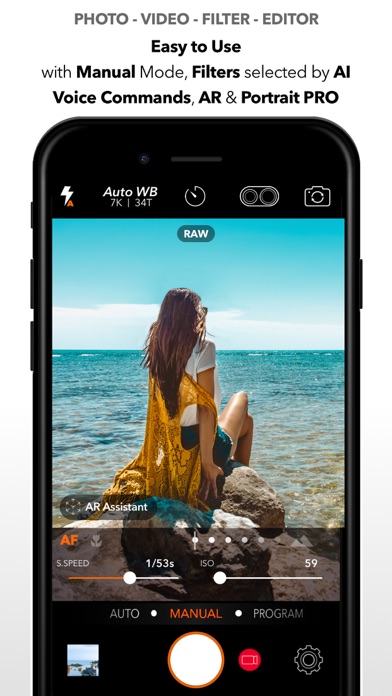
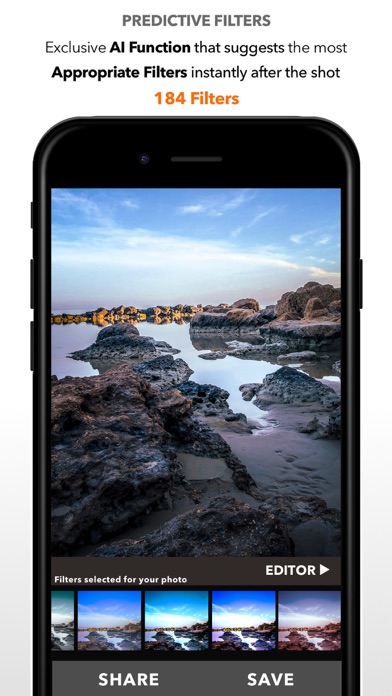
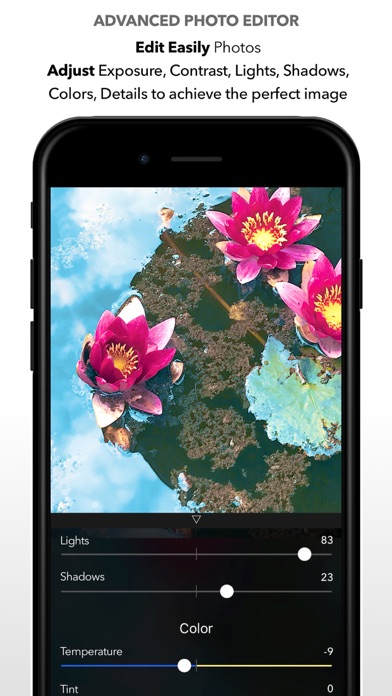
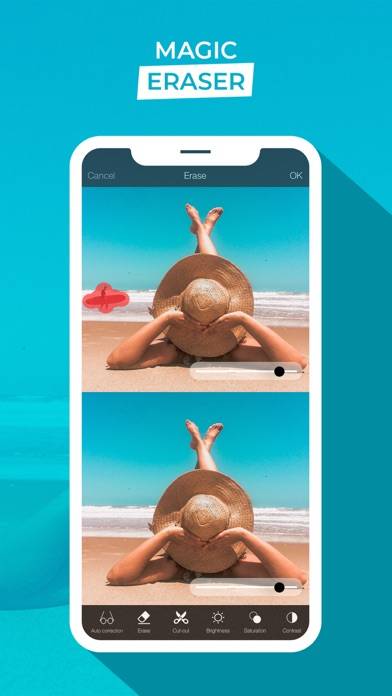
DSLR Camera for iPhone, iPad, Apple Watch and iMessage the complete app for Photo and Video with Manual Controls, Advanced Editor and 200+ Professional Filters.
Show more

Available In-App Purchases

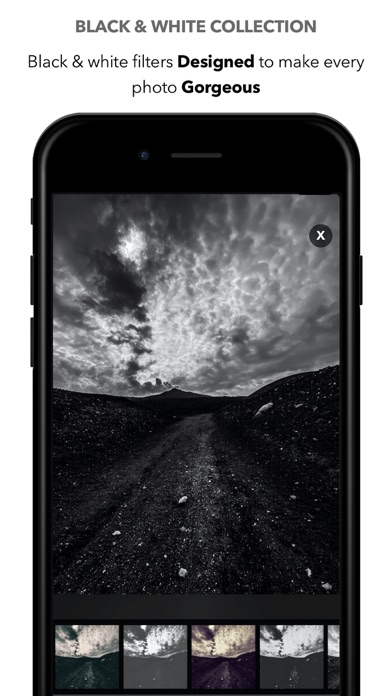
Black & White collection

$0.99

Download DSLR Camera

Scan to Get the App!
QR code for DSLR Camera

How to Use DSLR Camera on Your PC or Mac

Want to enjoy DSLR Camera on your desktop? Download the latest APK (10.70, 234 MB) or choose your preferred version, and follow our Bluestacks emulator guide for easy installation on Windows or macOS. For any assistance with downloading or installing APK files, feel free to visit our forums!

User Reviews and Ratings

★★★★★ What an app
Great Camera for our first and probably last Alaskan Cruise. Incredible memories forever preserved in realtime photos and videos.
★★★★★ Thanks for the update
Thanks for the beautiful updates My device: iPhone 14 Pro Max (latest iOS) Note: I regularly update my review/rating for this application. With Kindest Regards-BR
★★★☆☆ needs the option to save settings
this app is okay i guess, like it does what it says it does, but i don't understand why there's no option to save your camera settings. it is so annoying to have to adjust everything manually every time i use it.
★★☆☆☆ Crashes after taking a picture
This app is supposed to be good , but I can’t seem to get all the benefits of it as it crashes right after takin a picture. Very disappointed as I got it to take RAW photos and now it’s kind of useless.
★★☆☆☆ Good but missing a crucial feature
It’s good to be able to change the ISO and Shutter Speed to any amount for specific projects but have not been able to find a way to change the FPS in which it records. So will have to find a different one which will allow me to record in 60fps instead of default 30.
Read all reviews

Related Apps

FaceLapse ※ screenshot
FaceLapse ※
Photomate: Delete Photos screenshot
Photomate: Delete Photos
Photo Safer - Lock Photo,Movie,GIF screenshot
Photo Safer - Lock Photo,Movie,GIF
Video Slimmer App screenshot
Video Slimmer App
NDI HX Camera screenshot
NDI HX Camera
Neongraf screenshot
Neongraf
DSLR Camera App Alternatives