DWG FastView Pro-CAD viewer

Published by Gstarsoft Co., Ltd on Sep 18, 2012
DWG FastView Pro-CAD viewer icon

Genre: Productivity

Ratings: 3.43

Version: 2.5.0

Updated: Jun 03, 2019

Downloads: 784

DWG FastView Pro-CAD viewer is a productivity app developed by Gstarsoft. Available for $9.99, it was updated to v2.50 on June 03, 2019, and currently holds a 3.43 out of 5 rating based on 14 reviews. Before downloading, make sure your device has at least 148 MB of free space and runs Android 7+ or iOS 8.0+.

Fully compatible with AutoCAD
Video: DWG FastView Pro-CAD viewer Overview

Description

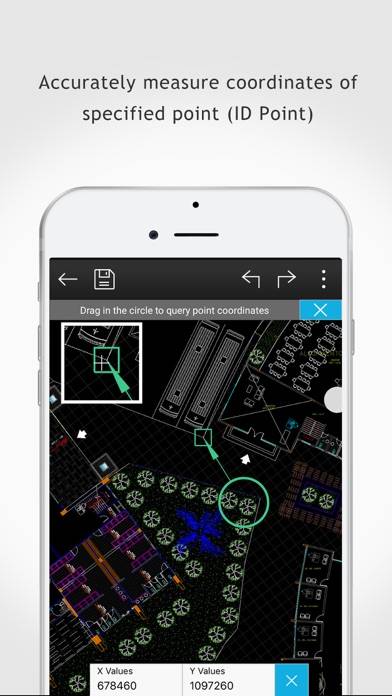
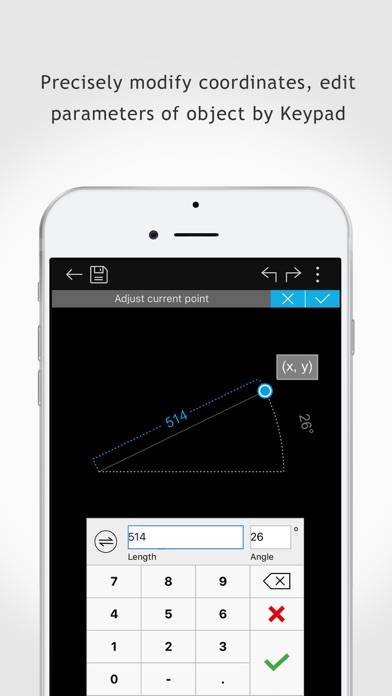
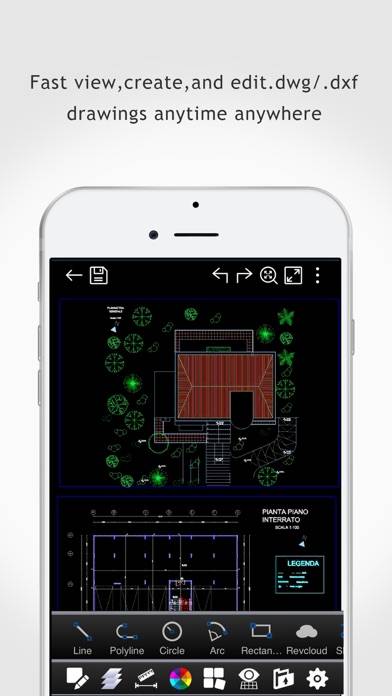
DWG FastView Pro is fully compatible with 2D/3D DWG drawings, which can smoothly open DWG drawings from GstarCAD, AutoCAD and other CAD platforms, also can view CAD design in .dxf format etc.
Show more

Download DWG FastView Pro-CAD viewer

Scan to Get the App! QR code for DWG FastView Pro-CAD viewer

Using DWG FastView Pro-CAD viewer on PC or Mac

DWG FastView Pro-CAD viewer can be played on Windows and macOS using Android emulators such as BlueStacks. Download an APK version and follow our BlueStacks installation guide to get started. For help with downloading or installing APK files, visit our forums.

User Reviews and Ratings

★★★★★ Very good
This is probably one of the most useful CAD applications. Nice job, keep it up.
★★★★★ Works great and no annual fee!
After AutoCad 360 crashed again for the umpteenth million time today I began looking for a iPad app that can view and edit dwg files. This app does that and can also create new drawings. It doesn't cost money annually. I haven't used it long enough to know if it works with iCloud but even without it I like it better then Discreet's software because I can load it via iTunes like I can with quick office.
★★★★★ killer app! very nice!
this app loads my huge 30-40 meg system maps with no problems! working with it i forget that i am on a phone. silky smooth, great features, works perfectly! thanks suzhou gstarsoft
★★★★☆ I love it.
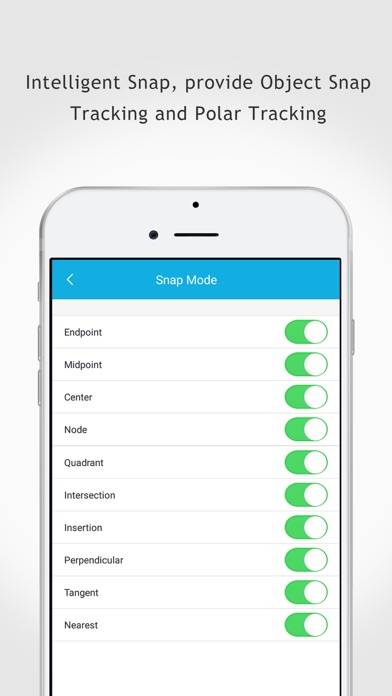
Still some work to do on it, but it's going to be great. I would love to see a "snap-to-grid" option, with adjustable/settable grid sizes. Keep going! It's great!
★★☆☆☆ Disappointing!!
I wanted a simple cad program to do some basic design work. This program seemed to be possibly the right one. I paid the ten dollars and then found the program to be all in metric with no way to change.
Read all reviews

Similar Productivity Apps

Shortcuts screenshot
Shortcuts
When: Quick Reminders screenshot
When: Quick Reminders
Forest - Stay focused screenshot
Forest - Stay focused
Browser - Fast, Safe, Private screenshot
Browser - Fast, Safe, Private
Top #55 in Productivity Apps
WristMail for Gmail screenshot
WristMail for Gmail
Backup all contacts and export screenshot
Backup all contacts and export