EDrawings Pro is a productivity app developed by Dassault Systemes SolidWorks Corporation. Available for $9.99, it was updated to v32.40 on August 29, 2024, and currently holds a 1.95 out of 5 rating based on 21 reviews. Before downloading, make sure your device has at least 136 MB of free space and runs Android 14+ or iOS 15.0+.
Video: EDrawings Pro Overview
Description
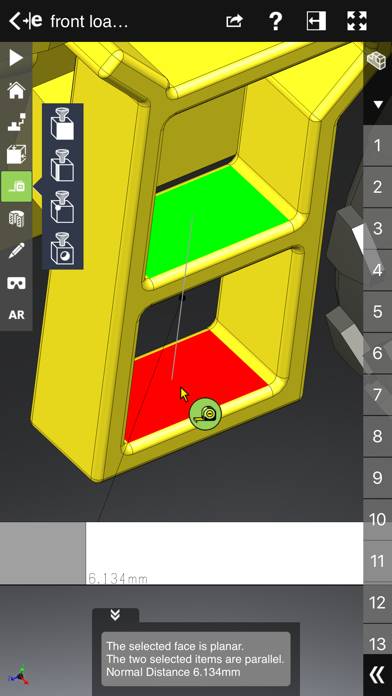
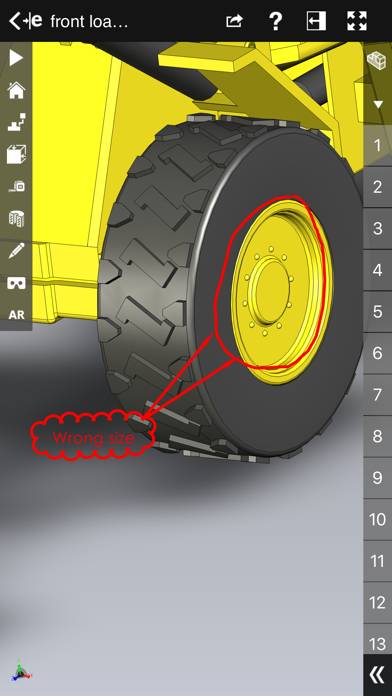
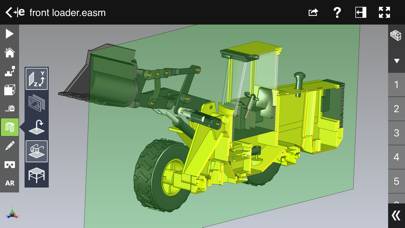
eDrawings® Pro is the professional 2D and 3D CAD collaboration app for the iPad, iPhone and iPod Touch that can view native SolidWorks® files (part, assembly, drawings), eDrawings files and DraftSight® (DWG™, DXF™) files.
EDrawings Pro can be played on Windows and macOS using Android emulators such as BlueStacks. Download an APK version and follow our BlueStacks installation guide to get started. For help with downloading or installing APK files, visit our forums.
User Reviews and Ratings
★★☆☆☆IOS ver. Can’t read SW2024
Been using iPad version to review a job created on Solidworks with no problem. My draftsman updated to latest SW and text is jibberish when viewed on eDrawingsPro until Dassault updates this, if ever.
★★★★☆It does what it says it can do, nice tool to have for on the go
I you want to view your solid works edrawings and measure on the go with your phone, you can with this app. If it’s worth it, that’s another question but it does the job if you need to view your files on the go which is kinda cool.
★★☆☆☆Blank...Nothing...Nada
ugh...paid for the app...attempted to open a couple of EASMs generated in SW2019...nothing...gray screen of nothing.
Files opened fine in eDrawing Pro on my notebook (HP Zbook). Uploaded files to MS Teams project folder then to my iPhone cloud directory from which I tried opening with this app. NADA
★★☆☆☆I paid for the pro version, but the measurement function is not available
I am happy that this will open the my large 3d file, but I am dismayed that the measurement tool is still unavailable despite paying for the proversion
★★★☆☆Won’t render a large file.
Any model that I try to render over 10MB won’t load. I have an iPad Pro with 1TB of storage and
16GB of ram. It’s disappointing that I paid for Edrawing pro and I’m having these issues