Fast Camera is a photo & video app developed by isoftware. Available for $4.99, it was updated to v11.30 on July 18, 2024, and currently holds a 4.68 out of 5 rating based on 511 reviews. Before downloading, make sure your device has at least 30 MB of free space and runs Android 10+ or iOS 11.0+.
Speed Burst Filter Cam Photos
Video: Fast Camera Overview
Description
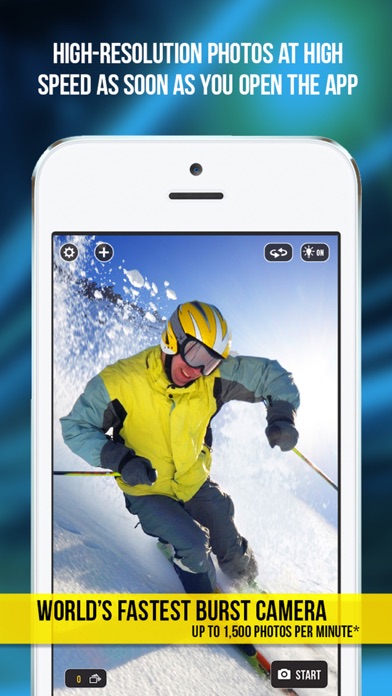
Lightning fast burst photos.
Save only the best! Timelapse Video, Timer & Amazing Fast Filters. All Filters are now FREE - No more in-app purchases.
Fast Camera may be playable on Windows and macOS using Android emulators such as BlueStacks. Follow our BlueStacks installation guide to get started. Looking for Fast Camera APK? Visit our forums for help finding authorized downloads, installing APK files, and troubleshooting installation issues.
User Reviews and Ratings
★★★★★Electronic technician USPS
This app is freaking awsome! Take fast shots, limit how many, and it really flies baby!!
★★★★★Fast Camera is a terrific app
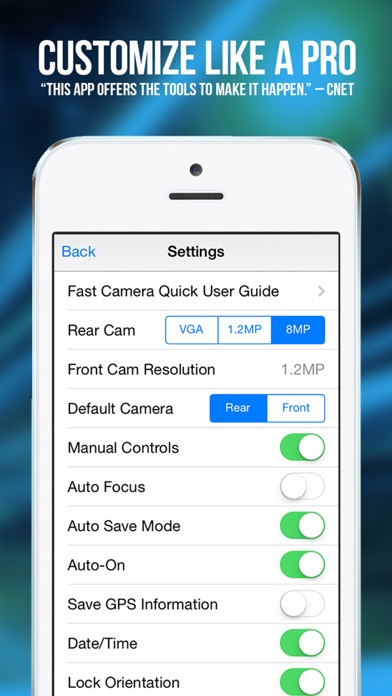
Fast Camera is a terrific app. You can take limitless numbers of photos automatically. It’s great for catching action scenes. There are lots of settings that you can customize. The HDR, time lapse, export to video and auto start are very cool features. The app is well thought out and implemented. The app gets updated and improved regularly, and that’s nice to see.
★★★★★Just take 10
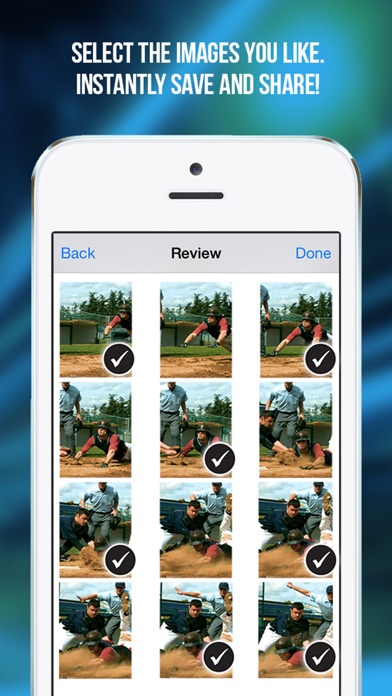
Just take 10 or 100 and pick the best one! Great app…
★★★★☆Settings don’t save?
First of all I love this app but unless I’m dumb as rocks there isn’t an option to save the settings. If I want to turn the resolution of the camera to 48 MP it looks like it saves and then when I go back into the settings it doesn’t. PLEASE FIX THIS!
Otherwise, app is great but just slightly buggy. Turbo mode is a great feature! Please keep up the great work guys!
★★★☆☆Great at first.
I’ve used fast camera for years, but I never get to use it long when I have. At some point you loose the capability to save photos more than one at a time and have to force quit the app to save another 1. It tends to work great for a few hundred photos, then bang, it crashes, and you are down to 1 save at a time until you delete and reinstall the app. I continue to forget this, and continue to use the app, accumulate 600-900 photos so I can go back and save each I prefer, dump the rest. But as s