FieldMonitor
Published by Adam Wilt on May 21, 2016
Genre: Photo & Video
Ratings: 3.93
Version: 11.0
Updated: Feb 12, 2024
Downloads: 990
FieldMonitor is a photo & video app developed by Adam Wilt. Available for $19.99, it was updated to v11.00 on February 12, 2024, and currently holds a 3.93 out of 5 rating based on 71 reviews. Before downloading, make sure your device has at least 37 MB of free space and runs Android 10+ or iOS 11.0+.
wireless camera monitoring
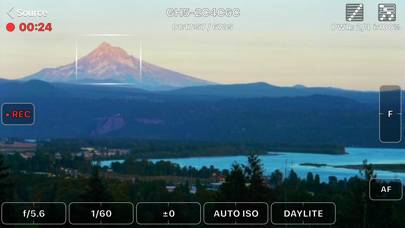
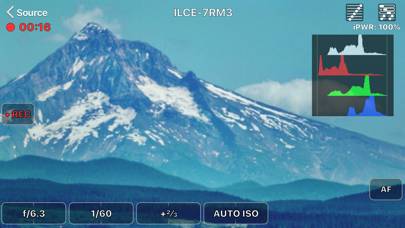
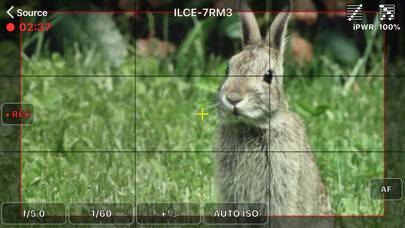
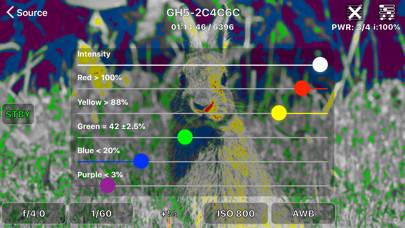
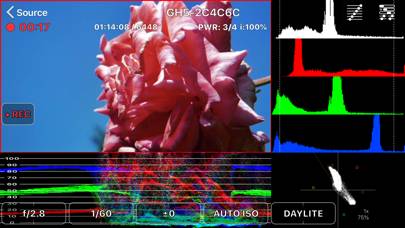
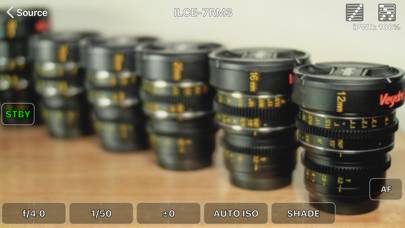
Video: FieldMonitor Overview
Description
FieldMonitor gives you wireless monitoring & control for Canons, Panasonics, Sonys, and Teradeks. IMPORTANT: DO NOT buy FieldMonitor without reading this ENTIRE description!
Show more
Download FieldMonitor
Scan to Get the App!

Using FieldMonitor on PC or Mac
FieldMonitor can be played on Windows and macOS using Android emulators such as BlueStacks. Download an APK version and follow our BlueStacks installation guide to get started. For help with downloading or installing APK files, visit our forums.
User Reviews and Ratings
★★★★★ WIFI Professional Production Monitor
This app is all one could expect from a full featured production monitor complete with exposure and focus scopes. There is a little lag but given the power you get it is tolerable.
When we have the GH5 hung from a gimbals on a crane in the studio FieldMomitor is priceless as it eliminates the heavy cables we need to get images to the production bench. Heavy HDMI cable inhibit the gamble.
The scopes you get in FieldMomitor are not available in the Panasonic app.
★★★★★ Must Have Vlogging Tool
I really appreciate this app when I’m vlogging and not close enough to my camera to turn it on and off when I want to start another take for ease in editing. The controls are intuitive and fast. I use it with a GH5 and GH5S. Works really well.
★★★★☆ Great on iPhone SE, not so great on iPad 7th generation
Hello,
It runs really well on my iPhone SE, but footage got stuck very very often, it’s not latency, it got frozen for a few frames every 2-3 secs. Any tips how to get better transmission on my iPad?
★★★★☆ Amazing app... only missing one thing...
I really love this thing for the gh5. Our HDMI port broke so I couldn’t use my SmallHD monitor, but this app solved the issue AND gave me easy access to change settings and record, much like RED’s touchscreen monitors. The ONLY thing I wish this had was a way to daisy chain the feed, so I can use my phone on the camera but I can also send a feed to a field monitor for clients or remote operator. If this was added to the app for multiple devices to be connected, and maybe a “client” version that
★★★★☆ Back-button focus?
Read all reviews
My Sony is set up for back-button focus. The instructions say I must have AF w/shutter turned on. This prevents back-button focus from working. Other that that the app works as advertised.
Similar Photo & Video Apps
ATEMTally
NDCalc2
FilterRoom - Cartoon portrait
Releases - Model and Property Release App by Snapwire
Panols