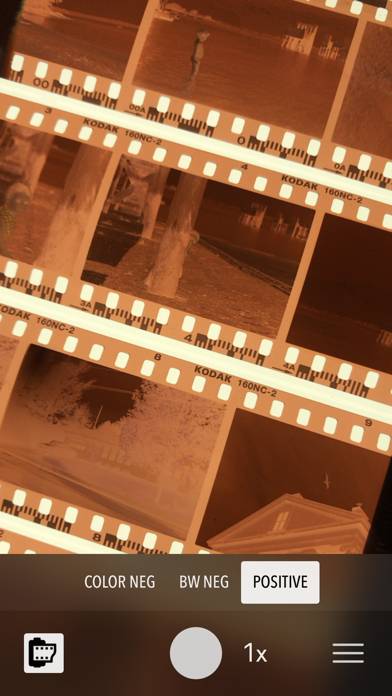
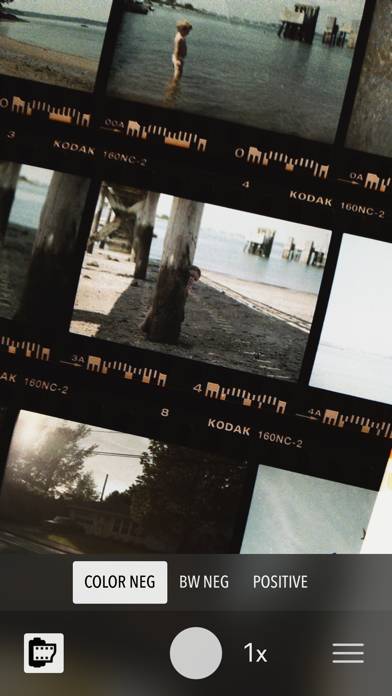
FilmLab: Negative Film Scanner is a photo & video app developed by Develop and Fix. The last update, v2.50, released on November 30, 2022, and it’s rated 2.81 out of 5 based on the latest 16 reviews. FilmLab: Negative Film Scanner is FREE and requires iOS 12.1+ and Android 11.1 or newer to download.
Convert your film to digital
Video: FilmLab: Negative Film Scanner Overview
Description
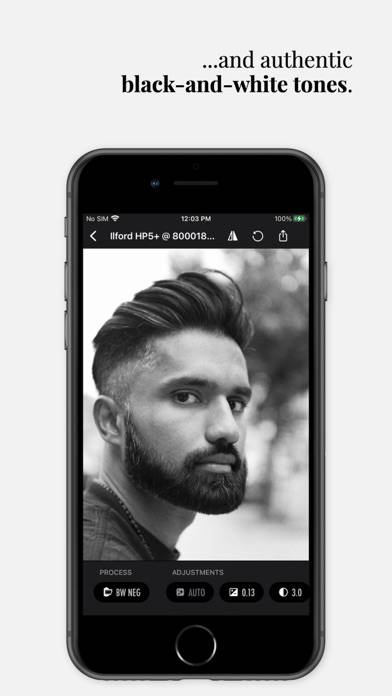
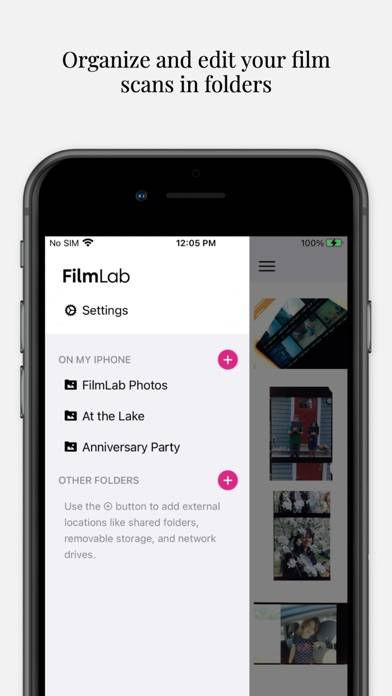
FilmLab is the best app for viewing and digitizing film negatives. FilmLab lets you view negatives as positives, capture scans to save and share, and convert high resolution images from scanners and digital cameras.
How to Use FilmLab: Negative Film Scanner on Your PC or Mac
Want to enjoy FilmLab: Negative Film Scanner on your desktop? Download the latest APK (2.50, 81 MB) or choose your preferred version, and follow our Bluestacks emulator guide for easy installation on Windows or macOS. For any assistance with downloading or installing APK files, feel free to visit our forums!
User Reviews and Ratings
★★★★★Easy
This is by far the most user friendly tool to use.
★★★★★So far, so good. Prompt, personal support.
Simple, does what it says it’s going to do. My project was to digitize old 33 mm negatives. I took pictures of the negatives using my iPhone. I couldn’t figure out how to import the photos to this App so I sent an email asking for help. The next day I received an email with a simple explanation. She even sent me a snapshot of her phone showing me where to find the right buttons. It can’t get any better than that!
★★☆☆☆New version needs iteration
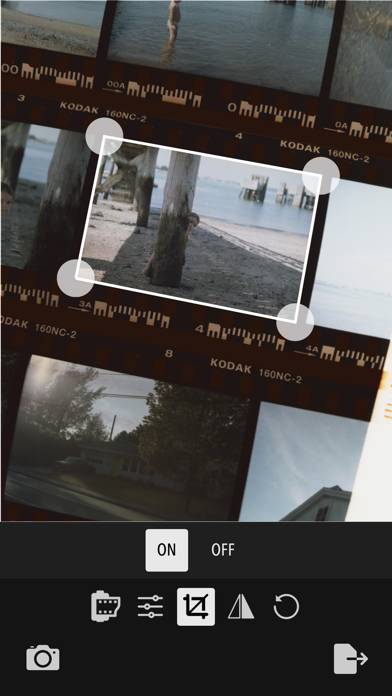
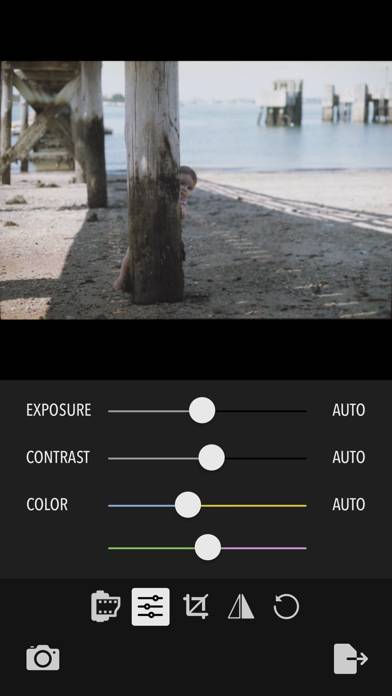
Crop seems to be gone (which is a show stopper for me), color adjustments are much more difficult to get right, it’s way less automatic, and just more difficult to use all around. I can see the potential in the new version but it’s not there yet.
★★★☆☆Decent but missing major features
Does a decent job with black-and-white negatives. But it’s missing some major features, including the ability to select a bunch of scans and upload them at one time rather than individually.
Also, I don’t see why cannot have manually adjustable exposure.
Even better would be if it used the HDR feature on the camera to capture a wide dynamic range so negatives are a slightly under exposed and slightly overexposed all capture perfectly and separated out.
Add all these features and it’s worth $2
★★★★★Take your time:)
Please be a little patient and discover an amazing app!! It works great if you put your negative against a light source, you’ll be amazed!!!