Find My Bluetooth Device is a utility app developed by On Hand Apps. Available as a free download, it was updated to v2.50 on December 21, 2020, and currently holds a 4.05 out of 5 rating based on 2.3K reviews. Before downloading, make sure your device has at least 41 MB of free space and runs Android 9+ or iOS 10.0+.
Find Your Lost Headphones!
Video: Find My Bluetooth Device Overview
Description
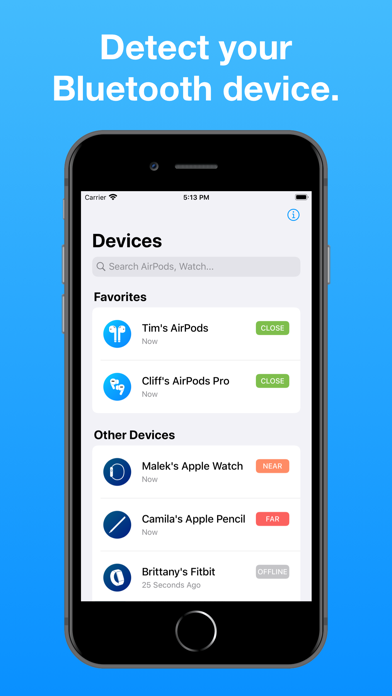
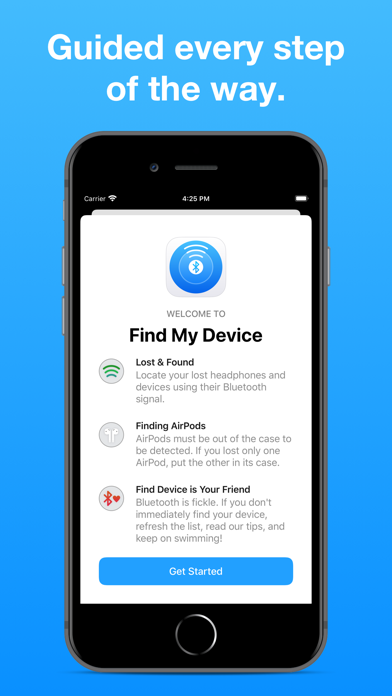
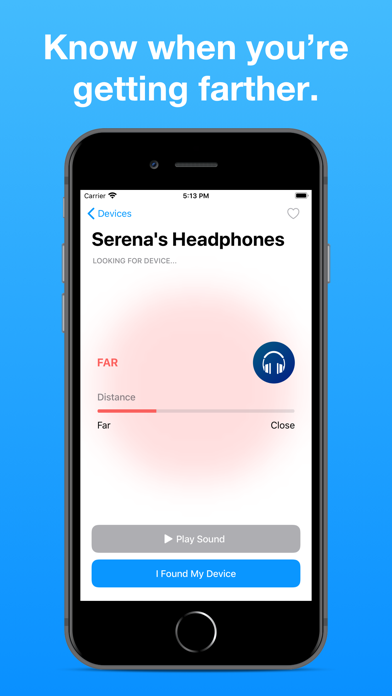
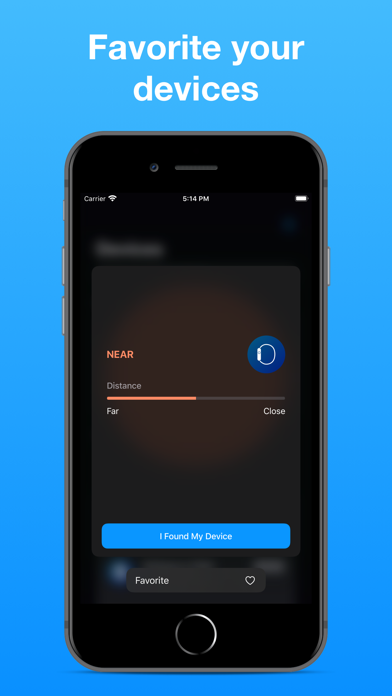
Find My Bluetooth Device allows you to locate your lost headphones, earbuds, and devices, such as AirPods, using Bluetooth. It can find one of your AirPods or both.
Find My Bluetooth Device may be playable on Windows and macOS using Android emulators such as BlueStacks. Follow our BlueStacks installation guide to get started. Looking for Find My Bluetooth Device APK? Visit our forums for help finding authorized downloads, installing APK files, and troubleshooting installation issues.
User Reviews and Ratings
★★★★★Found lost hearing aid
Easily found my hearing aid within an area of 5000 sq ft. I had dropped it in a bed of mulch that camouflaged the device, and it was at night. It only took 5-10 minutes to find.
I never would of found it had it not been for this app.
★★★★★It works
Lost my hearing aid outside and it found it
★★☆☆☆Rarely works
I’ve been trying to use the app for the past three hours to find my Apple pen, it doesn’t work at all. It either crashes or becomes unresponsive. I spent money on the yearly plan yet money wasted. It used to work just fine, but something must have broke. The apps close scale doesn’t work at all, even if it’s right next to a device it says it’s decently far away which isn’t true. I found my Apple pen without the help of this app. I eventually found it under my covers, which the app couldn’t detec
★★★★★Thanks. It’s worth a cup of coffee
Fair enough 👍🏻
★★☆☆☆Good, but wouldn’t play sound for my device and didn’t tell me until after I paid
The location portion is helpful, but I already knew the general area of the device and was looking for it to play a sound. Once I chose my device from the list it said I had to subscribe to use the service. After subscribing I tried to play a sound and it said it wasn’t compatible. Very frustrated that they made me pay before giving that information. I used it for Bose Soundsport.