FineReader: PDF Scanner & OCR

Published by ABBYY USA Software House Inc on Jul 24, 2012

FineReader: PDF Scanner & OCR icon

Genre: Business

Ratings: 4.75

Version: 15.6.6

Updated: May 22, 2024

Downloads: 468

FineReader: PDF Scanner & OCR is a business app developed by ABBYY. The last update, v15.60, released on May 22, 2024, and it’s rated 4.75 out of 5 based on the latest 19K reviews. FineReader: PDF Scanner & OCR is FREE and requires iOS 15.0+ and Android 14 or newer to download.

Document, Text and Photo Scan

Video: FineReader: PDF Scanner & OCR Overview

Description

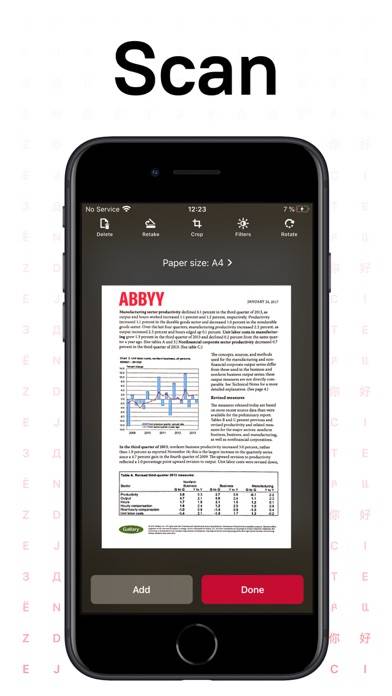
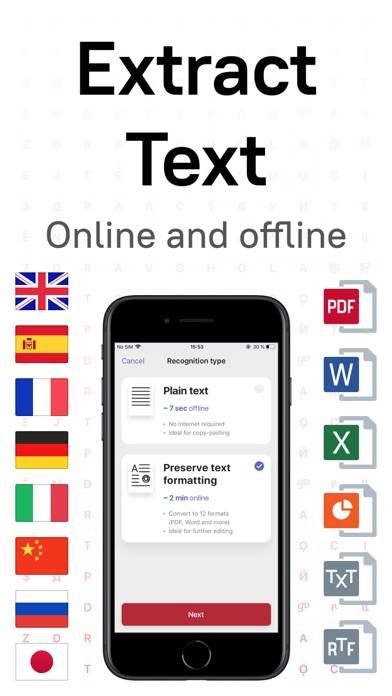
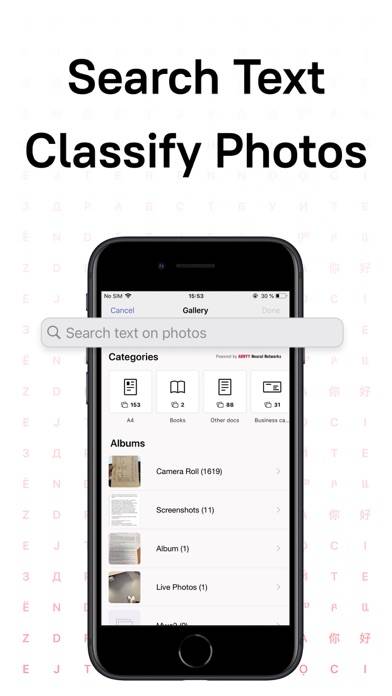
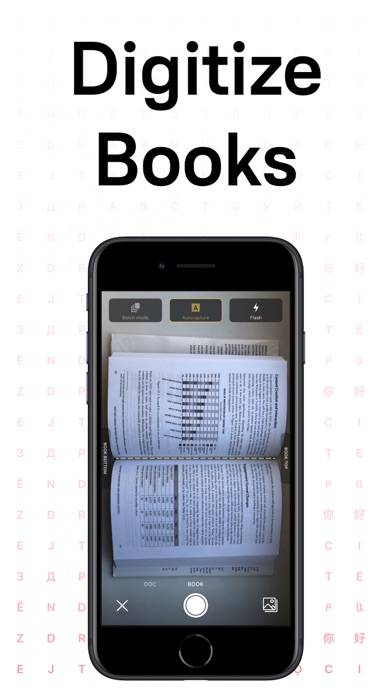
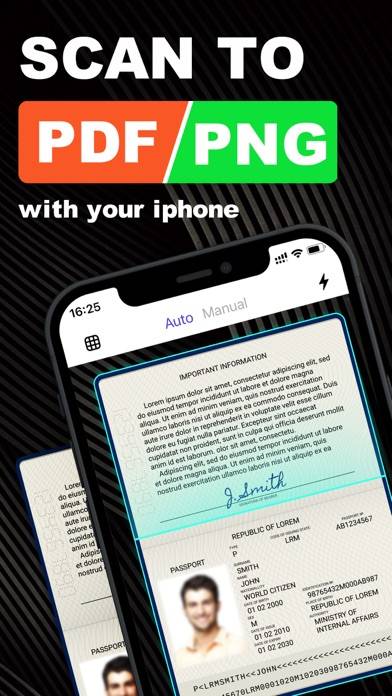
ABBYY FineReader PDF - the first smart AI-powered scanner that turns your mobile device into an all-purpose tool to quickly capture docs and books, create electronic copies in PDF and JPEG, and extract texts from scans for further editing and sharing.
Show more

Available In-App Purchases

ARCHIVE-Advanced Premium month

$5.99

FineScanner Premium monthly

$7.99

FineScanner Premium yearly

$29.99

PDF Scanner

$9.99

PDF Scanner + OCR

$5.99

Photo Scanning app

$20.99

Download FineReader: PDF Scanner & OCR

Scan to Get the App!
QR code for FineReader: PDF Scanner & OCR

How to Use FineReader: PDF Scanner & OCR on Your PC or Mac

Want to enjoy FineReader: PDF Scanner & OCR on your desktop? Download the latest APK (15.60, 129 MB) or choose your preferred version, and follow our Bluestacks emulator guide for easy installation on Windows or macOS. For any assistance with downloading or installing APK files, feel free to visit our forums!

User Reviews and Ratings

★★★★★ Backup Buddy
Do Not Disturb mode for when you need peace.
★★☆☆☆ Was great, but not anymore.
I have used this app for years, but after the change to subscription-only, it just doesn’t make sense to use it any more. Now it doesn’t save in pdf (only jpeg) and I have better features on my phone.
★★☆☆☆ Annoying update
Before you could have your pictures saved and look up latest photos to make a pdf, now you have to have it in a dedicated album to use said photos. It creates unnecessary steps when there was nothing wrong with how it was before of being able to use latest photos.
★★★★★ Saved
Greatest app ever.
★★☆☆☆ Weaker than expected
OCR does not work really good, even if you crop the document to make it focus on just one part, will add extra information out of nowhere.
Read all reviews

Related Apps

You Record Pro screenshot
You Record Pro
Bacon Work On-Demand screenshot
Bacon Work On-Demand
Top #93 in Business Apps
Zello Walkie Talkie screenshot
Zello Walkie Talkie
Top #88 in Business Apps
Toker PDF - Scanner PDF Reader screenshot
Toker PDF - Scanner PDF Reader
Contacts to XLSX - Excel Sheet screenshot
Contacts to XLSX - Excel Sheet
msg Lense screenshot
msg Lense
FineReader: PDF Scanner & OCR App Alternatives