Flow: Sketch, Draw, Take Notes is a productivity app developed by Moleskine Srl. The last update, v3.50, released on October 28, 2024, and it’s rated 4.14 out of 5 based on the latest 6.8K reviews. Flow: Sketch, Draw, Take Notes is FREE and requires iOS 15.0+ and Android 14 or newer to download.
Notebook & Pencil Case
Video: Flow: Sketch, Draw, Take Notes Overview
Description
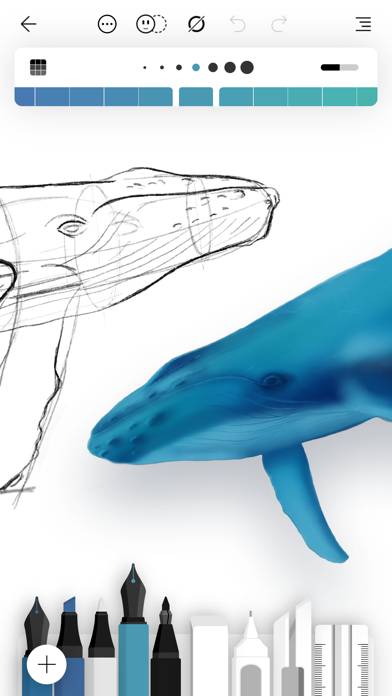
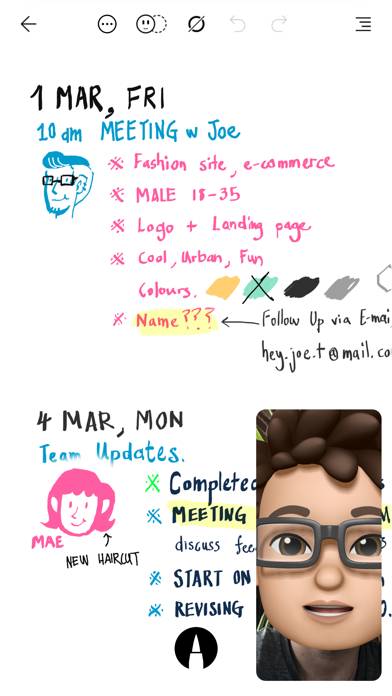
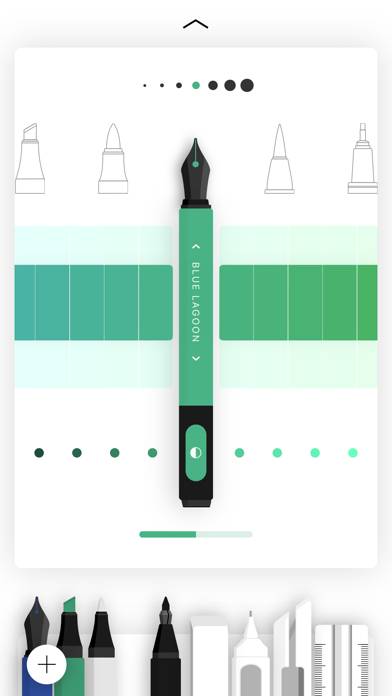
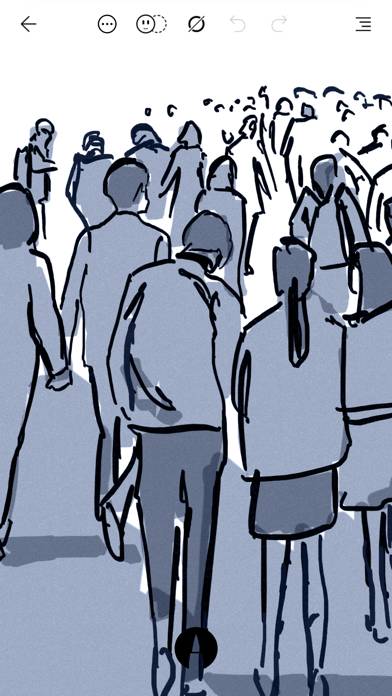
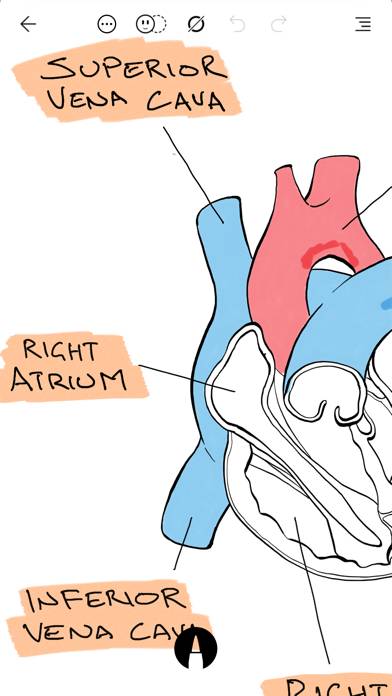
Flow helps you make beautiful notes and draw with realistic ink and paper. Take notes, sketch, journal and plan all within the one app.
How to Use Flow: Sketch, Draw, Take Notes on Your PC or Mac
Want to enjoy Flow: Sketch, Draw, Take Notes on your desktop? Download the latest APK (3.50, 207 MB) or choose your preferred version, and follow our Bluestacks emulator guide for easy installation on Windows or macOS. For any assistance with downloading or installing APK files, feel free to visit our forums!
User Reviews and Ratings
★★★★☆Adding folder management feature
Please add folder making feature to the home page. Then we can put all the notebooks of same subject into a single folder. For an example, personally I keep one notebook for notes and another one for homework for the same subject. Since there are many subjects I’m taking a semester, all the notebooks are scattered on the homepage and it looks so disorganized and takes bit of time to find the correct notebook. Everything else looks fantastic ,specially the UI:)
★★★★★Worth It!!!
Best app for serious non-professionals!!!
★★☆☆☆Very limited options for the price
Difficult sketching options. If I need to erase small part it erases a whole section. I can’t Skitch. Very hard to use
★★☆☆☆Far too many bugs
I’ve been subscribed for 4 years, but at this point ProCreate is a one-time purchase and hopefully not riddled with holes. Has gone downhill in the last year or so- strokes disappear when you select them, the page doesn’t render properly, distorted background, and a myriad of other things I’ve run into the last year. These don’t happen frequently. but enough to render it unusable for me.
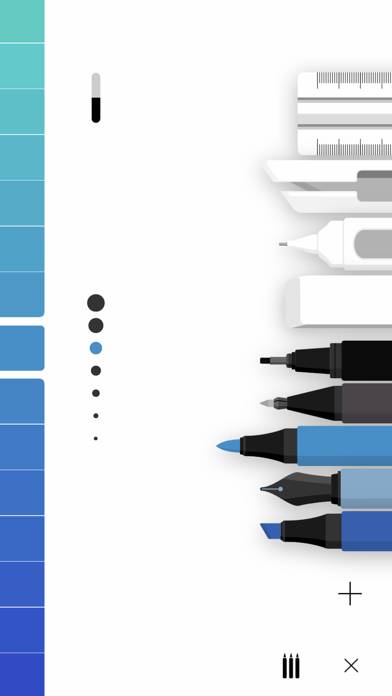
★★★★☆This app needs an italic pen among its many other pens.
This app needs an italic pen (calligraphy pen ) among its many other pens. Lacking that tool here, I cannot use it for the reasons I wanted it.