FondFont: Install System Fonts is a utility app developed by 贤安 陈. The last update, v3.00, released on September 22, 2024, and it’s rated 1.77 out of 5 based on the latest 22 reviews. FondFont: Install System Fonts is FREE and requires iOS 14.0+ and Android 13 or newer to download.
Description
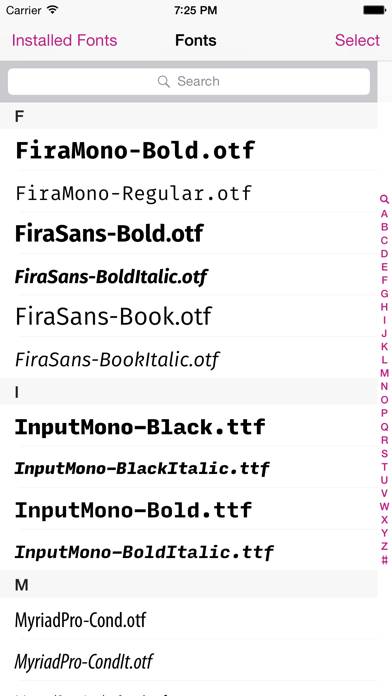
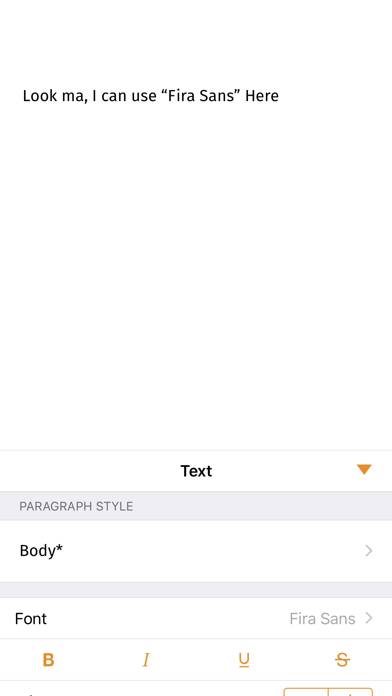
■ It's finally possible to install additional fonts for system-wide usage for iPad, iPhone and iPod touch. ■ Works perfectly with Word, Excel, PowerPoint, Pages, Keynote, Numbers and many other apps.
How to Use FondFont: Install System Fonts on Your PC or Mac
Want to enjoy FondFont: Install System Fonts on your desktop? Download the latest APK (3.00, 5 MB) or choose your preferred version, and follow our Bluestacks emulator guide for easy installation on Windows or macOS. For any assistance with downloading or installing APK files, feel free to visit our forums!
User Reviews and Ratings
★★★★★Excellent!
I was unable to do my Hebrew school work on the go because I use an iPad as my 'laptop.' This app solved the problem, allowing me to install a Hebrew font directly from my course webpage.
★★★★☆Fontalicious!
The app works very well, despite the reviews, you just have to figure out how. You also have to supply your own fonts.
My one issue is that there is no support for Touch/Face ID so every time you install a font you have to enter your password. I just got a new phone and none of the fonts I previously installed were restored. So I guess an option for iCloud/iTunes backup would be nice.
★★★★☆Works well IF you can figure out how
This app needs some instructions! Fortunately found a site that showed me how to do this...
1) airdrop a .ttf or .otf file onto my iPAD,
2) select “FondFont” to open it with, and it adds it to the FondFont, library.
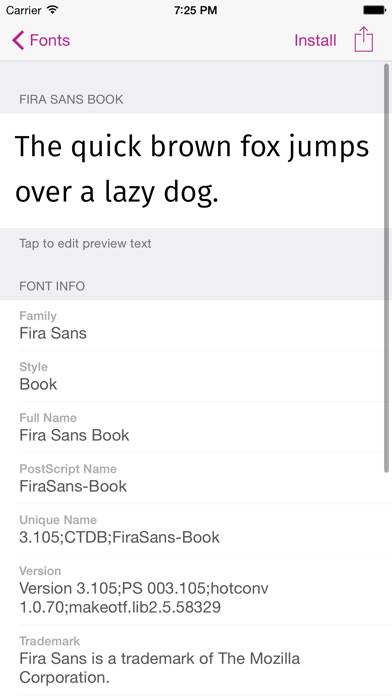
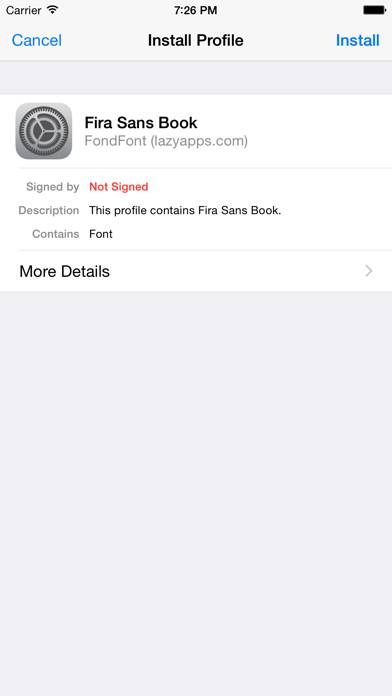
3) select each font you want and hit “install”, it will launch some dialogue windows that you have to allow and then close.
4) Go to Settings, General, Profiles, select the font, then install and follow dialogue windows.