Frame Crop – Art Mode
Published by Shane Jeffers on Jun 22, 2023
Genre: Utilities
Ratings: 4.82
Version: 12.0.2
Updated: Sep 03, 2024
Downloads: 956
Frame Crop – Art Mode is a utility app developed by Shane Jeffers. Available for $6.99, it was updated to v12.00 on September 03, 2024, and currently holds a 4.82 out of 5 rating based on 61 reviews. Before downloading, make sure your device has at least 17 MB of free space and runs Android 12.4+ or iOS 13.4+.
Samsung Frame TV art mode
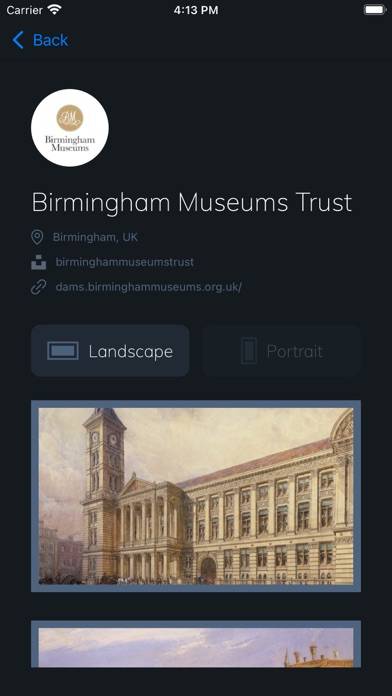
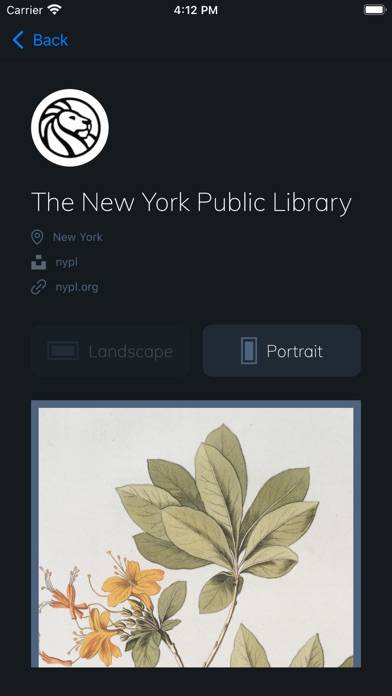
Description
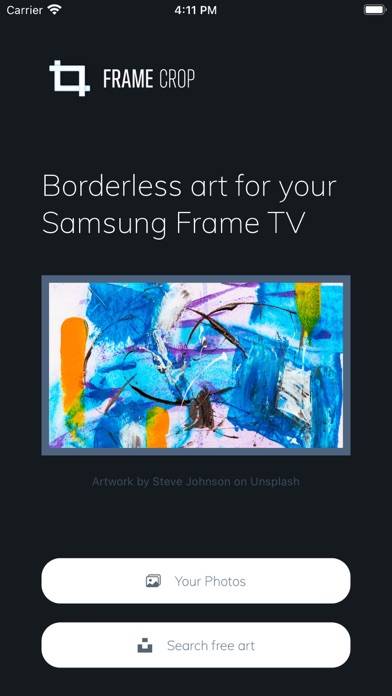
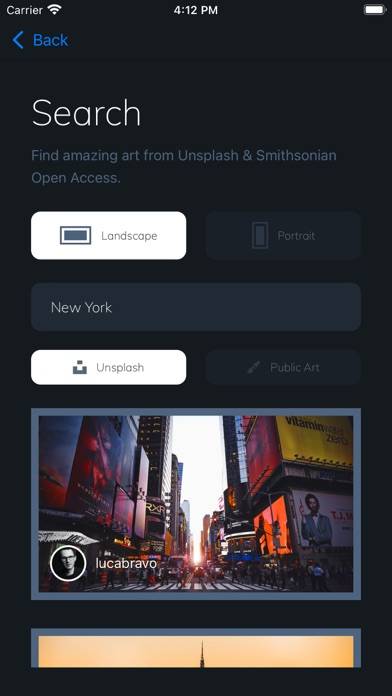
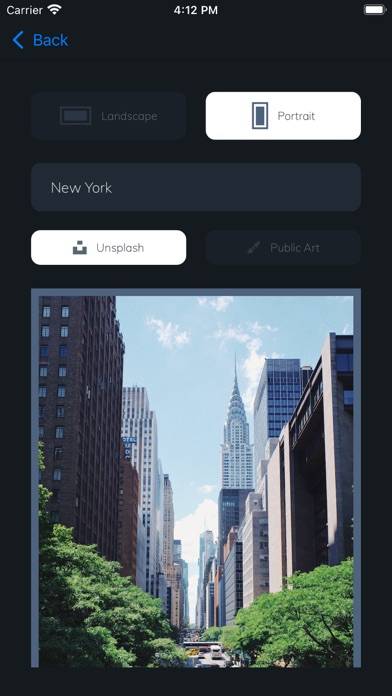
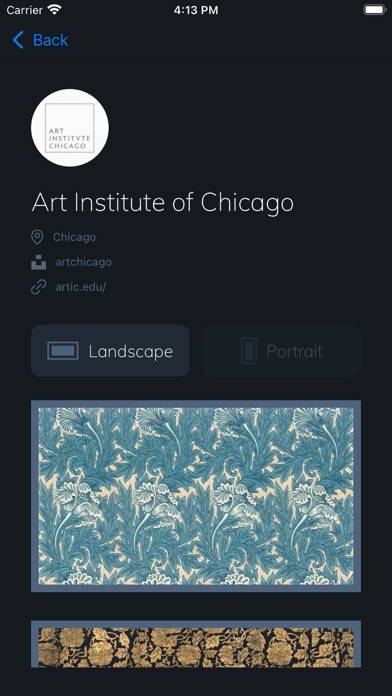
Browse and download artwork, paintings, and photos for your Samsung Frame TV or Hisense CanvasTV from Frame Crop's integrated libraries including Smithsonian and Unsplash.
Show more
Download Frame Crop – Art Mode
Scan to Get the App!

Using Frame Crop – Art Mode on PC or Mac
Frame Crop – Art Mode can be played on Windows and macOS using Android emulators such as BlueStacks. Download an APK version and follow our BlueStacks installation guide to get started. For help with downloading or installing APK files, visit our forums.
User Reviews and Ratings
★★★★★ LOVE this app
Displaying art on my Frame tv is great. Paying Samsung a monthly fee is not. I’ve done manual workarounds to get free art on my Frame, so completely free is possible, but it’s a lot of work. This app is so amazingly easy to use. It cost $7.99 and was worth every penny!
★★★★★ Must have for frame tv owners
Just makes it simple. The one time cost is superior to the frame art subscription.
★★★☆☆ Still a little inconsistent
The art is great and it’s nice to upload your own photos. I have two frame TVs and it’s pretty frustrating as it’s very inconsistent connecting to the one I select. Also, if you try to upload five or more files at once many times it just quits. I’m sure we’ll get better over time.
★★★★★ Great art options and easy to use
Super simple to set up and a great selection of art. Great value!
★★★★☆ So much easier to use!
Read all reviews
I do wish I could set multi image matted pics like I can in smart things app currently though!