FreeOTP Authenticator
Published by Red Hat, Inc. on May 14, 2014
Genre: Utilities
Ratings: 3.17
Version: 2.3.5
Updated: May 18, 2024
Downloads: 572
FreeOTP Authenticator is a utility app developed by Red Hat. Available as a free download, it was updated to v2.30 on May 18, 2024, and currently holds a 3.17 out of 5 rating based on 158 reviews. Before downloading, make sure your device has at least 11 MB of free space and runs Android 10+ or iOS 11.0+.
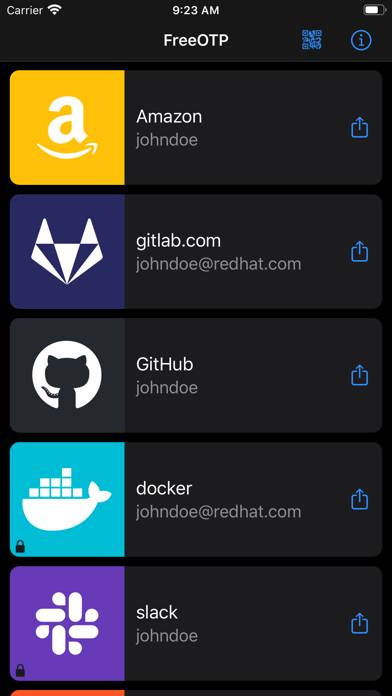
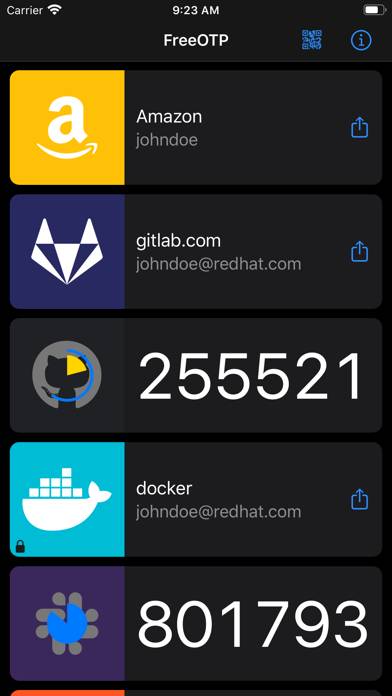
Video: FreeOTP Authenticator Overview
Description
FreeOTP adds a second layer of security for your online accounts. This works by generating one-time passwords on your mobile devices which can be used in conjunction with your normal password to make your login nearly impossible to hack.
Show more
Download FreeOTP Authenticator
Scan to Get the App!

Using FreeOTP Authenticator on PC or Mac
FreeOTP Authenticator can be played on Windows and macOS using Android emulators such as BlueStacks. Download an APK version and follow our BlueStacks installation guide to get started. For help with downloading or installing APK files, visit our forums.
User Reviews and Ratings
★★★☆☆ hi
This is a great authentication program and I like it very much, but it would be more popular if it could support more UI languages such as: Traditional Chinese, French, Spanish, Japanese. I hope developers can consider this suggestion
★★☆☆☆ Bad
Unable to delete
★★★☆☆ add option to migrate accounts
I just noticed that currently you do bot have the option to export your account to a new device using freeotp. This is a major flaw of this app.
Using Google Authenticator I can export the data between different devices using Google Authenticator.
This would be very helpful to have the same option on freeotp.
Also a goos upgrade would be to add password protected for mfa for items previously created. I can add a password to new mfas I add but can’t add to existing ones.
Or add a general option
★★★★★ Does what I need it to do
Good app. Does exactly what it’s advertised to do and is open source. No import/export feature, but tokens look to be backed up when you back up your iPhone (as long as they passcode protected).
★★★★★ FOSS!
Read all reviews
Glad I can have this functionality on iOS without yet another proprietary spyware app.