Gamestar+ App&Play

Published by Gamestar Gaming Inc on Sep 21, 2020

Gamestar+ App&Play icon

Genre: Family

Ratings: 4.45

Version: 1.4.2

Updated: Jul 03, 2024

Downloads: 1,893

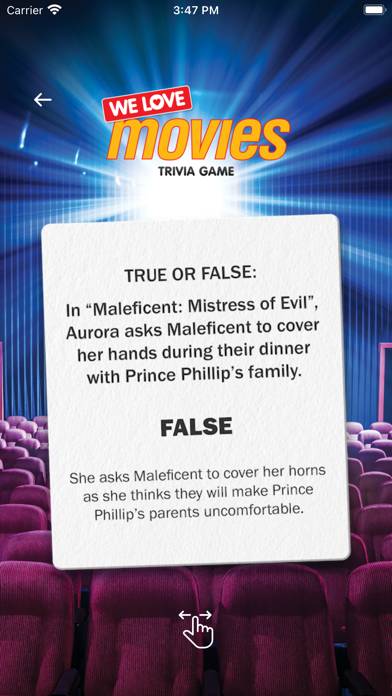
Gamestar plus App&Play is a family entertainment game developed by Gamestar Gaming. The last update, v1.40, released on July 03, 2024, and it’s rated 4.45 out of 5 based on the latest 2.8K reviews. Gamestar plus App&Play is FREE and requires iOS 13.5+ and Android 12.5 or newer to download.

App&Play plus more

Gamestar plus App&Play Gameplay Overview

Description

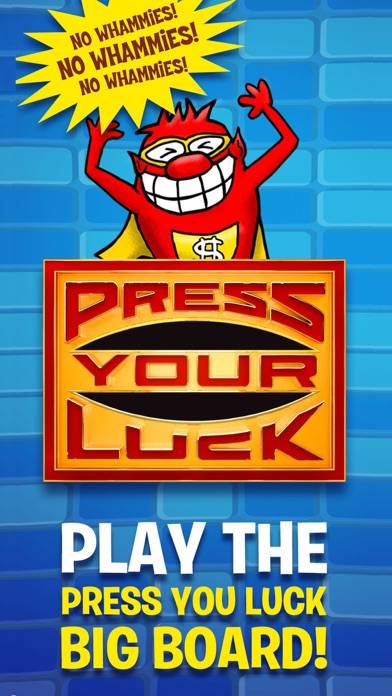
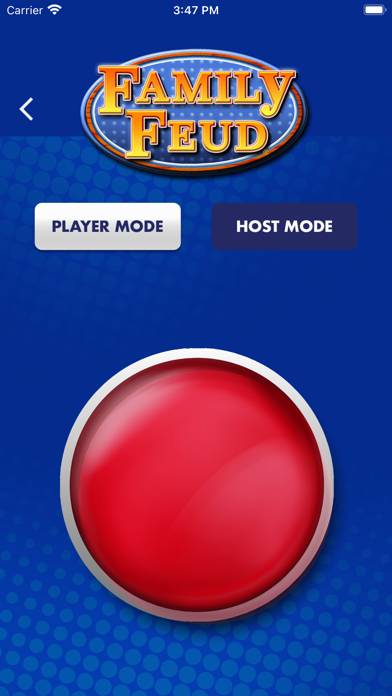
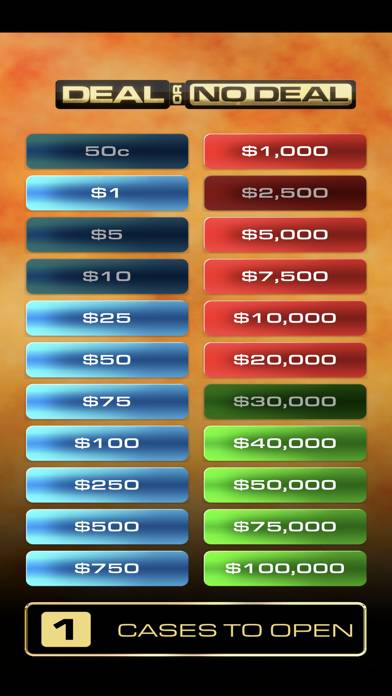
Gamestar App&Play Appcessory for Press Your Luck Board Game, Family Feud Board Game, Wheel of Fortune, Jeopardy, Deal or No Deal, Supermarket Sweep Board Game and more….
Show more

Download Gamestar plus App&Play

Scan to Get the App!
QR code for Gamestar plus App&Play

How to Play Gamestar plus App&Play on PC or Mac

Want to enjoy Gamestar plus App&Play on your desktop? Download the latest APK (1.40, 154 MB) or choose your preferred version, and follow our Bluestacks emulator guide for easy installation on Windows or macOS. For any assistance with downloading or installing APK files, feel free to visit our forums!


Version: 1.2.9
Version: 1.2.6

User Reviews and Ratings

★★★★★ Wheel of fortune
Where is wheel of fortune?
★★★☆☆ It’s great, but……
This app is awesome, I recently got the Family Feud board game and while going through this app I found the Wheel of Fortune sounds and wheel!! So I bought the Wheel of Fortune board game to play along with this app. Then, it logged me out by itself and it didn’t let me sign back in, I can’t make a new password, it won’t log me in at all no matter what I do. Then I decided to make a new account with another email and when I’m signed in there’s only 2 games available!?!? I don’t know what to do!!
★★★★☆ Wheel of fortune
So I bought a wheel of fortune game and it said to download gamestar but the app doesn’t have the wheel of fortune wheel
★★★★★ GameStar+
Your sound effects and actual game show stuff! It’s amazing.
★★★★☆ Screens crooked
These games are fun but when I launch them, the screens are not fully centered. They’re always stuck in the bottom left corner when I launch the games. If you can fix that, that would be awesome! Still love the games! Also, for the press your luck game, do you think you can add whammy cards and whammy animations from other seasons as well?
Read all reviews

Related Apps

Shut Box Pro screenshot
Shut Box Pro
Top #87 in Family Apps
Turtle Logic screenshot
Turtle Logic
Squishy maker - slime screenshot
Squishy maker - slime
Swapperoo screenshot
Swapperoo
Top #86 in Family Apps
Fantasy Baby Animals Premium screenshot
Fantasy Baby Animals Premium
Top #77 in Family Apps
Quiz inspired by Harry Potter screenshot
Quiz inspired by Harry Potter
Gamestar plus App&Play App Alternatives