GENKI Kanji for 3rd Ed. is an education app developed by The Japan Times Publishing. Available for $5.99, it was updated to v1.20 on April 17, 2024, and currently holds a 2.78 out of 5 rating based on 18 reviews. Before downloading, make sure your device has at least 99 MB of free space and runs Android 14.6+ or iOS 15.6+.
300 Kanji through Vocabulary
Video: GENKI Kanji for 3rd Ed. Overview
Description
Learn basic kanji through kanji words:
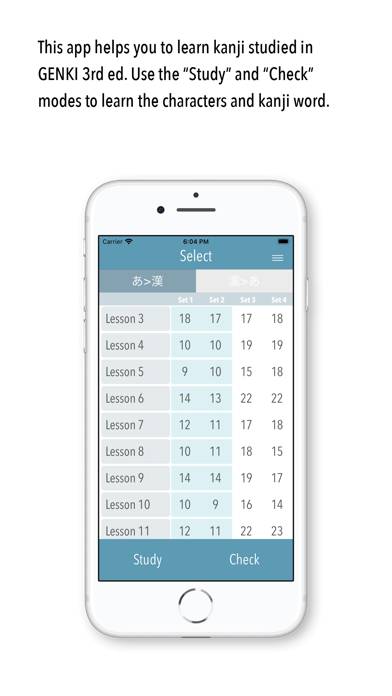
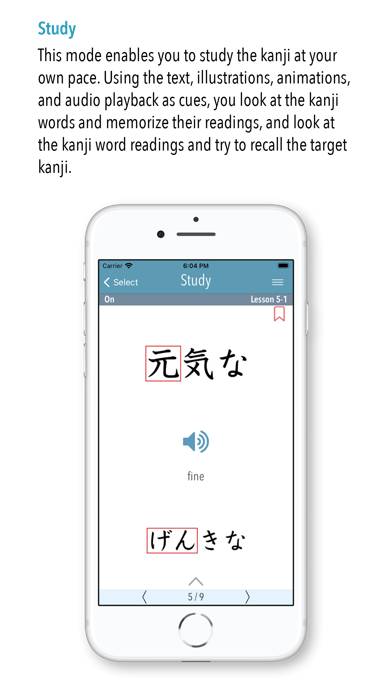
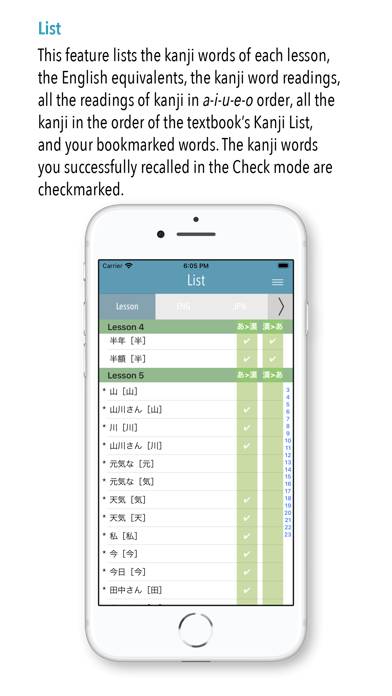
GENKI Kanji for 3rd Ed. is an app that helps users become able to recognize 317 basic kanji by studying more than 1,100 kanji words at their own pace!
GENKI Kanji for 3rd Ed. can be played on Windows and macOS using Android emulators such as BlueStacks. Download an APK version and follow our BlueStacks installation guide to get started. For help with downloading or installing APK files, visit our forums.
User Reviews and Ratings
★★☆☆☆Not very effective as a study tool
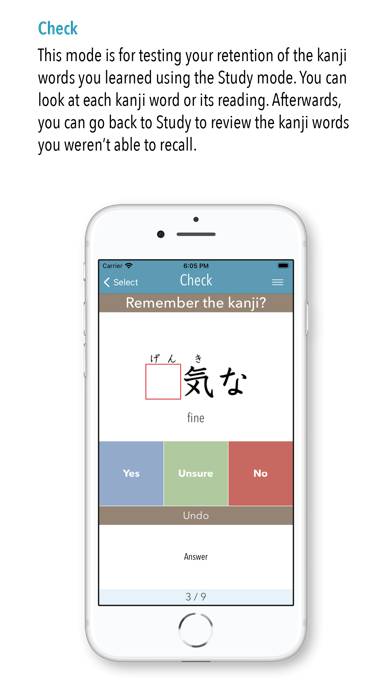
I wanted to try this because it follows the textbook but it’s not that useful. Aside from the audio only working with earbuds, the way it teaches and reviews kanji could be more helpful. It gives you all the info about a kanji in the study mode and in the check mode it just asks if you know it. For an app that costs $6 I’d like to see more interactivity (choosing the right kanji from a list of similar looking ones, writing out the strike order with your finger, guessing the kanji from a list of
★★★☆☆Passable
If you have time to spare and want a way to study Genki textbook material directly, this is handy.
The user interface is clunky and outdated, however. Looking at mnemonic hints for the characters and viewing the stroke order pulls up images and videos instead of smoother animations that you might see in contemporary apps.
I definitely hope that some more quality-of-life features are added, along with a character-writing practice function.
It doesn’t have to be flashy or particularly beauti
★★★☆☆Sound Works
I had the same issue of the sound working with the Genki vocabulary app until I read a review that said in order for the audio to work, your phone cannot be in Silent Mode. I turned off silent mode and the playback audio totally worked! Same for this app as well. Just make sure silent mode is turned off.
★★★★☆Could you please figure out why there is no sound
Why there’s no sound could you please figure it out? Thank you very much